GDTdirect™ 3.x )*
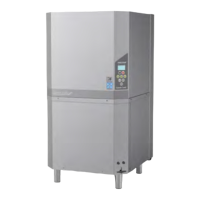
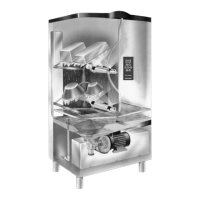
The GRANULDISK® Documentation Tool, GDTdirect™ 3.x, is an integrated function for
documentation of the potwashing machine’s operating parameters and critical hygiene control points,
HACCP. The function can be utilised in two different ways. The operating data for the 100 most recent
wash programmes can be read off directly in the control panel window. For complete storage of all
historical data, an external computer can be connected to the machine and operating data can be stored
in separate files. The system requirements for the connection of external computers are Windows 2000
or Windows XP.
Reading Data off the Control Panel
1. Press the STOP button and release it, and wait for 3 seconds.
2. Press button 4, “Select short programme”, 5 times.
3. Scroll with button 3, “Select eco programme”, or button 5, “Select normal programme”, until “Read
operating data” is displayed in the window. Confirm your selection by pressing the OK button.
4. Operating data for the most recent programme is displayed in the window, for example:
050121 15:19 SG 65/85 OK
The information is read as follows:
1 • Date – 050121 (21/01/05)
2 • Time – 15:19
3 • Programme type –
E = Eco programme
S = Short programme
N = Normal programme
4 • G = Washing with Granules selected
space is blank = Washing without Granules selected
• 65 – indicates the start value of the temperature in the wash tank during washing.
• 85 – indicates the start value of the temperature in the rinse tank during the final rinse.
• OK – indicates that the rinse water volume is correct in accordance with the factory values. If the set
values have been changed, NA (not applicable) is displayed instead.
If the wash programme has been interrupted on account of a handling error or a technical fault, the
temperature indication is omitted and replaced by “Error:” and an error code. See the example below.
For the most frequent potential errors, the error message is written in plain text. For other errors, please
see the manual.
050121 15:19 SG Error 103
5. To obtain information about previous programmes, you can scroll forwards and backwards in the list
with button 3, “Select Eco programme”, and button 5, “Select normal programme”.
6. To finish scrolling and exit the list, press the STOP button.
Storing Data on an External Computer
To store complete operating data for the machine, it needs to be connected to an external computer via
a serial cable. Software is installed on the computer which gradually collects and stores operating data
from every wash programme run.


 To Next Page