20
Note: It is advisable for users to record the job numbers in memory to avoid overwriting previously saved
jobs.
Press M button 5 times and the machine will advance to MODE 7.
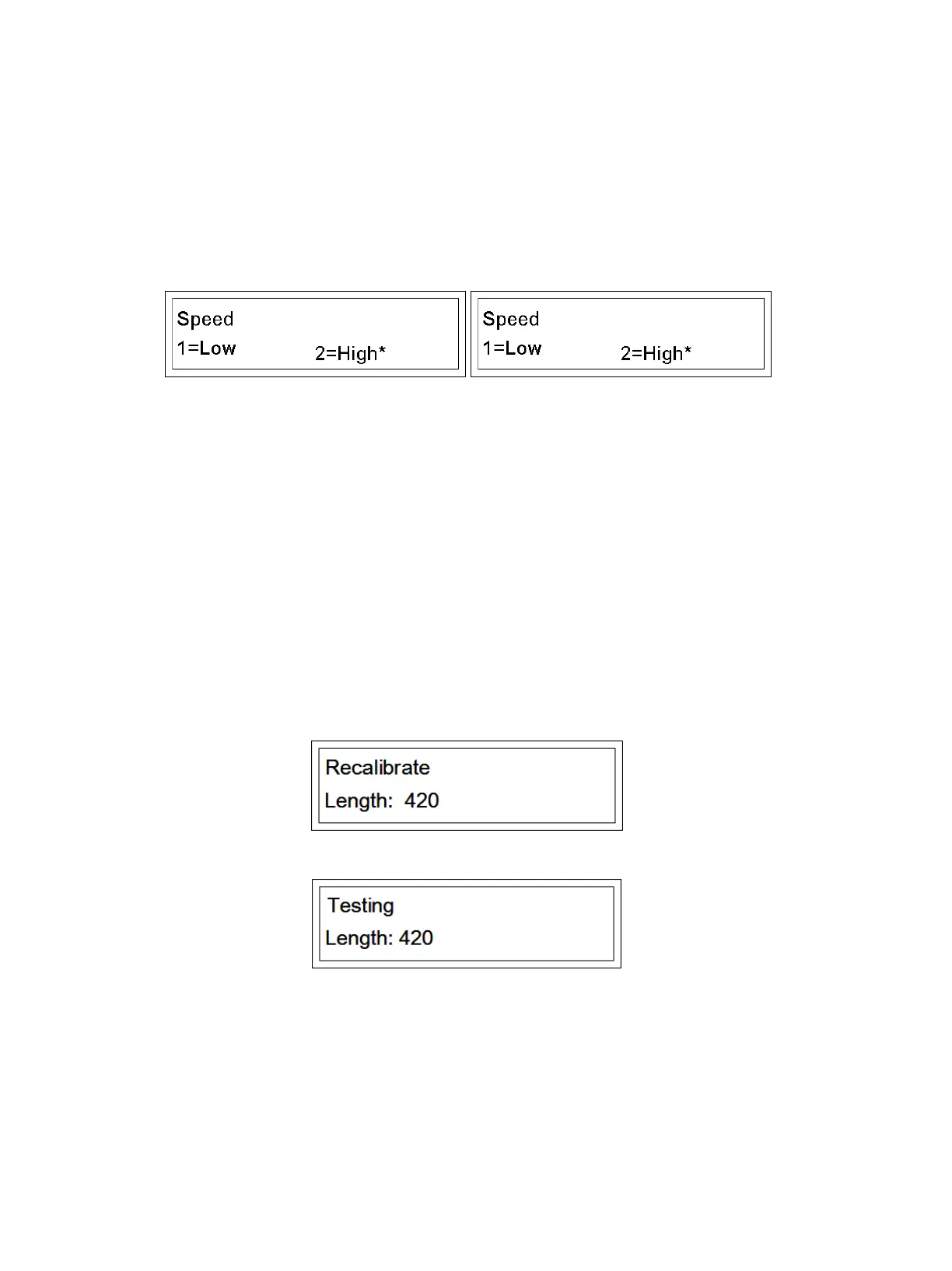
MODE 7 Speed
1. For LOW speed, press 1. The “*” will indicate “Low.” Press Enter, the screen will jump to main operation
MODE and low speed is chosen.
2. For HIGH speed, press 2. The “*” will indicate “High.” Press Enter, the screen will jump to main operation
MODE, high speed is chosen.
Press M button 6 times and the machine will advance to MODE 8.
MODE 8 Recalibrate
If the crease line gap is shrinks or stretches, the crease tolerance will be accommodated as the crease
changes. For quick calibration, we operate on Recalibrate mode.
1. Measure the real length of the paper stock.
2. Input the real length of the paper as seen below (420mm)
3. Press Enter, machine runs.
4. Pass the paper through the machine and the recalibrate is done automatically. Note: If the input data is
more than 3% greater than the real length, the machine will fail to recognize a length difference and
recalibrate.
Press M button in Recalibrate mode. The machine will advance to MODE 7


 To Next Page