FC9000-UM-251-9370 8-2
8 Electrical Adjustment
8.2 Flowchart of the Adjustment Sequence
8.2.1 When the main board was replaced (Normal procedure)
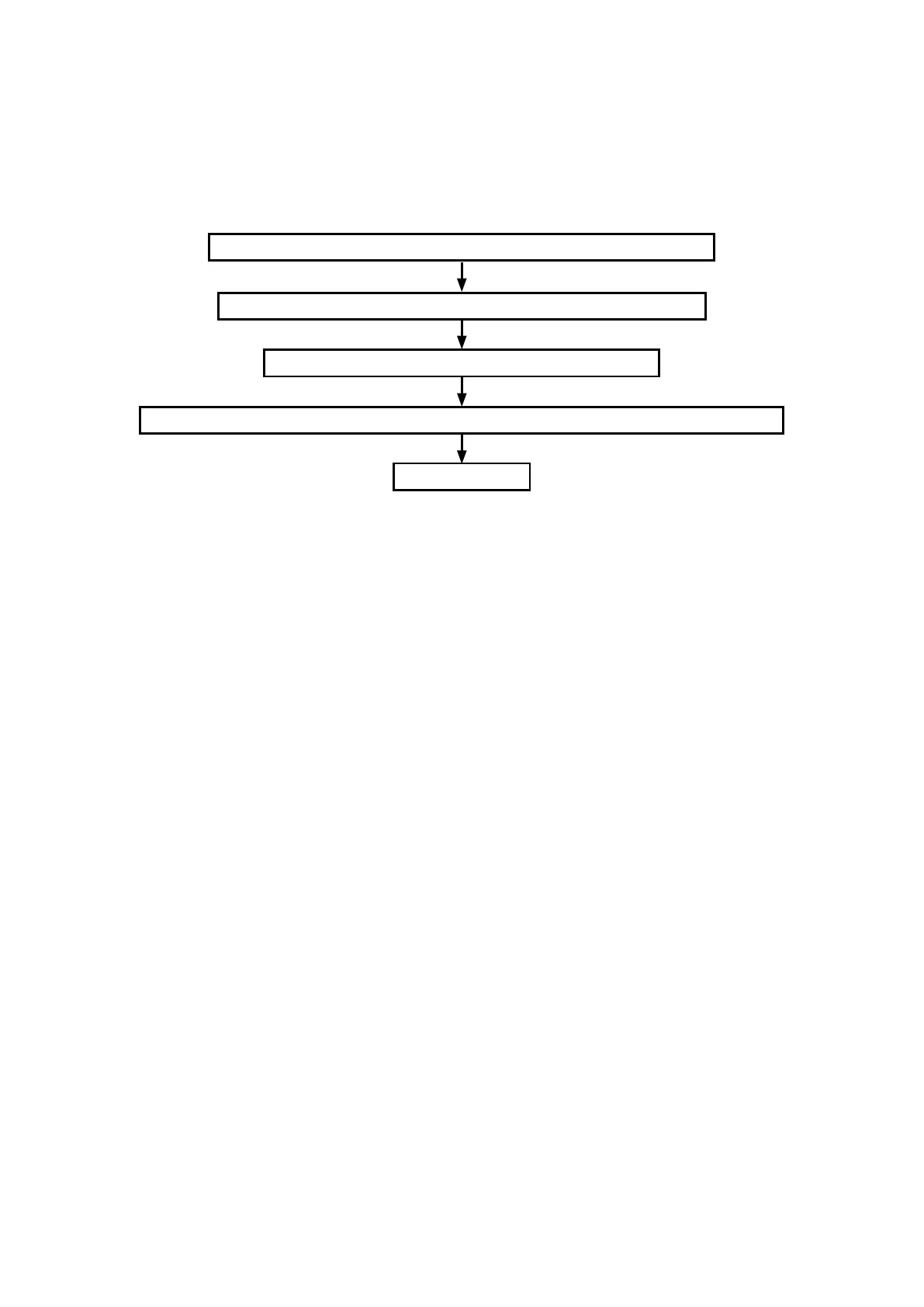
When the main board was exchanged, copy adjustment values to the main board from the NV-RAM
(memory) of cam sensor board by the following procedure.
Update the System Firmware (Refer to subsection 8.6.).
Set the dip switch for corresponding model (Refer to subsection 8.3.).
Copy the adjustment values from the SUB-NVRAM to main board (Refer to subsection 8.7.).
Clear the NOV-RAM for corresponding model (Refer to subsection 8.7.).
End of adjustment










 To Next Page