213Program description - Free mixers
then briefly press the central SET button of the right-
hand touch-button, or the central ESC button of the
left-hand touch-button, to conclude the procedure:
0%
–12%
?
8 10
0%
on
Input
Output
Point
C.Mix 9
Curve
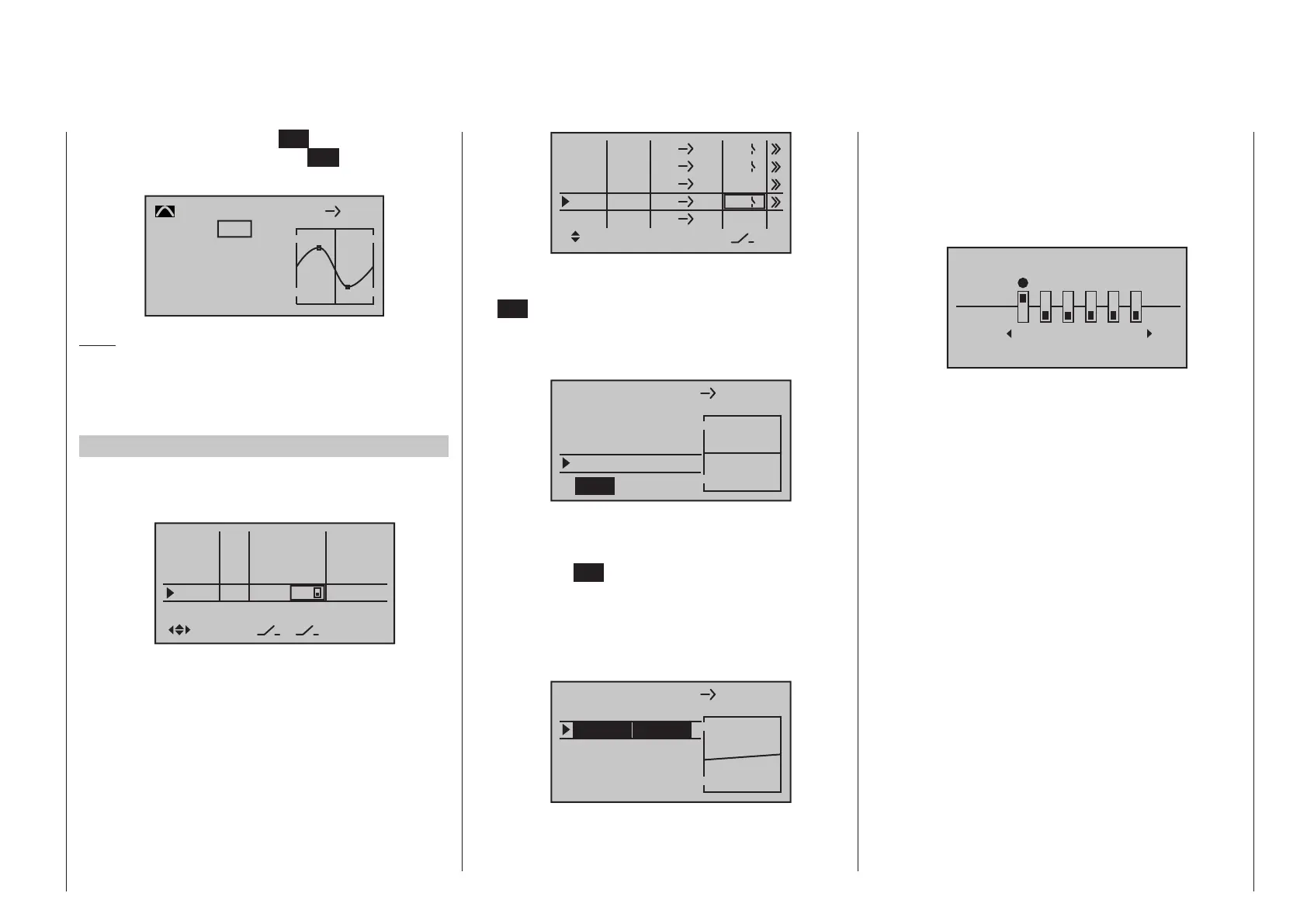
Note:
The curves shown here are for demonstration purpos-
es only and are not at all representative of real mixer
curves. For real-world application examples, see the
programming examples on pages 285 and 323.
Examples
1. To open and close an aero-tow, a switch, e. g. SW
2, has already been assigned to control channel 8
in the »Control adjust« menu:
In5
offset
0%
0%
0%
–––
0%
In6
In7
In8
–––
–––
GL
GL
GL
GL
typ
fr
fr
fr
2
–––
Subsequent aero-tow flying has proven that you
always have to fly with the up-elevator held slight-
ly in during the tow. The solution will be to set up a
mixer that applies slight up-elevator trim to the ele-
vator servo connected to receiver output 3 when
the aero-tow release is closed. The screen-shot
will be familiar from page 206: here, the fourth
linear mixer has been set up for this function,
with the switch channel “S” as mixer input: Move
the selected switch to the OFF position and then
switch …
ty
fr
to
M1
M2
M3
6
EL
C1
EL
M4
M5
3
8
S
EL
??
??
C4
4
2
Tr
… to the mixer configuration page.
Here select STO under “Offset” then tap the center
SET key of the right four-way button briefly … de-
pending on the selected travel setting in the »Con-
trol adjust« menu and the switch setting, the off-
set value will jump to +X % or -X %, for example:
L.Mix 4
0%
0%
+100%
Offset
SET
STO
S EL
Mix input
Now use the Select button of the left or right-
hand four-way button to move to the line below
“Mix input”. Select SYM if appropriate, then press
the central SET button of the right-hand four-way
button. The value fields are now highlighted. Af-
ter you have moved the selected switch to the mix-
er ON position, use the selection keys on the right
four-way button to set the required symmetrical
mixer ratio, for example:
L.Mix 1
+100%
Offset
ASY
SYM
6 EL
Mix input
+10%
+10%
2. If a multi- flap wing featuring a “crow or butter-
fly system” with (additional) airbrakes is intend-
ed, and this brake system is to be tested with
and without airbrakes, then move to the »Mix-on-
ly channel« menu, see page 216. This menu
is available as standard on the
mc-20 HoTT
transmitter only, but can be unlocked on the mc-
16 HoTT transmitter at extra cost. Simply set
Channel 1 to “MIX-only” …
MIX-only channel
only
normal
1 2 3
4
5
6
… and follow this by programming a free mixer
“C1 C1” to restore control over the airbrakes via
servo 1. If you also assign a switch to this mixer,
then you will be able to switch this mixer on and
off as you please.
3. The final example applies to model helicopters:
In the helicopter program, if you wish affect pitch
trim with a proportional control, e. g. one of the
slider controls in the middle of the console, then
assign one of these controls to this function in the
»Control adjust« menu; for example the “In9” in-
put. (However, leave the default value of “GL” in the
“Type” column as it is so this configuration, analo-
gous to the free mixer yet to be programmed, will
be applicable globally for all flight phases.) Final-
ly, simply define a LinearMIX “9 1” with a sym-
metric mixer ratio of, for example, 25 %. Due to the
internal coupling, this transmitter control then acts
equally on all of the model’s collective pitch servos
without affecting the throttle servo.



 To Next Page
 Loading...









