31Transmitter description - Concealed menu columns
Concealed menu columns
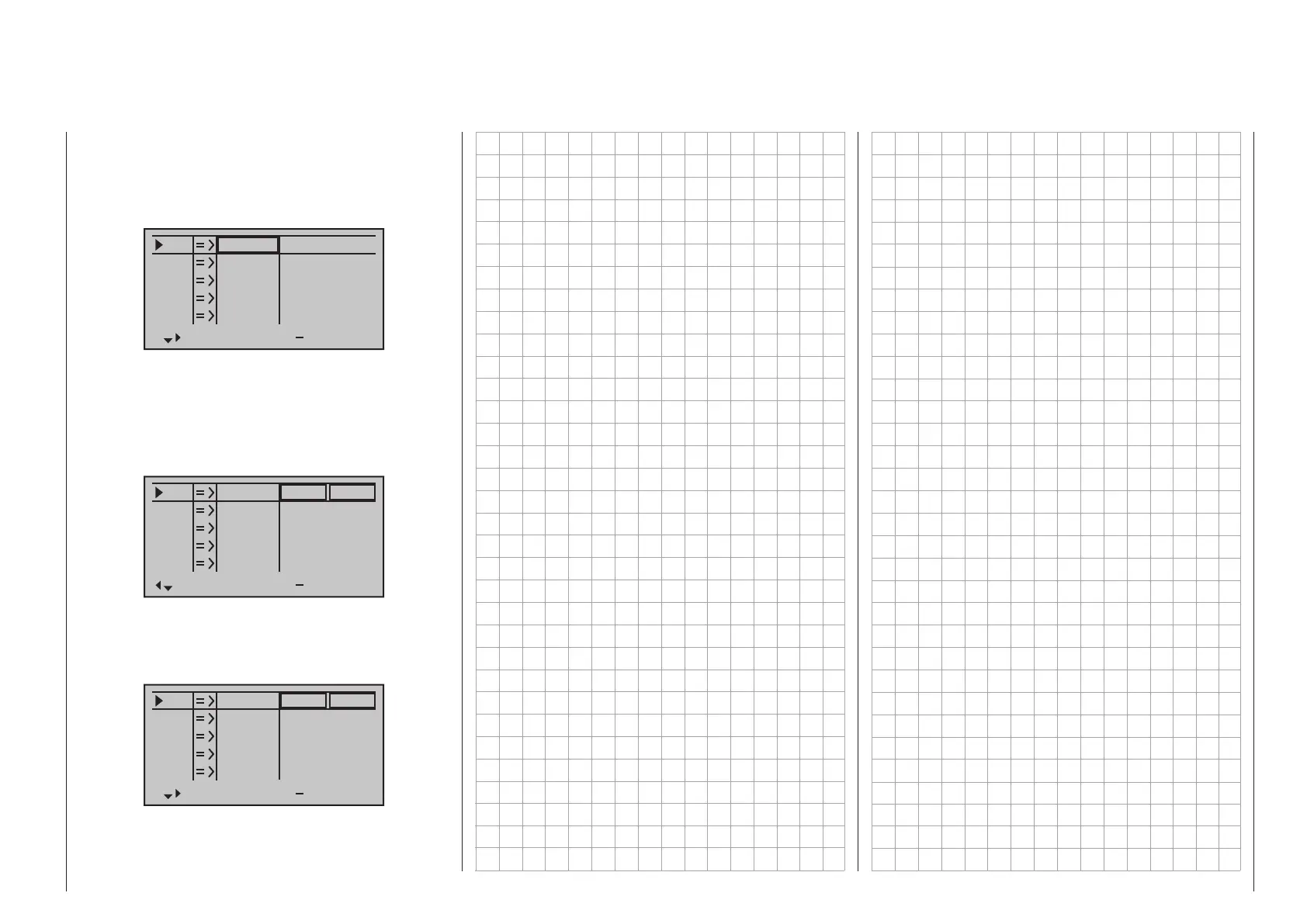
Some menus have concealed columns to improve
legibility. Menus with concealed columns can be rec-
ognized by virtue of a triangle pointing to the right in
the bottom left corner of the screen. For example, in
the menu »Servo settings«:
S1
S2
S3
Rev cent
+
trv
0%
0%
0%
100%
100%
100%
100%
100%
100%
0%
0%
100%
100%
100%
100%
S4
S5
In this menu, e. g. the column “- lim +” (servo travel
limit) to the right of column “- travel +” is “concealed”.
To reach this column, use the pointing triangle at the
bottom left of the screen to push the frame marker
with the arrow key of the left or right four-way but-
ton to just beyond the column for “- travel +”:
S1
S2
S3
Rev cent
+
lim
0%
0%
0%
150%
150%
150%
150%
150%
150%
0%
0%
150%
150%
150%
150%
S4
S5
To again return to the now-concealed column “- trav-
el +” or even further to the left, push the frame marker
with arrow key of the left or right four-way button
appropriately to the left:
S1
S2
S3
Rev cent
+
trv
0%
0%
0%
100%
100%
100%
100%
100%
100%
0%
0%
100%
100%
100%
100%
S4
S5
This procedure is analogous for the other menus.



 To Next Page
 Loading...









