272
Program description - Basic settings
inverse video field back to “0”.
Display light
This line determines how long the transmitter dis-
play’s backlight illumination is to remain on after
switching the transmitter on or after the last activation
of a transmitter operating element.
Available options are “unlim(ited)”, “30 s”, “60 s”,
“120 s” and “off”.
A simultaneous tap on the or selection keys
of the right four-way button (CLEAR) will reset the
inverse video field to “unlimited”.
Power on/off beep
A power on/off beep for the transmitter can be
switched on (“yes”) and off (“no”) in this line.
A simultaneous tap on the or selection keys
of the right four-way button (CLEAR) will switch this
option shown in inverse video back to “yes”.
Battery type
Basic settings
SEL
0
Bottom LCD Contr.
Battery type
Lith.
Display light unlim.
Power-on beep yes
This line specifies whether transmitter power is pro-
vided by a four-cell NiMH battery or a single-cell LiPo
battery. As a consequence of this setting, the next
line will offer a suitable voltage range for the “Battery
warning” threshold.
A simultaneous tap on the or selection keys
of the right four-way button (CLEAR) will switch this
option shown in inverse video back to “Lith.”.
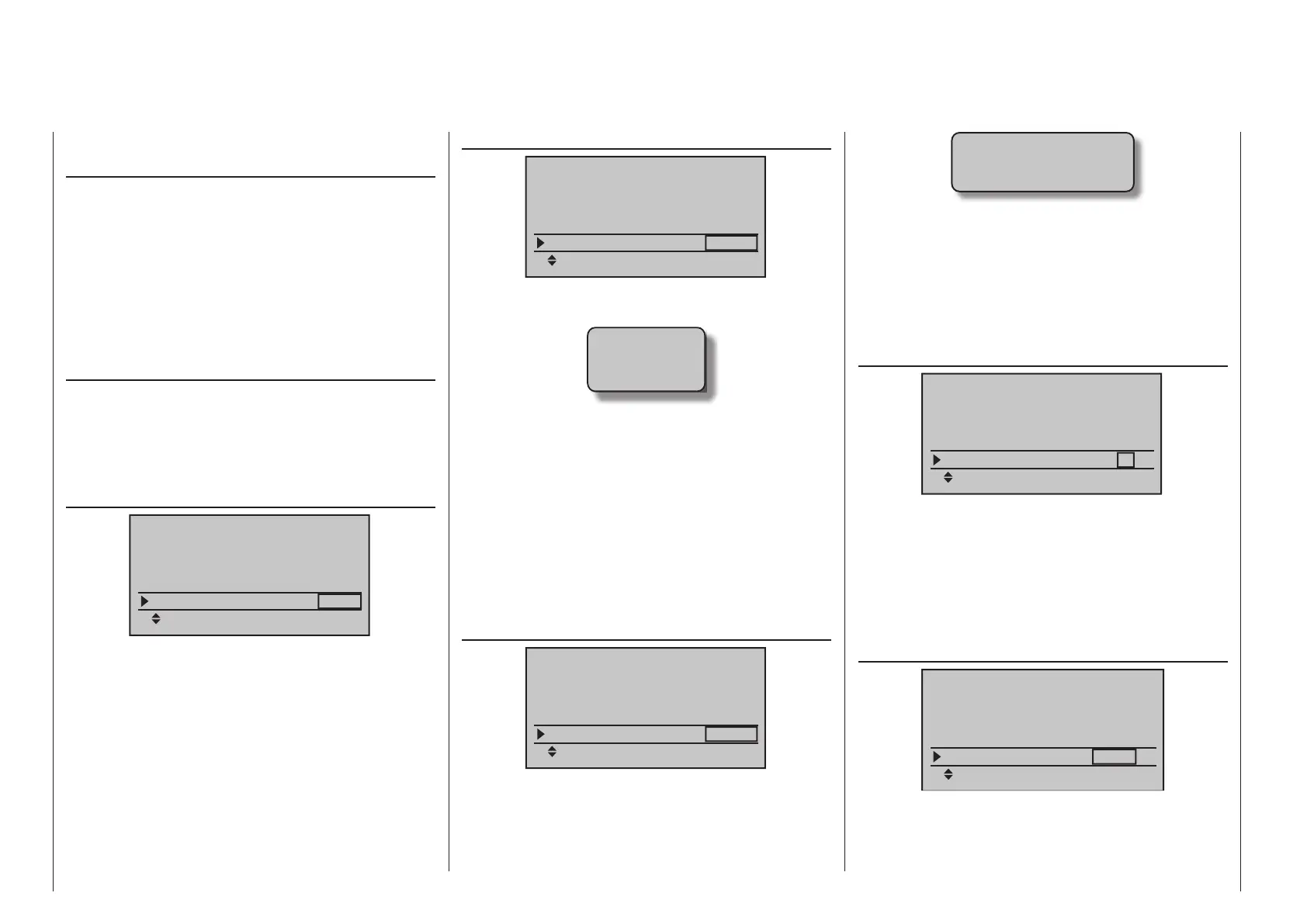
Battery warning (threshold)
Basic settings
SEL
Battery type
Lith.
Display light unlim.
Power-on beep yes
Battery warning
3.60V
You can arbitrarily specify the warning threshold for
the display …
Batt. must
be re-
charged!!
… – contingent on the battery type selection in the
line above – in increments of 0.01 volt between 4.50
and 5.50 V (NimH battery) or 3.40 and 4.20 V (LiIo/
LiPo battery). Make sure that you do not enter a value
which is too low, so that you still have sufficient time
to safely land your model in the event of a battery
warning.
A simultaneous tap on the or selection keys
of the right four-way button (CLEAR) will switch the
field shown in inverse video back to its factory setting,
4.70 V (NiMh) or 3.60 V (Lith.).
Power on warning
Basic settings
SEL
Battery type
Lith.
Power-on beep
yes
Battery warning
3.60V
Power on warn.
unlim
In this line you can determine how long the transmit-
ter should wait after the last actuation of an operating
element until the activation of an optical and acoustic
power-on warning …
Power on warning
is active!
… before the transmitter switches off automatically
one minute later.
The values “unlim(ited)”, “30 s” and 1, 5, 10, 20, 30
and 60 minutes are optional selections.
A simultaneous tap on the or selection keys
of the right four-way button (CLEAR) will reset the
inverse video field to “unlimited”.
Touch Sense
Basic settings
SEL
Battery type
Lith.
Battery warning
3.60V
Power on warn.
unlim
Touch Sense
2
In this line you can select the touch sensitivity of the
four-way buttons in a range from 1 to 10. The lower
this number is, the more sensitive the four-way button
will be to taps and vice versa.
A simultaneous tap on the or selection keys
of the right four-way button (CLEAR) will reset the
field shown in inverse video back to “2”.
Region
Basic settings
SEL
Battery warning
3.60V
Power on warn.
unlim
Touch Sense
2
Region
Euro
The region is needed for compliance with various
regulations (FCC, ETSI, IC etc.). In France, for exam-
ple, the operation of a remote control is only permit-
ted within a limited frequency band. Therefore, region



 To Next Page
 Loading...









