277Program description - Code lock
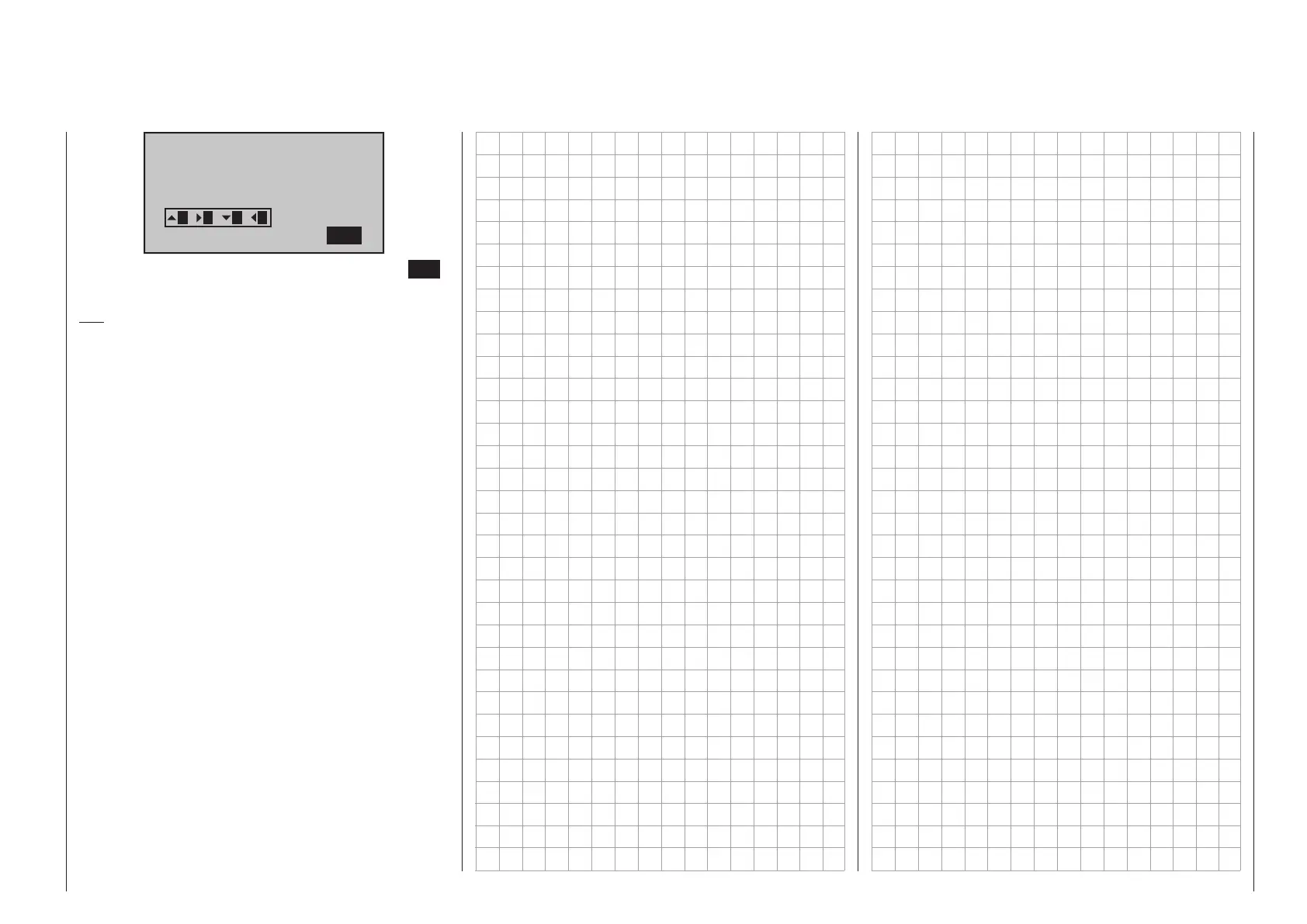
Code lock
Desired (new)
secret number
(_ )
SET
21 3 4
You can leave the menu by pressing the central ESC
button of the left-hand four-way button.
Tip:
If you generally want to dispense with a programming
lock, that option should be removed from the multi-
function menu by way of »Suppress menus«. This
will prevent unauthorized persons from entering a
secret code “on the sly”.



 To Next Page
 Loading...









