51Transmitter firmware updates
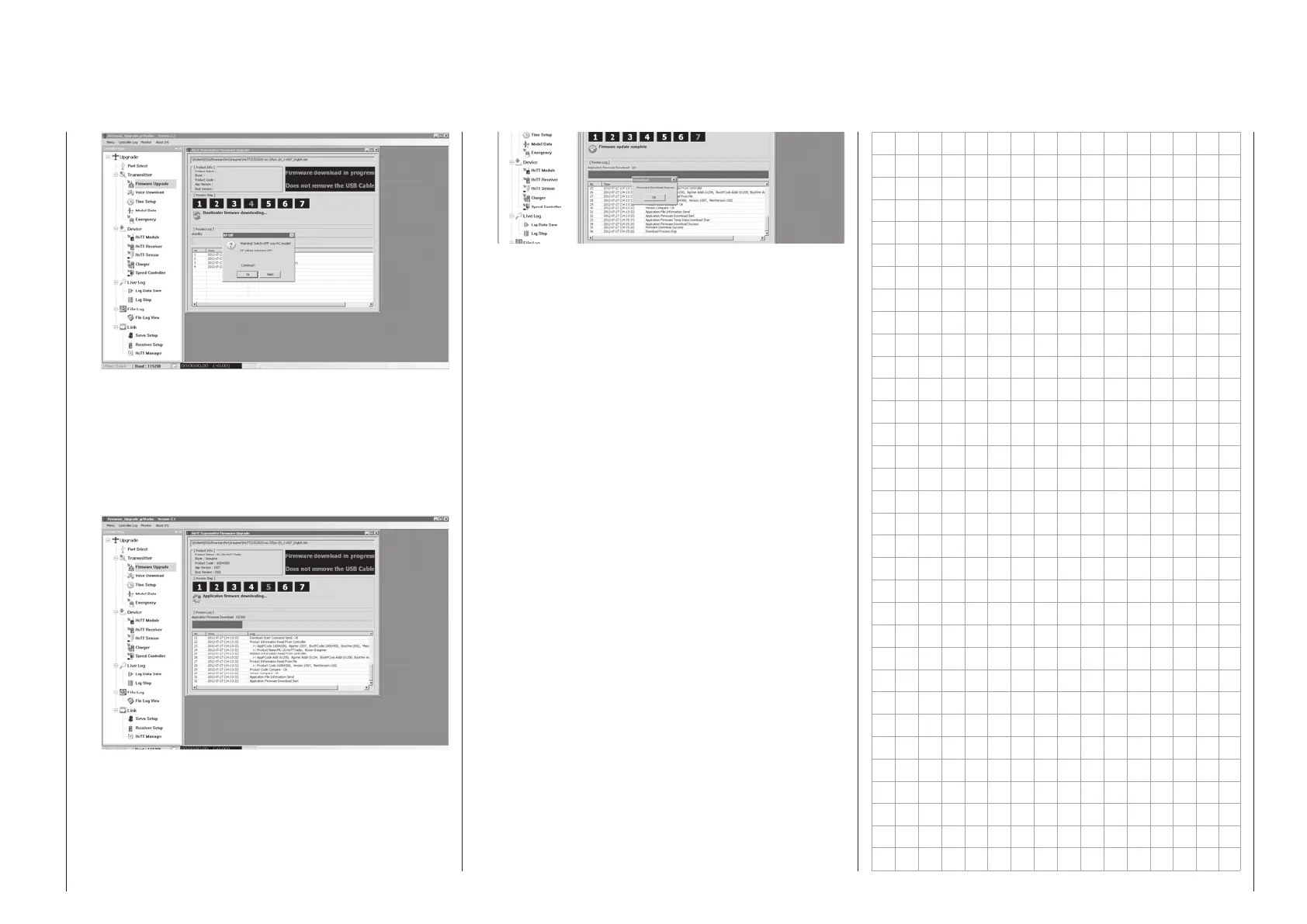
Switch off your receiver system if it is switched on
then click on “Yes”.
This will start the actual update process. A pro-
gress bar will begin to operate above a sequence
of running text lines.
The connection to the PC must not be inter-
rupted during the update process!
Do not terminate the update process before the
progress bar has reached its right end and the
“Firmware Download Success” message appears.
Click on “OK”. Subsequently switch off the trans-
mitter and disconnect the USB cable between the
transmitter and the PC or Laptop.
If the progress bar hangs up without showing any
further progress, close the program and repeat
the update process. Be sure to watch for any error
messages that may appear.



 To Next Page
 Loading...









