HackRF
18.4 Opening your HackRF
The HackRF case has small plastic clips holding it together. These are usually destroyed when the case is opened.
Please follow the instructions in this video by Jared Boone.
18.5 Connect the clocks
Connecting the HackRF clocks together will force them to sample at precisely the same rate. The individual samples
will most likely be sampled at slightly different times due to phase offsets in the clock ICs, but for most purposes this
is acceptable.
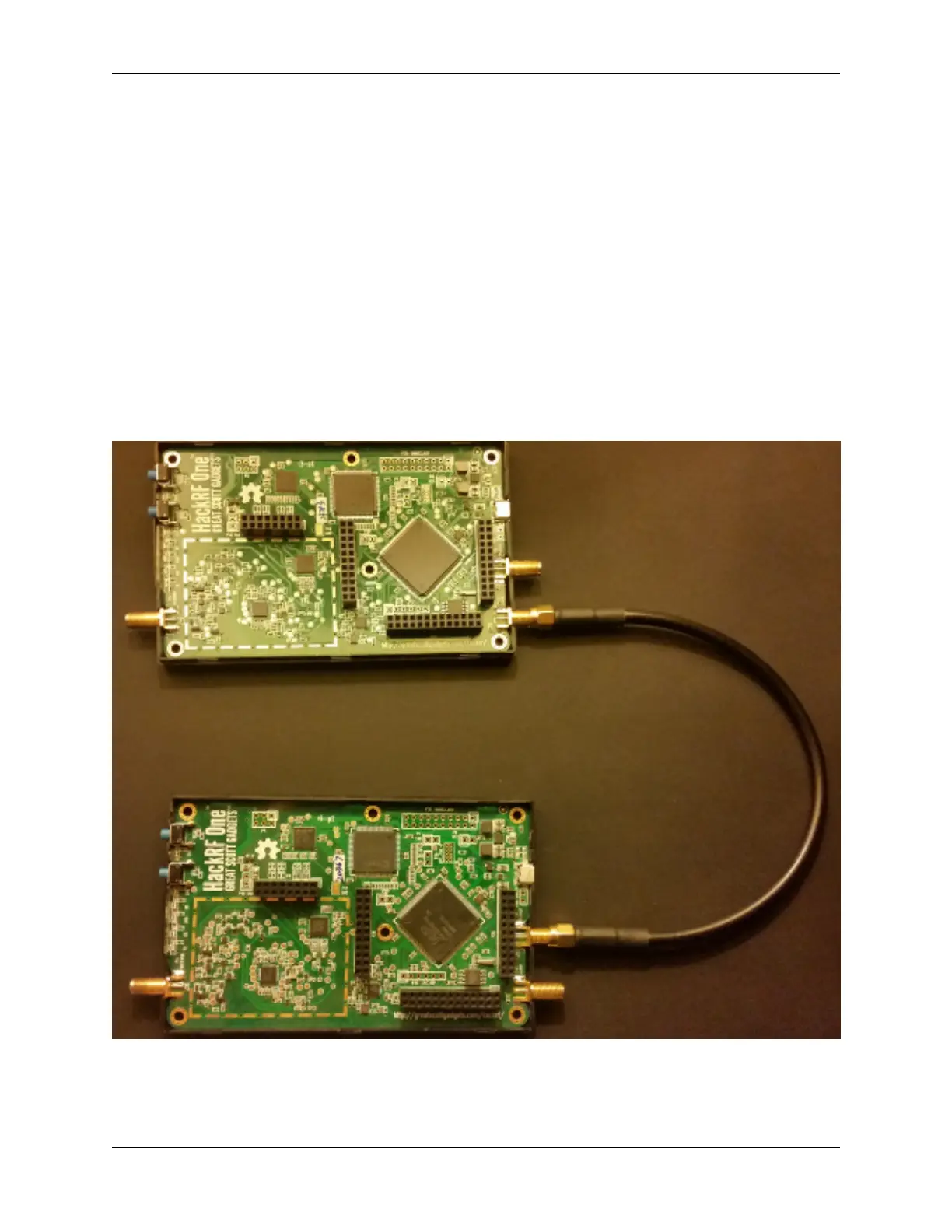
Choose a primary HackRF, and connect the clock sync cable from the clock out connector to the clock in connector
of the second HackRF. If you’re using another HackRF, connect the second HackRF’s clock out to the third HackRF’s
clock in.
Your HackRFs should look like this:
54 Chapter 18. Multiple device hardware level synchronization


 To Next Page