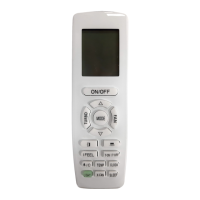
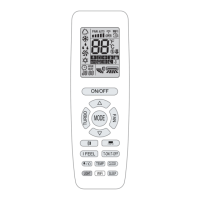
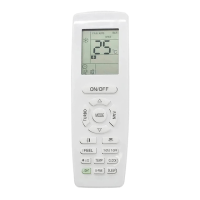
Wired Remote Controller XE72-44/E
2
2
Table 1
2 Buttons
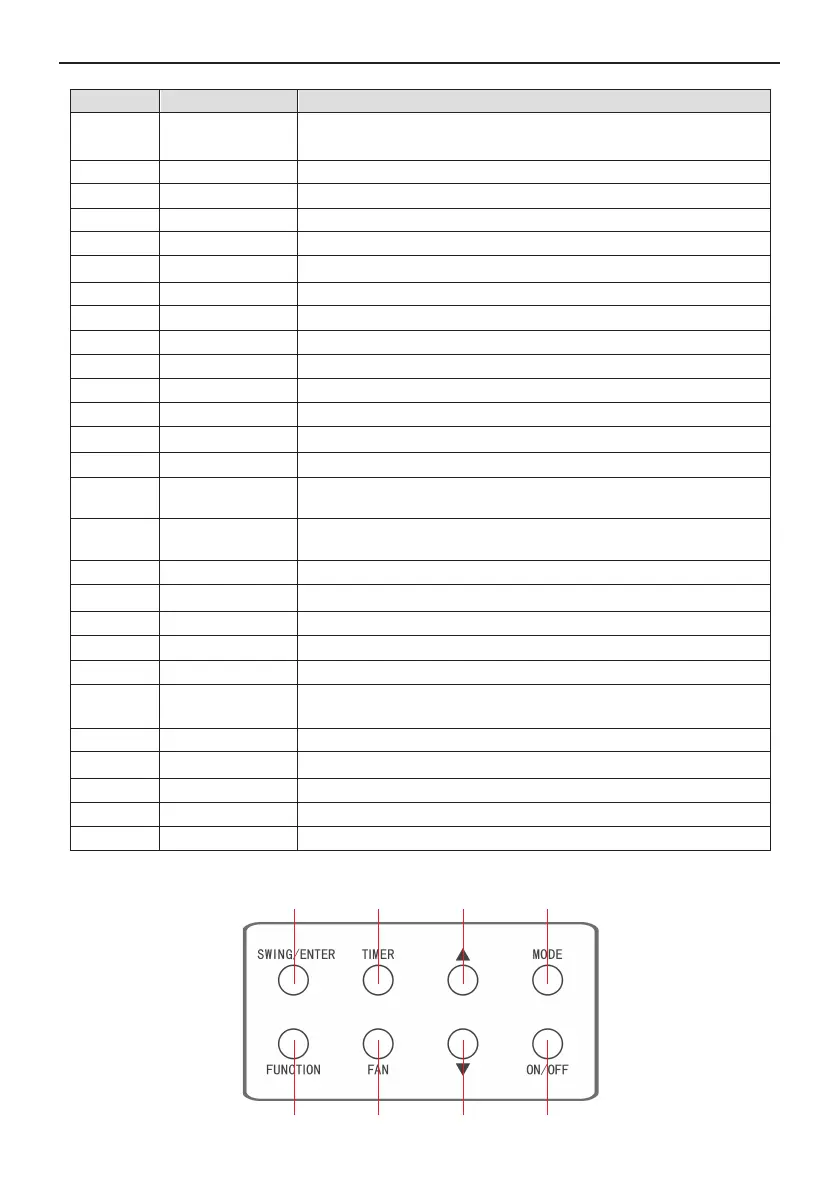
2.1 Buttons on the Wired Remote Controller
1 3
4
5
6
7
8
Fig. 3 Buttons on the Wired Remote Controller
Cool
1
No.
Cooling mode
Auto
2
Dry Dry mode3
Fan
Automatic mode (under auto mode, the indoor unit will select its
operating mode according to the variation of room temperature)
Display
4 Fan mode
Heat Heating mode
Sleep
5
6
7
Display when sleep function is set
Quiet
Fresh air
8
Display when fresh air function is set
9 Health
Display when quiet function is set
10
Display when health function is set
Absent
11
Display when absent function is set
12 WiFi
I-DEMAND Display when I-DEMAND function is set
13
Display when WiFi function is set
Child-lock
14 Up & down swing
Child-lock status, display when child-lock function is set
15
Display when up and down swing function is set
Slave wired
controller
16 Fan speed
17 No card
18
No card in gate control system
Left & right swing
19
Icon of slave wired controller, it will display when slave wired
controller is set (this function is unavailable for this unit)
Display when left and right swing function is set
The fan speed set currently (including auto, low, medium low,
medium, medium high, high, and turbo)
X-fan
20
Display when X-fan function is set
21 E-heater
Temperature It will display the setting temperature
On/off switch of auxiliary heating
22 Memory
23
Instruction of Display
Clean
24
Filter washing reminder (this function is unavailable for this unit)
Save
25
Display when energy-saving function is set
Defrost
26
Memory status (After power failure and re-energizing the unit, it will
resume to ON/OFF status of unit before the power failure)
Defrosting status
27 Shield
Timer Display when timer status is set
Shielding status



 To Next Page