Model T28048 (Mfd. Since 06/17)
-35-
SECTION 5: MAINTENANCE
For optimum performance from your equipment,
follow this maintenance schedule and refer to any
specific instructions given in this section.
Daily Check:
• Loose router mounting fasteners.
• Loose mounting plate fasteners.
• Loose frame and table fasteners.
• Worn switch.
• Worn or damaged cords and plugs.
• Any other condition that could hamper the
safe operation of this router table.
Schedule
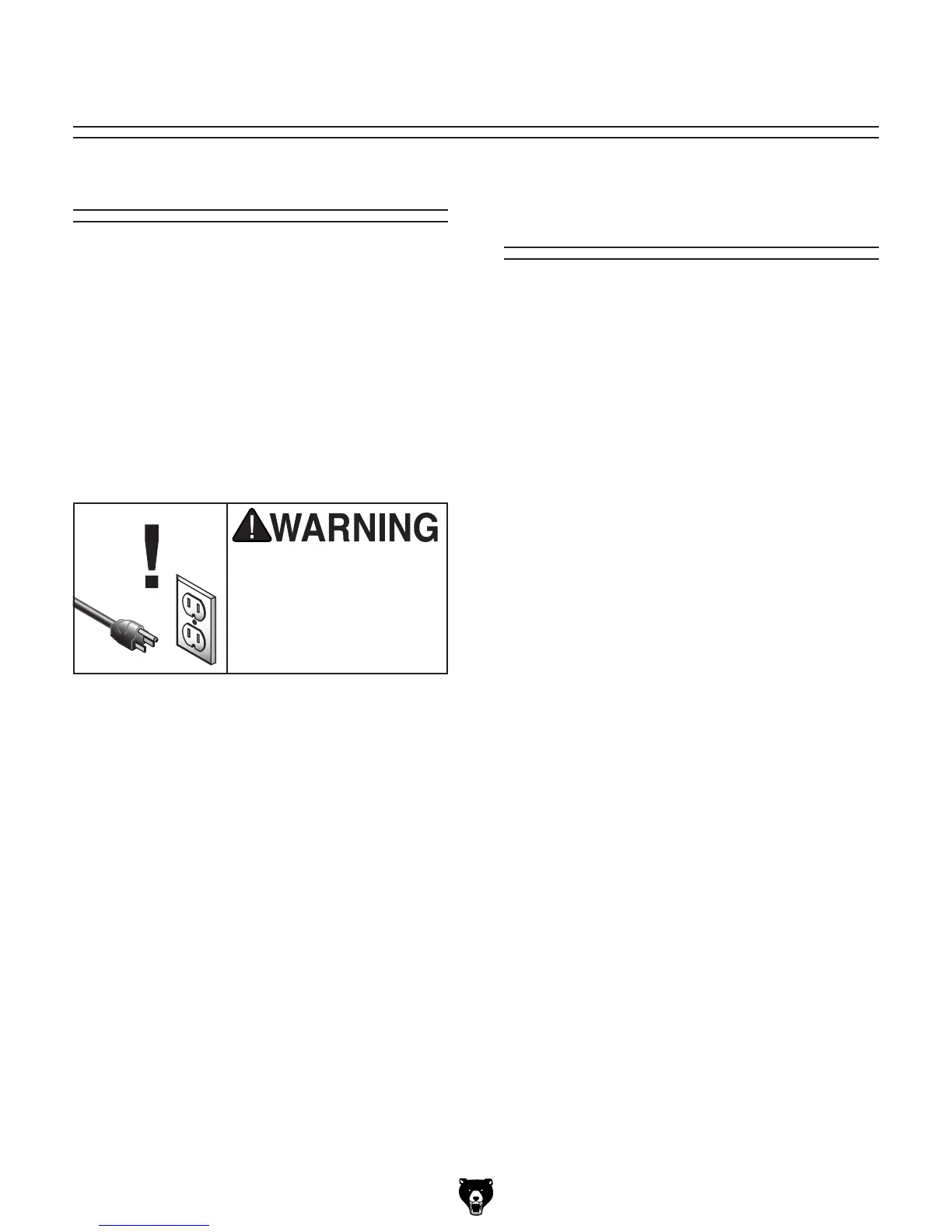
Always disconnect power
to the router before per-
forming maintenance.
Failure to do this may
result in serious person-
al injury.
Cleaning &
Protecting
Frequently vacuum sawdust and wood chips from
the table and router, then blow off the remain-
ing dust with compressed air. This is especially
important for the internal working parts of the
fence assembly and the router. Dust build-up
around the router is a sure way to decrease its
life span.



 To Next Page