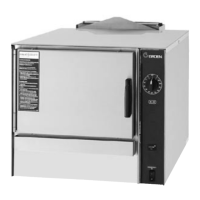
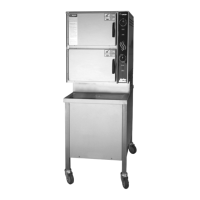
Open/Close Handle
Operation
WARNING
ANY POTENTIAL USER OF THE EQUIPMENT MUST BE TRAINED IN SAFE AND CORRECT OPERATING
PROCEDURES.
A. Controls
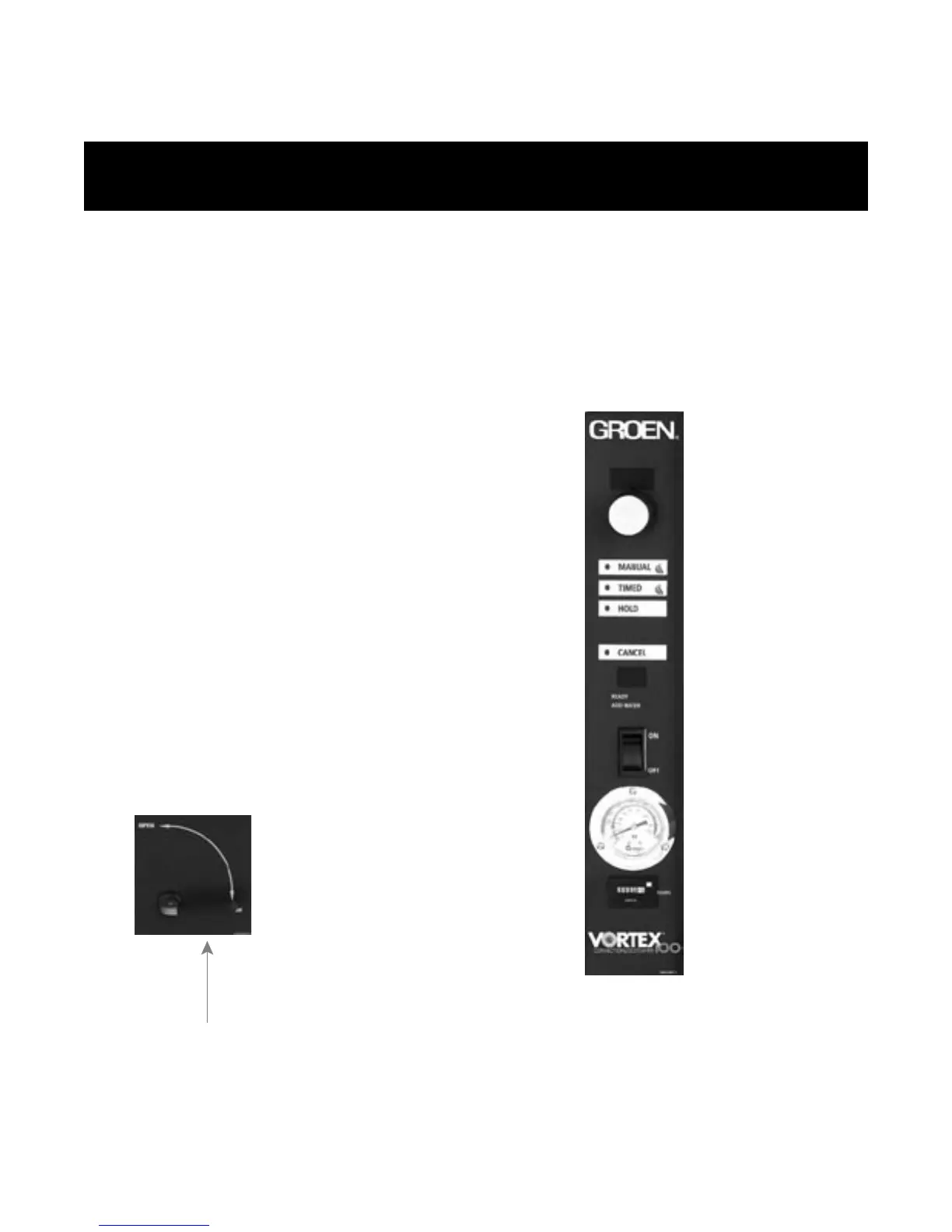
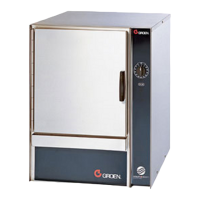
Operator controls are on the front right of the unit.
The VRC-3E and VRC-6E control panels have the
following touch pads and indicator lights:
! The ON/OFF rocker switch gets the
Vortex™ ready for use, or shuts it off.
! The HOLD indicator light shows that the
cavity is at holding temperature.
! The TIMED indicator light stays on
when the timer is operating.
! The ADD WATER indicator light is lit when
it’s time to add water.
! The open and closed position of the
drain valve allows the unit to be filled
with water or drained.
!
!
The ready indicator light indicate the
unit has achieved the ready temperature.
Temperature gauge indicates internal
temperature of cavity.
! Hour meter records cumulative hours of
opera
tion.
! T
! The FAULT display shows the
current fault.
he HI TEMP (error code 6) indicator
comes on when the bottom of the water
reservoir becomes too hot.
OM-VRC-3E/VRC-6E
TIME display
TIMER knob
MANUAL button and indicator
TIMED button and indicator
HOLD button and indicator
CANCEL button and indicator
FAULT display
ON/OFF rocker switch
Temperature gauge
Hour meter



 To Next Page