15
Sometimes we need to edit the data before output to make data separation and processing more
Output “RF” when fail to decode
Output sequence after data edition:
【Prefix】【CodeID】【Data】【Suffix】【Tail】
Prefix is on the head of encoding Information , and can be self-defined.
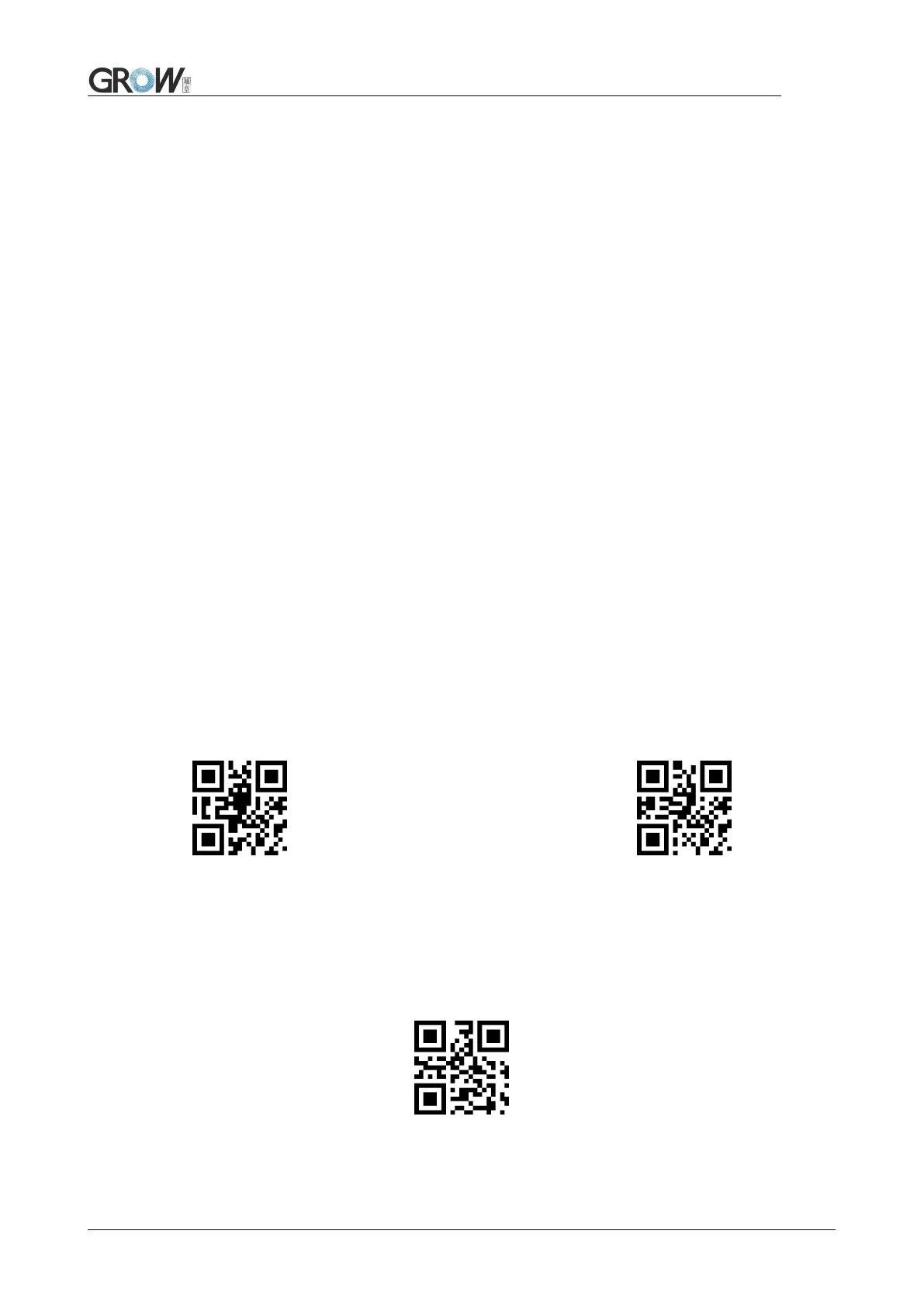
Scan the code to add prefix.
Allow to add prefix Default no prefix
Scan “ change prefix” and “setup code” code to change prefix.
Use base 16 to express each character.
Max 15 characters.ASCII on appendix C.
E.G. Change prefix to “DATA”



 To Next Page