16
1. ”DTAT” in base 16: “44”, “41”, “54”, “41”
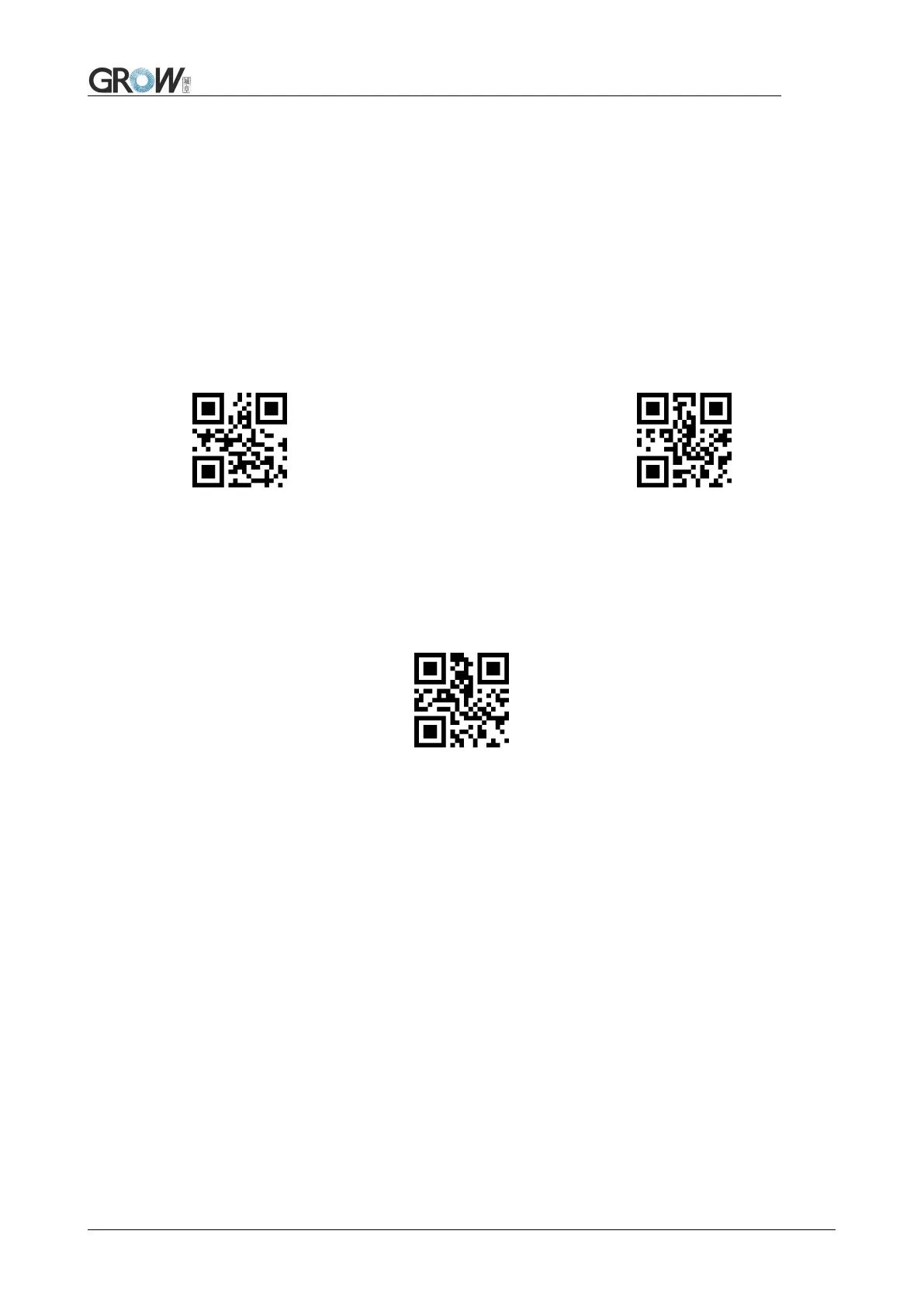
2. Confirm open the “ setup code”, if not, find on 1.4
3. Scan “change prefix” code
4. Successively scan “Code ID”: “4”, “4”, “4”, “1”, “5”, “4”, “4”, “1”
Suffix on the end of encoding Information , and can be self-defined.
Allow add suffix Default no suffix
Scan “ change suffix” and “setup code” code to change prefix.
Use base 16 to express each character.
Max 15 characters.ASCII on appendix C.
E.G.: Change suffix to “DATA”
1. “DTAT” in base 16: “44”, “41”, “54”, “41”
2.Confirm opening the “setup code”, if not, find on 1.4
3.Scan “change suffix” code
4.Successively scan “Code ID”: “4”, “4”, “4”, “1”, “5”, “4”, “4”, “1”
Users can identify different types of bar code by CODE ID. CODE ID use one character to
identify and can be self- defined.



 To Next Page