21
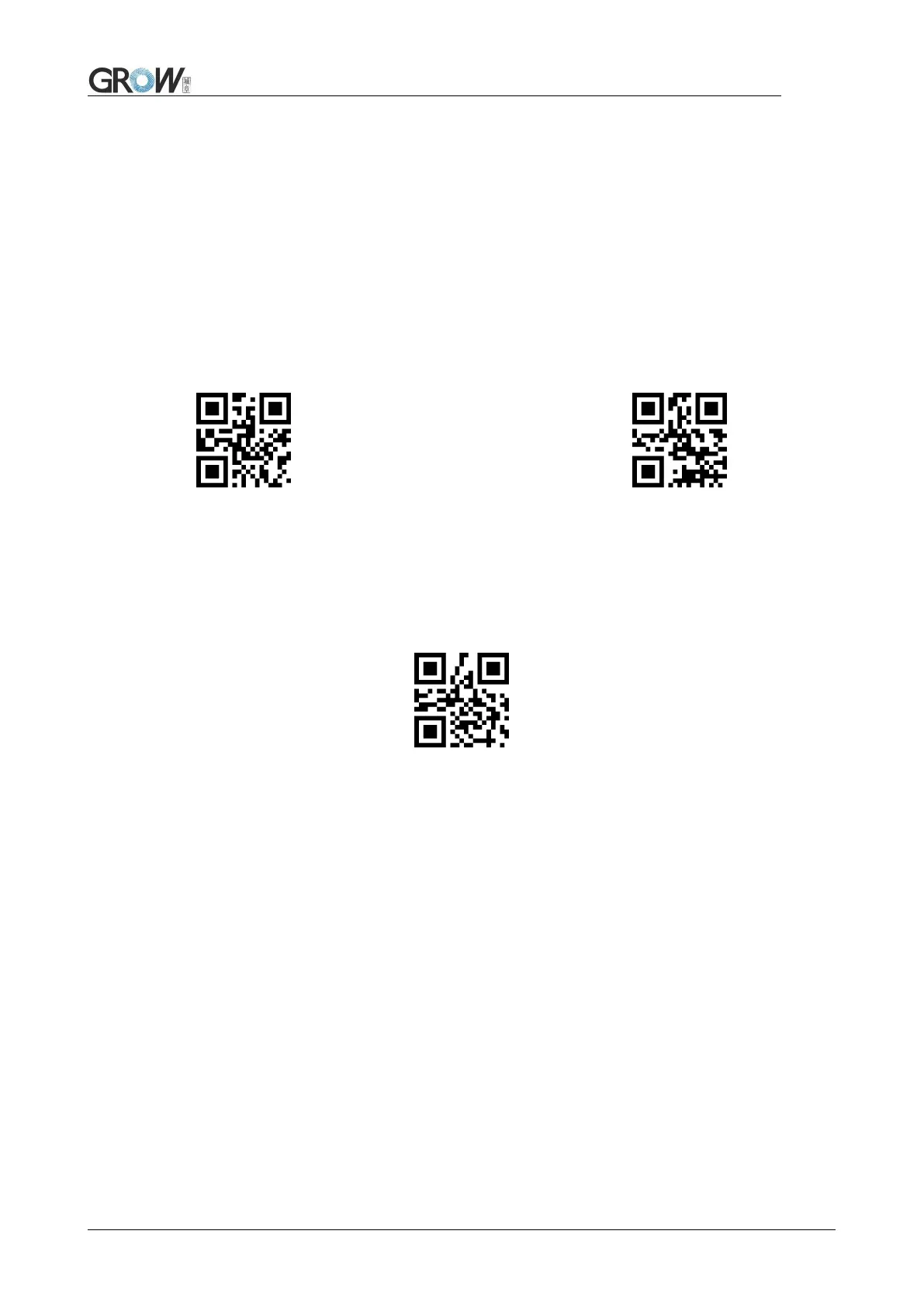
3. Scan “change length N”
4. Successively scan “Code ID”:”0”, “3”
5. Scan ” change length M”
6. Successively scan :Code ID”: “0”, “A”
7. Scan “Output Center part”
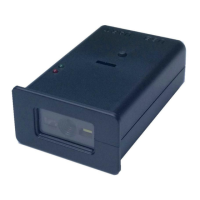
RF(Read Fail): Users can self- define output information when read fail.
Output RF information Default not output
Scan”change RF information” and “data edition code” to change RF information.
Base 16 is used to express, max at 15 character. ASCII on appendix C.
E.G.: change RF to “FAIL”
1. Find “FAIL” in base-16: “46”, “41”, “49”, “4C”
2. Confirm opening the “setup code”, if not, find on 1.4
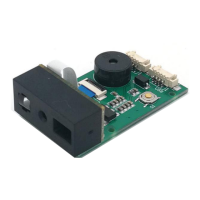
3. Scan “ change RF information”
4. Successively scan”4”, “6”, “4”, “1”, “9”, “4”, “C”



 To Next Page