EasyManua.ls Logo

GSE 350 - User Manual

GSE 350
34 pages
Print Icon
To Next Page IconTo Next Page
Loading...
AWT35-500349 Issue AA June 2009
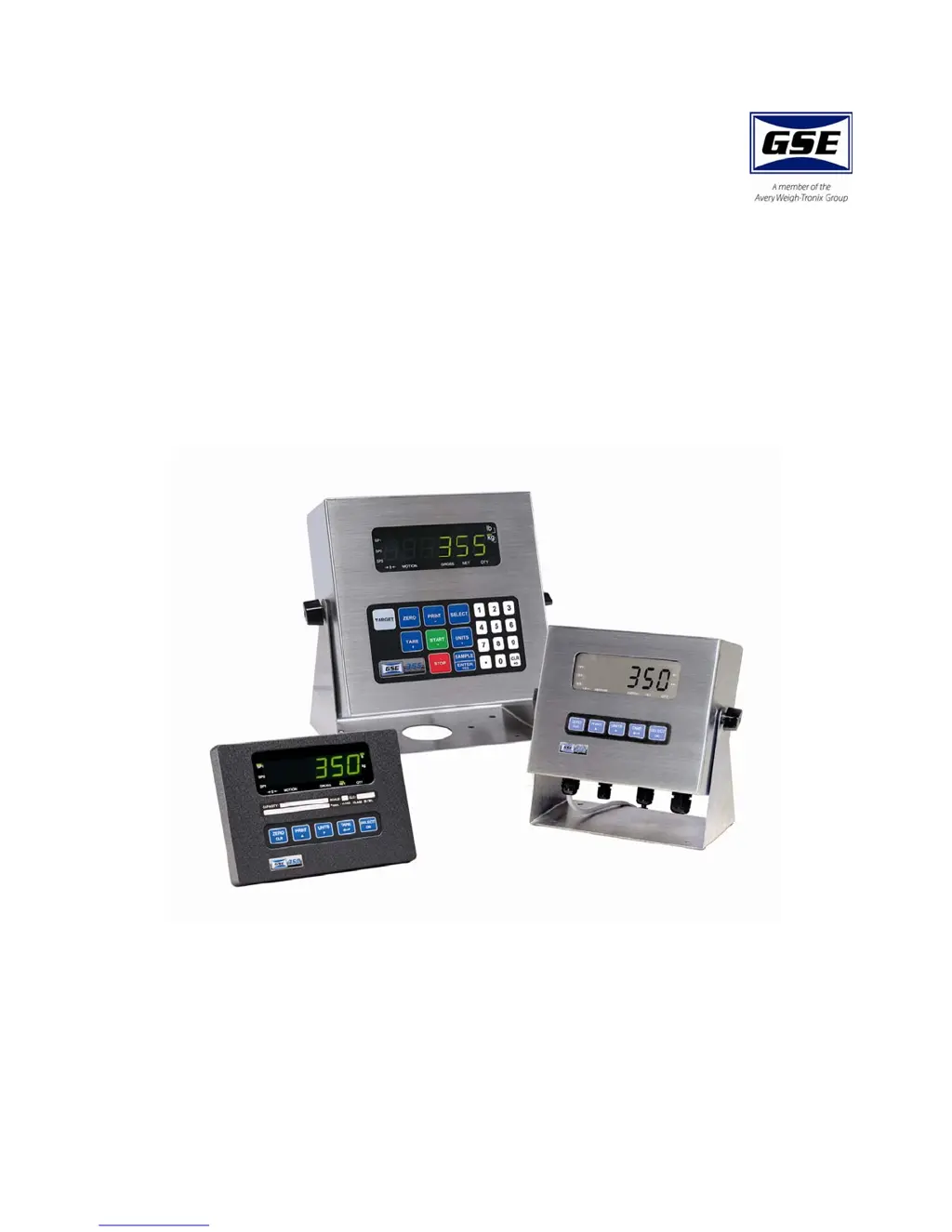
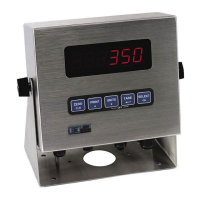
Model 350/355
Digital Weight Indicator
User Instructions

Other manuals for GSE 350

Questions and Answers

  • B
    brett55Sep 3, 2025
    What does 'Bit-Er' mean on GSE Accessories?
    • T
      Thomas BuchananSep 4, 2025
      The message 'Bit-Er' on GSE Accessories means that the stop bit of a received character did not occur when expected. Verify that protocol (P200 – P204) matches that of the connected device.
  • P
    Pamela HarrisSep 4, 2025
    What does 'Chec ~ E2' mean on GSE Accessories?
    • K
      Karen AustinSep 4, 2025
      The message 'Chec ~ E2' on GSE Accessories indicates an EEPROM data error (U4).
  • B
    Briana FrankSep 5, 2025
    What does 'Deflt ~ Setup' mean on GSE Accessories?
    • S
      Scott HansonSep 5, 2025
      The message 'Deflt ~ Setup' on GSE Accessories indicates that an error occurred when reading setup data from the EEPROM during power-up. All parameters are set to factory default.
  • M
    megan60Sep 5, 2025
    What does 'Out of ~ Range' mean on GSE Accessories?
    • S
      shannon25Sep 5, 2025
      The message 'Out of ~ Range' on GSE Accessories means that you attempted to enter a value beyond the allowable range.
  • M
    morrislindaSep 6, 2025
    What does 'Re- ~ Boot!' mean on GSE Accessories?
    • K
      karencolemanSep 6, 2025
      The message 'Re- ~ Boot!' on GSE Accessories means that EEPROM data could not be read and the unit is attempting a power-up reset.
  • K
    Kimberly DavisSep 6, 2025
    What does 'Need APS' mean on GSE Accessories?
    • D
      Donald WallerSep 6, 2025
      The message 'Need APS' on GSE Accessories indicates that a setpoint start is initiated and the setpoint is based on quantity, but no piece weight has been established, so the start will not occur.
  • J
    Jordan VaughanSep 7, 2025
    What does 'F.S. ~ TooHi' mean on GSE Accessories?
    • A
      Aaron HamptonSep 7, 2025
      The message 'F.S. ~ TooHi' on GSE Accessories means that the entered calibration weight will result in an over-capacity condition at full scale. Verify that the full scale (P110) and calibration weight value are correct.
  • K
    Kristen SalazarSep 7, 2025
    What does 'F.S. ~ TooLo' mean on GSE Accessories?
    • J
      Jeremiah BakerSep 7, 2025
      The message 'F.S. ~ TooLo' on GSE Accessories means that the entered calibration weight will result in a full scale input signal less than the minimum allowed. Verify that the full scale (P110) and entered weight value are correct.

Summary

1.0 Installation

2.0 Keypad and Display

3.0 Operation

3.5 Parts Counting

Instructions for sampling and counting parts, including viewing average piece weight.

3.6 Percentage Checkweigh

Guides on entering target values and tolerances for percentage checkweighing.

3.7 Fill

Instructions for entering target values for the fill program, including pre-act values.

3.8 Batch

Steps to enter target and pre-act values for batching ingredients in Model 350 and 355.

3.9 Discharge

Instructions for entering target and pre-act values for the discharge program.

3.10 Fill and Discharge

How to enter target values for combined fill and discharge operations.

3.11 Absolute Checkweigh

Guides on entering absolute target values and tolerances for checkweighing.

3.12 Target Deviation Checkweigh

How to enter target values and tolerances for target deviation checkweighing.

4.0 Troubleshooting

4.1 Operational Errors

Lists and explains common operational error codes and messages encountered.

5.0 Specifications

GSE 350 Specifications

General IconGeneral
Display TypeTFT LCD
Touch PanelYes
Touch TechnologyResistive
Power Supply24 VDC
Operating Temperature0°C to 50°C
Storage Temperature-20°C to 60°C
InterfaceEthernet
Humidity10% to 90% non-condensing
Protection LevelIP65
Operating Voltage24V DC ±10%

Related product manuals