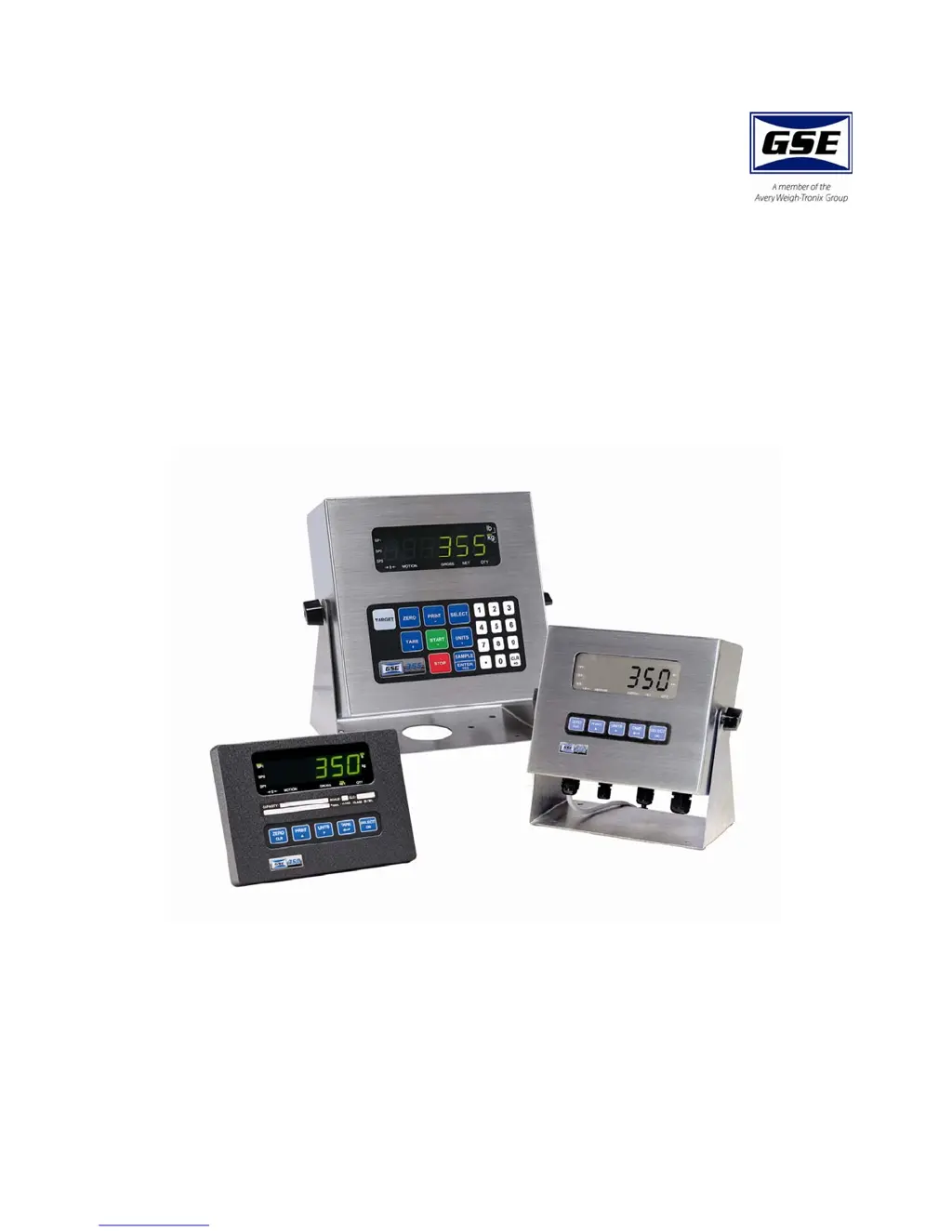
What does 'Tare ~ Error' mean on my GSE Touch Panel?
- JJessica LaneSep 23, 2025
The 'Tare ~ Error' message on your GSE Touch Panel means a negative tare was attempted when it was disabled, which occurs when P440 is enabled.
What does 'Tare ~ Error' mean on my GSE Touch Panel?
The 'Tare ~ Error' message on your GSE Touch Panel means a negative tare was attempted when it was disabled, which occurs when P440 is enabled.
What to do if my GSE 355 Touch Panel displays 'Under Load'?
If your GSE Touch Panel displays 'Under Load', check the load cell wiring.
What does it mean when my GSE Touch Panel displays 'Input signal greatly exceeds the valid range'?
This message indicates that the input signal is far beyond what is expected. To resolve this, check the load cell connection of your GSE Touch Panel.
What does 'Receive buffers capacity was exceeded' mean on my GSE 355 Touch Panel?
The message 'Receive buffers capacity was exceeded' on your GSE Touch Panel indicates a handshaking problem.
What to do if data transmission is inhibited on communication port 1 of my GSE 355?
If data transmission is inhibited due to a deasserted handshake on communication port 1 of your GSE Touch Panel, press or to abort transmission.
What does 'Out of ~ Range' mean on my GSE 355?
The 'Out of ~ Range' message on your GSE Touch Panel means you tried to enter a value that is beyond the allowable range.
What does 'Add ~ Load!' mean on my GSE 355 after a count sample?
If your GSE Touch Panel displays 'Add ~ Load!' after performing a count sample, it means that a larger sample size is needed.
What does 'Add ~ Load!' mean on my GSE Touch Panel during calibration?
The 'Add ~ Load!' message on your GSE Touch Panel means that the calibration weight is less than 0.1% of the capacity. You need to add more weight.
What to do if my GSE Touch Panel displays 'Trans~Hold2'?
This message on the GSE Touch Panel indicates that data transmission is being blocked because of a deasserted handshake on communication port 2. To resolve this, press the [ZERO] or [CLR] button to stop the transmission and then check P204.
What should I do if my GSE 355 displays 'Problem with A/D chip detected'?
If your GSE Touch Panel displays 'Problem with A/D chip detected', disconnect any options installed and re-power the unit.
Steps to enter the target value and tolerances for percentage checkweighing.
Steps to enter the target value and pre-act values for the fill operation.
Steps to enter target and pre-act values for batching up to three ingredients.
Steps to enter target and pre-act values for discharge operations.
Steps to enter target and pre-act values for combined fill and discharge operations.
Steps to enter target values and absolute tolerances for checkweighing.
Steps to enter target values and tolerances for target deviation checkweighing.
Steps to enter target values for Batch 2 operations.
Details common operational errors (Code02, Code03, etc.) and their causes.
Describes miscellaneous errors (e.g., T.X.YYYY trap error) and how to handle them.
Details performance metrics like full scale, resolution, and operating temperature.
Information on power requirements, enclosure types, and transformers.
Specifies process control inputs, outputs, and capabilities.
Details communication interfaces, protocols, and optional modules.
| Brand | GSE |
|---|---|
| Model | 355 |
| Category | Touch Panel |
| Language | English |