EasyManua.ls Logo

GSE 355 - User Manual

Default Icon
34 pages
Print Icon
To Next Page IconTo Next Page
Loading...
AWT35-500349 Issue AA June 2009
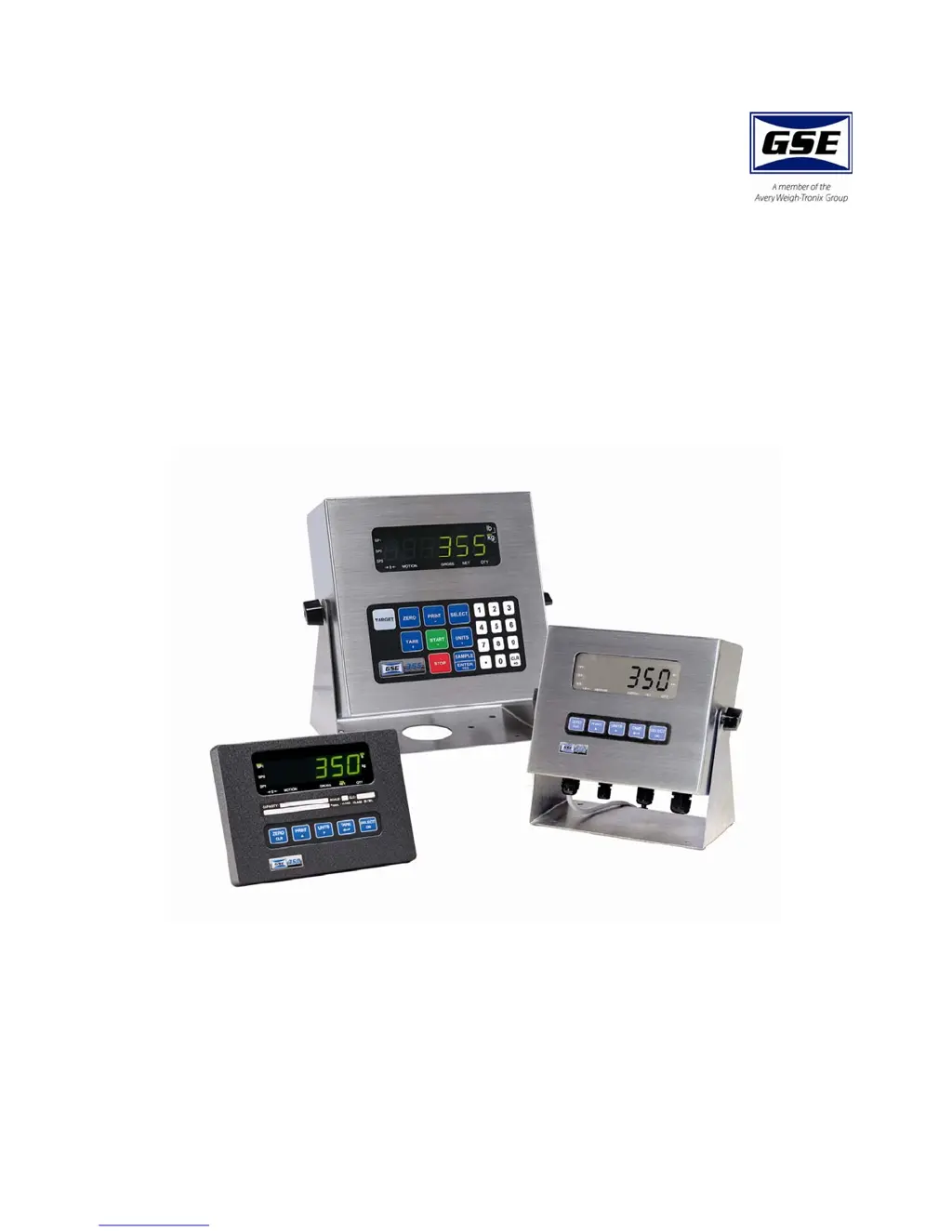
Model 350/355
Digital Weight Indicator
User Instructions

Other manuals for GSE 355

Questions and Answers

  • A
    Adam GonzalezAug 29, 2025
    What does it mean if my GSE 355 Touch Panel displays 'A checksum error occurred during power-up'?
    • D
      Diana AndersonAug 30, 2025
      If your GSE Touch Panel displays 'A checksum error occurred during power-up', all annunciators are lit. This means that the EPROM integrity test failed or the EPROM is improperly seated.
  • M
    Michael LeeAug 28, 2025
    What to do if data transmission is inhibited on communication port 2 of my GSE Touch Panel?
    • L
      Louis MckinneyAug 28, 2025
      If data transmission is inhibited due to a deasserted handshake on communication port 2 of your GSE Touch Panel, press or to abort transmission.
  • M
    millerphillipAug 27, 2025
    What to do if data transmission is inhibited on communication port 1 of my GSE 355?
    • D
      Daniel RodriguezAug 27, 2025
      If data transmission is inhibited due to a deasserted handshake on communication port 1 of your GSE Touch Panel, press or to abort transmission.
  • B
    boydtroyAug 27, 2025
    What does 'Receive buffers capacity was exceeded' mean on my GSE 355 Touch Panel?
    • J
      Joel WoodsAug 27, 2025
      The message 'Receive buffers capacity was exceeded' on your GSE Touch Panel indicates a handshaking problem.
  • A
    Angela SmithAug 25, 2025
    What does it mean when my GSE Touch Panel displays 'Input signal greatly exceeds the valid range'?
    • J
      Jean EvansAug 26, 2025
      This message indicates that the input signal is far beyond what is expected. To resolve this, check the load cell connection of your GSE Touch Panel.
  • S
    smithjosephAug 25, 2025
    What to do if my GSE 355 Touch Panel displays 'Under Load'?
    • K
      Kimberly GreenAug 25, 2025
      If your GSE Touch Panel displays 'Under Load', check the load cell wiring.

Summary

2.0 Keypad and Display

3.0 Operation

3.5 Parts Counting

3.5.2 Model 355 Parts Counting

3.6 Percentage Checkweigh

3.6.1 Enter a Target Value

Steps to enter the target value and tolerances for percentage checkweighing.

3.6.2 Start Checkweighing

3.7 Fill

3.7.1 Enter a Target Value

Steps to enter the target value and pre-act values for the fill operation.

3.7.2 Start Fill

3.8 Batch

3.8.1 Enter a Target

Steps to enter target and pre-act values for batching up to three ingredients.

3.8.2 Start Batch

3.9 Discharge

3.9.1 Enter a Target

Steps to enter target and pre-act values for discharge operations.

3.9.2 Pre-acts

3.9.3 Start Discharge

3.10 Fill and Discharge

3.10.1 Enter a Target

Steps to enter target and pre-act values for combined fill and discharge operations.

3.10.2 Pre-acts

3.10.3 Activation Method

3.10.5 Fill and Discharge Example

3.11 Absolute Checkweigh

3.11.1 Enter a Target Value

Steps to enter target values and absolute tolerances for checkweighing.

3.11.2 Start Checkweighing

3.12 Target Deviation Checkweigh

3.12.1 Enter a Target Value

Steps to enter target values and tolerances for target deviation checkweighing.

3.12.2 Start Checkweighing

3.13 Batch 2

3.13.1 Enter a Target

Steps to enter target values for Batch 2 operations.

3.13.2 Activation Method

3.13.3 Batch2 Example

4.0 Troubleshooting

4.1 Operational Errors

Details common operational errors (Code02, Code03, etc.) and their causes.

4.2 Miscellaneous Errors

Describes miscellaneous errors (e.g., T.X.YYYY trap error) and how to handle them.

4.3 Hardware Errors

4.4 Communication Errors

5.0 Specifications

PERFORMANCE

Details performance metrics like full scale, resolution, and operating temperature.

ELECTRICAL

Information on power requirements, enclosure types, and transformers.

PROCESS CONTROL

Specifies process control inputs, outputs, and capabilities.

COMMUNICATION

Details communication interfaces, protocols, and optional modules.

GSE 355 Specifications

General IconGeneral
BrandGSE
Model355
CategoryTouch Panel
LanguageEnglish

Related product manuals