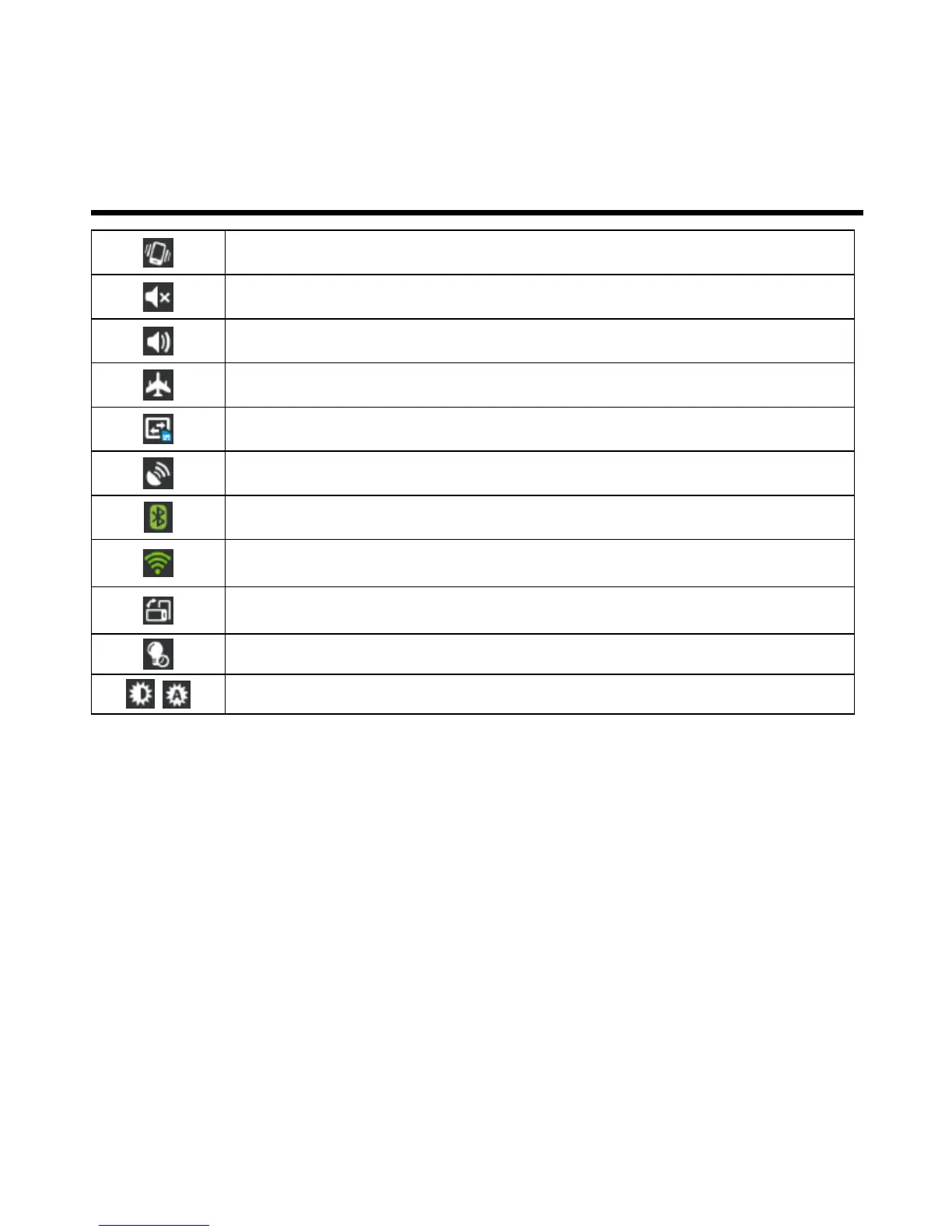
Enable/disable meeting mode.
Enable/disable silent mode.
Enable/disable general mode.
Enable/disable airplane mode.
Tap to adjust the brightness.
Set the wallpaper
Customize the wallpaper of your Home Screen with default wallpapers or with pictures in your phone.
Set wallpaper from Live wallpapers or Wallpapers
1. Long press any place on the Home Screens. There is a menu that will pop up.
2. Tap “Wallpapers” or “Live Wallpapers”.
3. All system wallpapers are displayed. You can tap to preview it.
4. Tap “Set wallpaper” to set up your selection.
Set wallpaper from Video wallpapers
1. Long press any place on the Home Screens. There is a menu that will pop up.
2. Tap “Video Wallpapers”.
3. Tap “Default” or “SD card” to select a video. Or Tap “Camera” to record a video.
4. Tap “Set wallpaper” to set up your selection.



 To Next Page