Set wallpaper from Pictures
1. Long press anywhere on the Home Screens. There is a menu that will pop up.
2. Tap “Gallery”, you can view all pictures on the album.
3. Tap to select a picture you want to use.
4. Select the crop area.
5. Tap “OK” and the cropped image will be your wallpaper on the Home Screen.
Using Widgets
You may add and customize widgets on the Home Screen as you like.
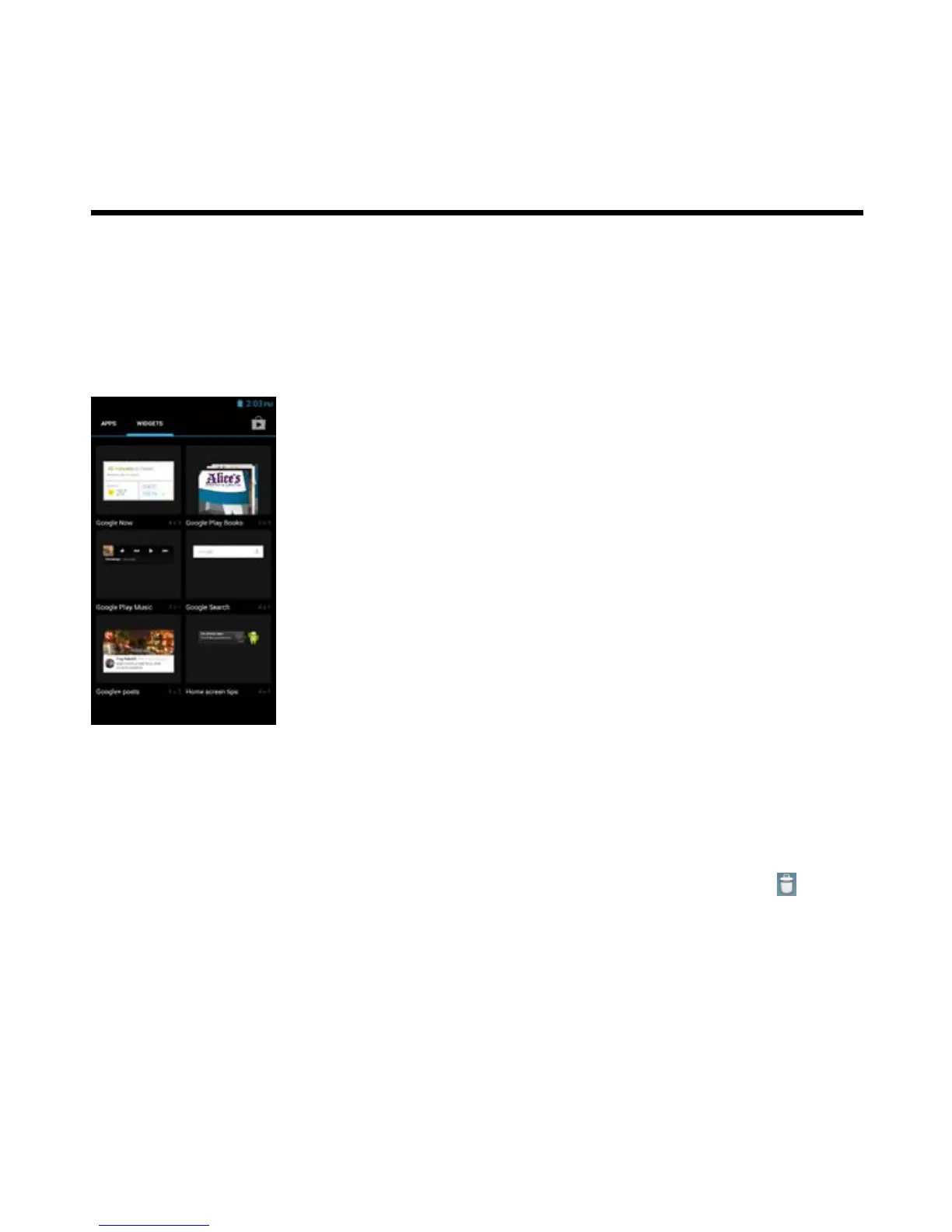
To add widgets
1. Tap Application Drawer > WIDGETS tab.
2. Select a widget you want. Then, tap and hold the widget icon to any Home Screen thumbnail you want to
add it.
3. Tap and hold the widget icon, drag to move it among the Home Screens.
To delete widgets
Tap and hold a widget icon which you want to delete on the screen. Drag the widget icon to the icon to
delete it.
Folders
You can also add / delete folders to your Home Screen and Favorites Tray.



 To Next Page