18
Operating the Menus
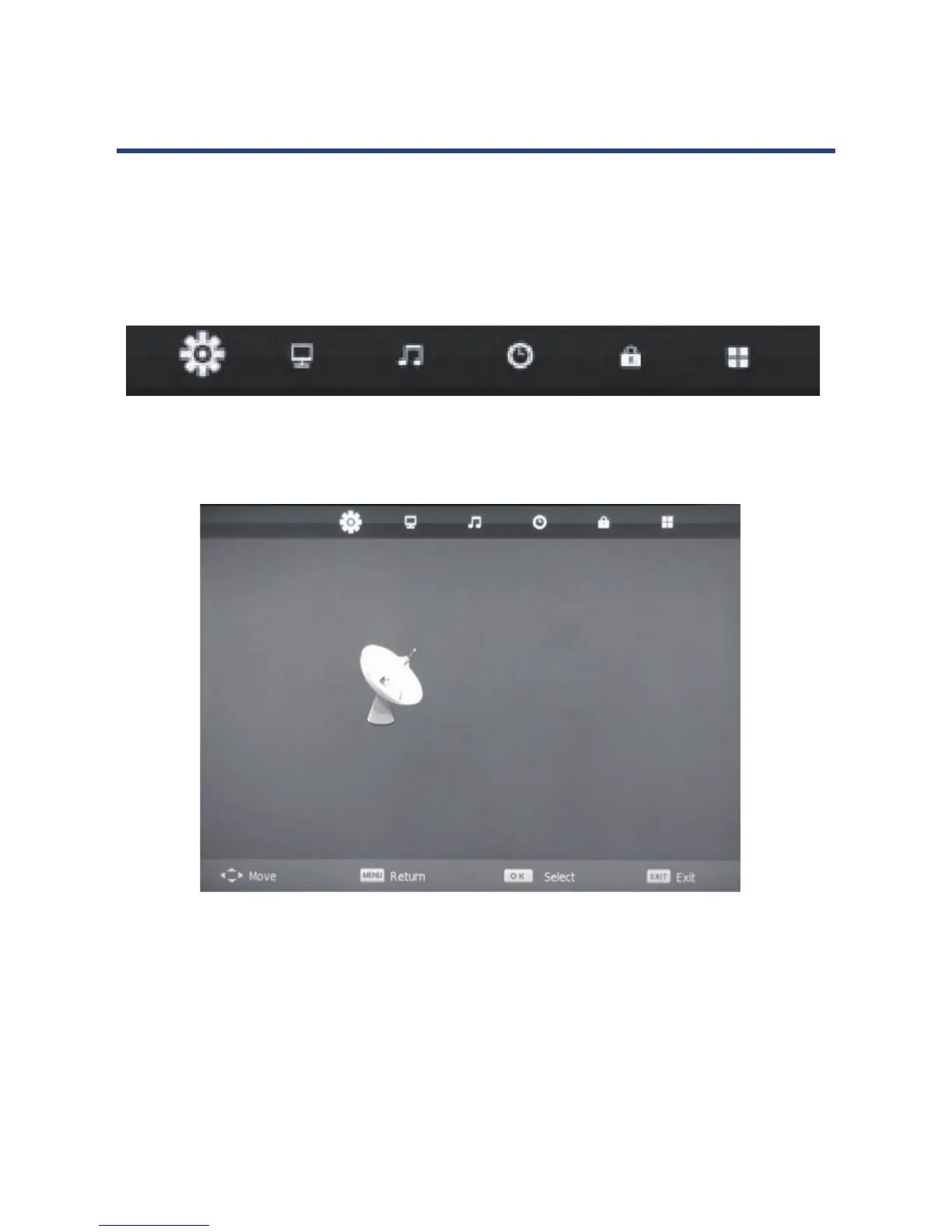
1. Press the MENU button on the remote control, the on-screen menu will appear on the
screen.
2. Use the left and right navigation keys to select your main option.
The main menu items, from left to right, are:
18
Operating the Menus
1. Press the MENU button on the remote control, the on-screen menu will appear on the
screen.
2. Use the left and right navigation keys to select your main option.
The main menu items, from left to right, are:
Channel Picture Sound Time Lock Setup
Channel menu
From the Channel menu you can search channels, either automatically or manually, and set
up a variety of channel options.
NOTE: You can only select the Channel menu in ATV/DTV mode.
NOTE: All default settings have been selected for Australia.
CHANNEL
Auto Tuning
ATV Manual Tuning
DTV Manual Tuning
Programme Edit
Signal Information
18
Operating the Menus
1. Press the MENU button on the remote control, the on-screen menu will appear on the
screen.
2. Use the left and right navigation keys to select your main option.
The main menu items, from left to right, are:
Channel Picture Sound Time Lock Setup
Channel menu
From the Channel menu you can search channels, either automatically or manually, and set
up a variety of channel options.
NOTE: You can only select the Channel menu in ATV/DTV mode.
NOTE: All default settings have been selected for Australia.
CHANNEL
Auto Tuning
ATV Manual Tuning
DTV Manual Tuning
Programme Edit
Signal Information
From the Channel menu you can search channels, either automatically or manually, and set
up a variety of channel options.
NOTE: You can only select the Channel menu in ATV/DTV mode.
NOTE: All default settings have been selected for Australia.



 To Next Page