22
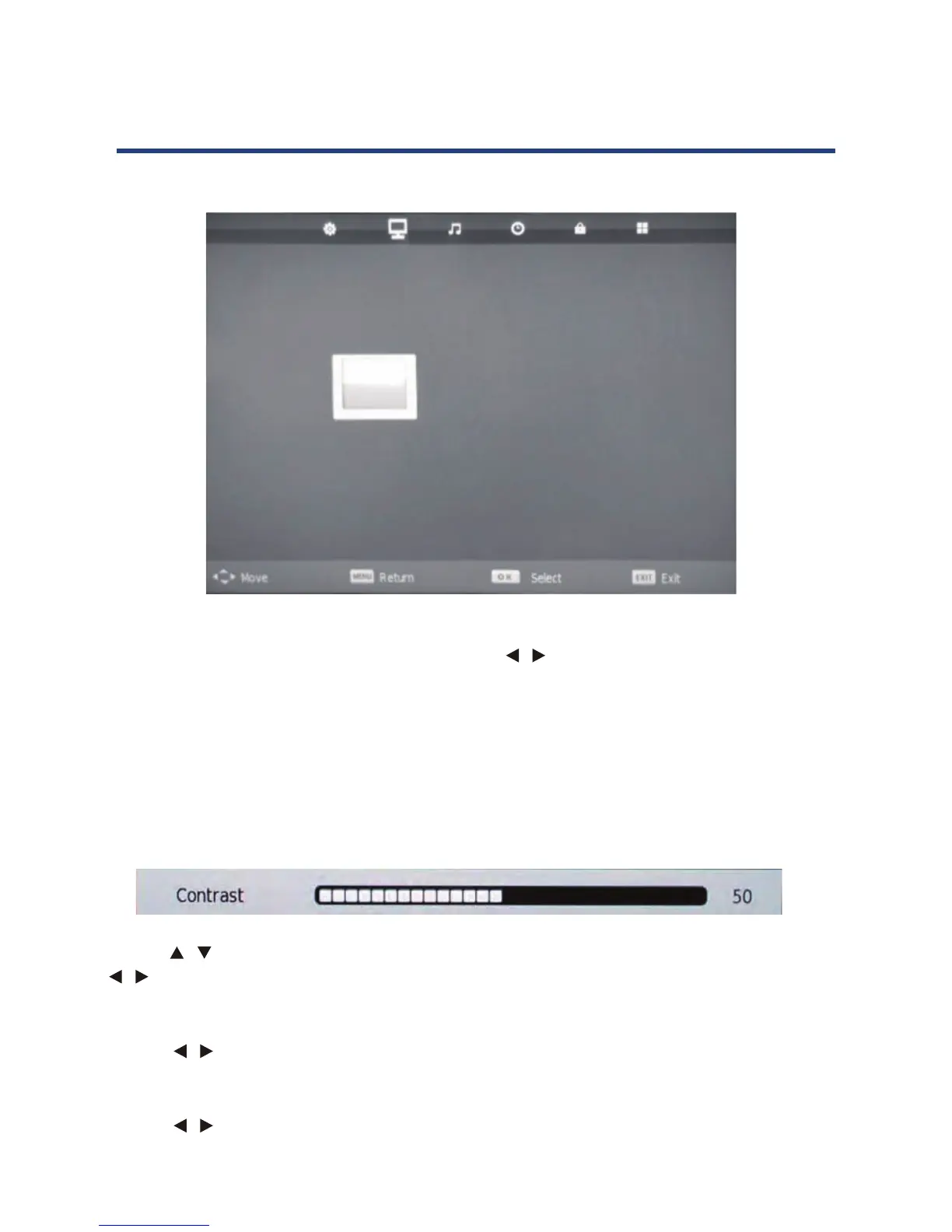
Picture Mode
Change the picture display mode with the right/left
/ navigation keys. You can select from
Standard, Mild, Personal and Dynamic modes.
NOTE: You need to set Picture Mode to Personal to be able to adjust contrast, brightness,
colour, sharpness and tint values. In all other modes these values cannot be changed.
(The tint value is only available in NTSC signal)
Contrast / Brightness / Colour / Sharpness
(The tint value is only available in NTSC signal)
22
Picture menu
Picture Mode
Change the picture display mode with the right/left navigation keys. You can select from
Standard, Mild, Personal and Dynamic modes.
NOTE: You need to set Picture Mode to Personal to be able to adjust contrast, brightness,
colour, sharpness and tint values. In all other modes these values cannot be changed.
Contrast / Brightness / Colour / Sharpness
Use the keys to switch between contrast, brightness, colour and sharpness, then use the
keys to adjust the values.
Colour Temperature
Use the keys to adjust the value, you can select Cold, Normal, Warm.
Noise Reduction
Use the
keys to select from O
, Low, Medium, High or Default.
PICTURE
Picture Mode Standard
Contrast 50
Brightness 50
Colour 50
Tint 50
Sharpness 50
Colour Temp Cold
Noise Reduction Medium
Use the / keys to switch between contrast, brightness, colour and sharpness, then use the
/ keys to adjust the values.
Colour Temperature
Use the / keys to adjust the value, you can select Cold, Normal, Warm.
Noise Reduction
Use the / keys to select from O , Low, Medium, High or Default.
(The tint value is only available in NTSC signal)
22
Picture menu
Picture Mode
Change the picture display mode with the right/left navigation keys. You can select from
Standard, Mild, Personal and Dynamic modes.
NOTE: You need to set Picture Mode to Personal to be able to adjust contrast, brightness,
colour, sharpness and tint values. In all other modes these values cannot be changed.
Contrast / Brightness / Colour / Sharpness
Use the keys to switch between contrast, brightness, colour and sharpness, then use the
keys to adjust the values.
Colour Temperature
Use the keys to adjust the value, you can select Cold, Normal, Warm.
Noise Reduction
Use the
keys to select from O
, Low, Medium, High or Default.
PICTURE
Picture Mode Standard
Contrast 50
Brightness 50
Colour 50
Tint 50
Sharpness 50
Colour Temp Cold
Noise Reduction Medium



 To Next Page