24
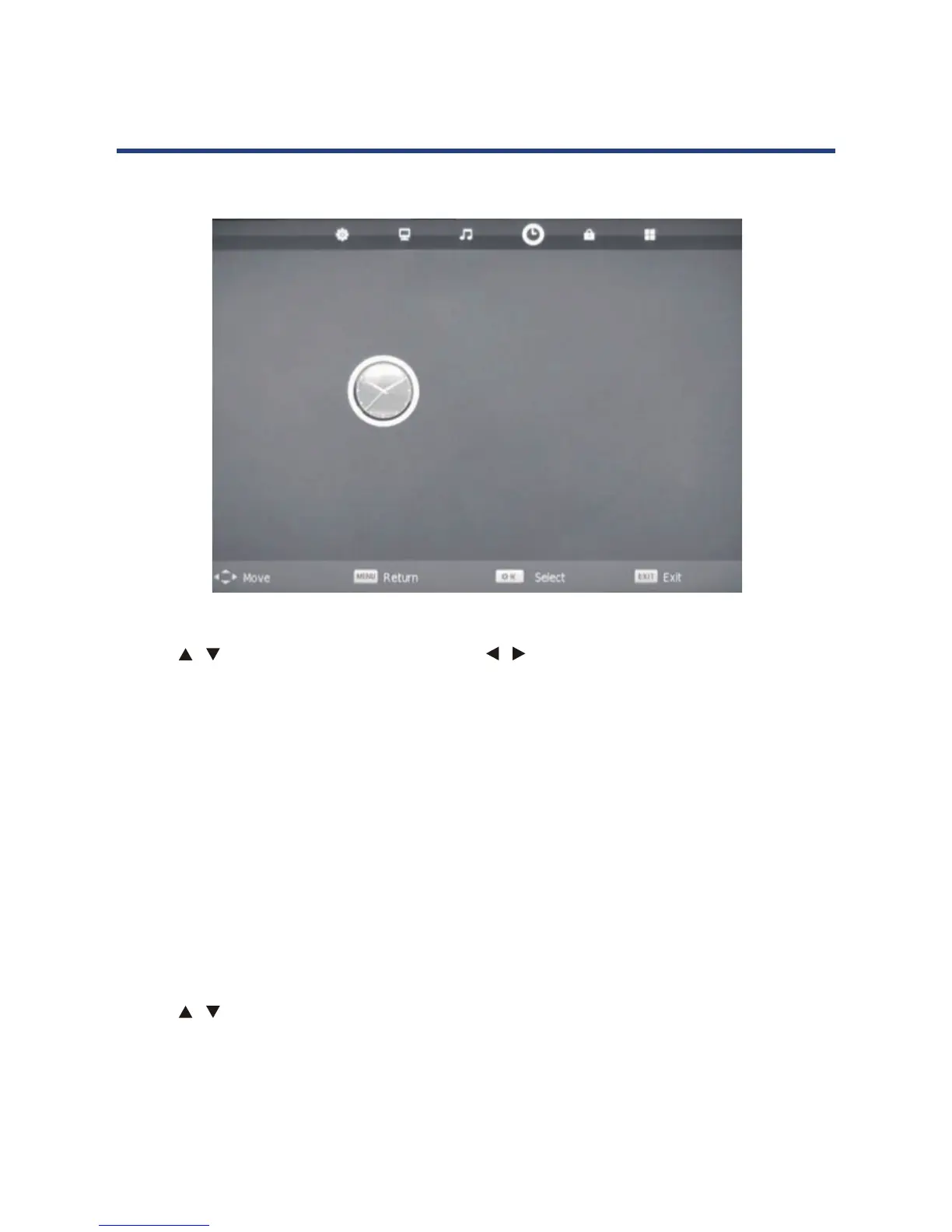
Time menu
Clock
Use the / keys to select Clock, then use the / keys to set the time.
NOTE: You cannot change the time manually in DTV mode, as the time comes directly from a
signal source.
Time Zone
Select your state of residency for the correct time.
Sleep Timer
20, 30, 60, 90, 120, 180 or 240 minutes.
Auto Standby
When the auto standby function is select time, the TV will standby automatically
after the time you have select.
OSD Timer
Use the / keys to select this option, then set your preferred duration for on-screen display
messages. Choose between 5 - 30 seconds with 5 second segments.
TIME
Clock 06/Sep 01:00
Time Zone NSW/ACT
Sleep Timer Off
Auto Standby Off
OSD Timer 20 S
Clock
Use the / keys to select Clock, then use the / keys to set the time.
NOTE: You cannot change the time manually in DTV mode, as the time comes directly from a
signal source.
Time Zone
Select your state of residency for the correct time.
Sleep Timer
You can select to have the sleep timer o, or set it to switch o the TV automatically after 10,
20, 30, 60, 90, 120, 180 or 240 minutes.
Auto Standby
When the auto standby function is select time, the TV will standby automatically after the
time you have select.
OSD Timer
Use the
/ keys to select this option, then set your preferred duration for on-screen
display messages. Choose between 5-30 seconds with 5 second segments.



 To Next Page