34
PVR and Time Shift Operation
This television support Personal Video Recorder (PVR) and time shift functions when a compatible
USB storage device is connected. PVR allows you to record digital TV programs for playback at a
later time. Time Shift allows you to pause live TV and then fast forward or rewind until you catch
up to the live TV stream again. PVR and Time Shift functions are only available on Digital TV input
source and cannot be used to record analog TV or other input sources.
Setting up and Connecting a Storage Device
The rst step to using PVR functionality is to set up and connect a compatible USB storage device
such as a ash drive or external disk. External hard disks will require their own power supply as the
USB port in the TV may not be used to power large devices.
To prevent accidental data loss, it is not recommended that you connect a disk drive to the
television for PVR that already contains data. It is best to use a newly formatted and dedicated disk
for recording.
PVR File System
When connecting a new drive for the rst time, you need to check the le system and format the
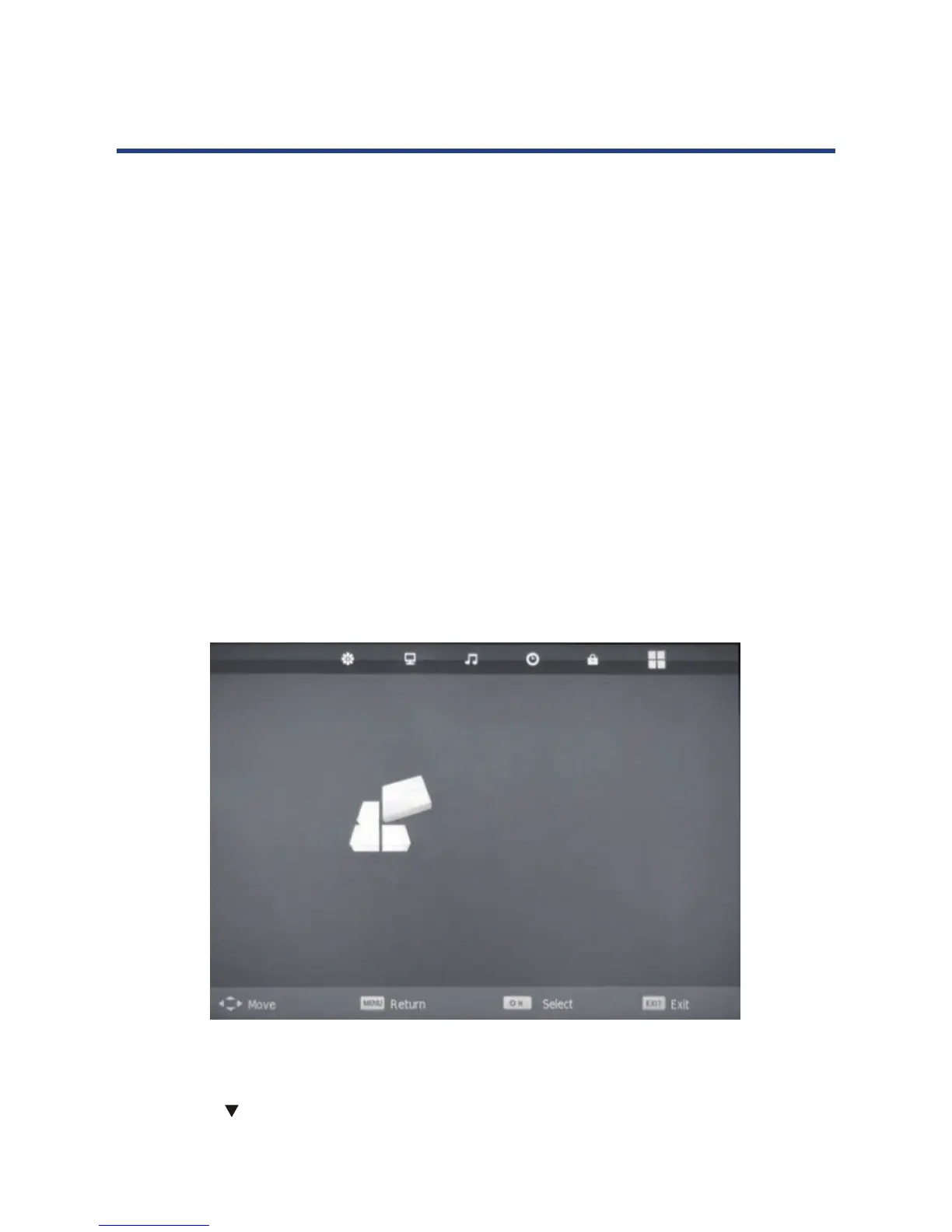
disk. To do this,, access the PVR le system option form the SETUP menu.
1. Ensure the input source is set to “DTV”.
2. Press the MENU button to display the SETUP Menu.
3. Press the arrow to select PVR FILE SYSTEM from the SETUP menu and Press OK.
34
PVR (Personal Video Recorder)
This TV features a PVR recording and playback function which lets you:
• Instantly record a TV program (via the one-touch recording button on your
remote control),
• Time-shift playback of a TV program.
• Set a timer to record future television programs (via the EPG).
NOTE: For any type of recording with this television, you must have plugged a USB device
into the appropriate USB port.
PVR File System
In DTV mode, enter the SETUP menu, then select PVR File system.



 To Next Page