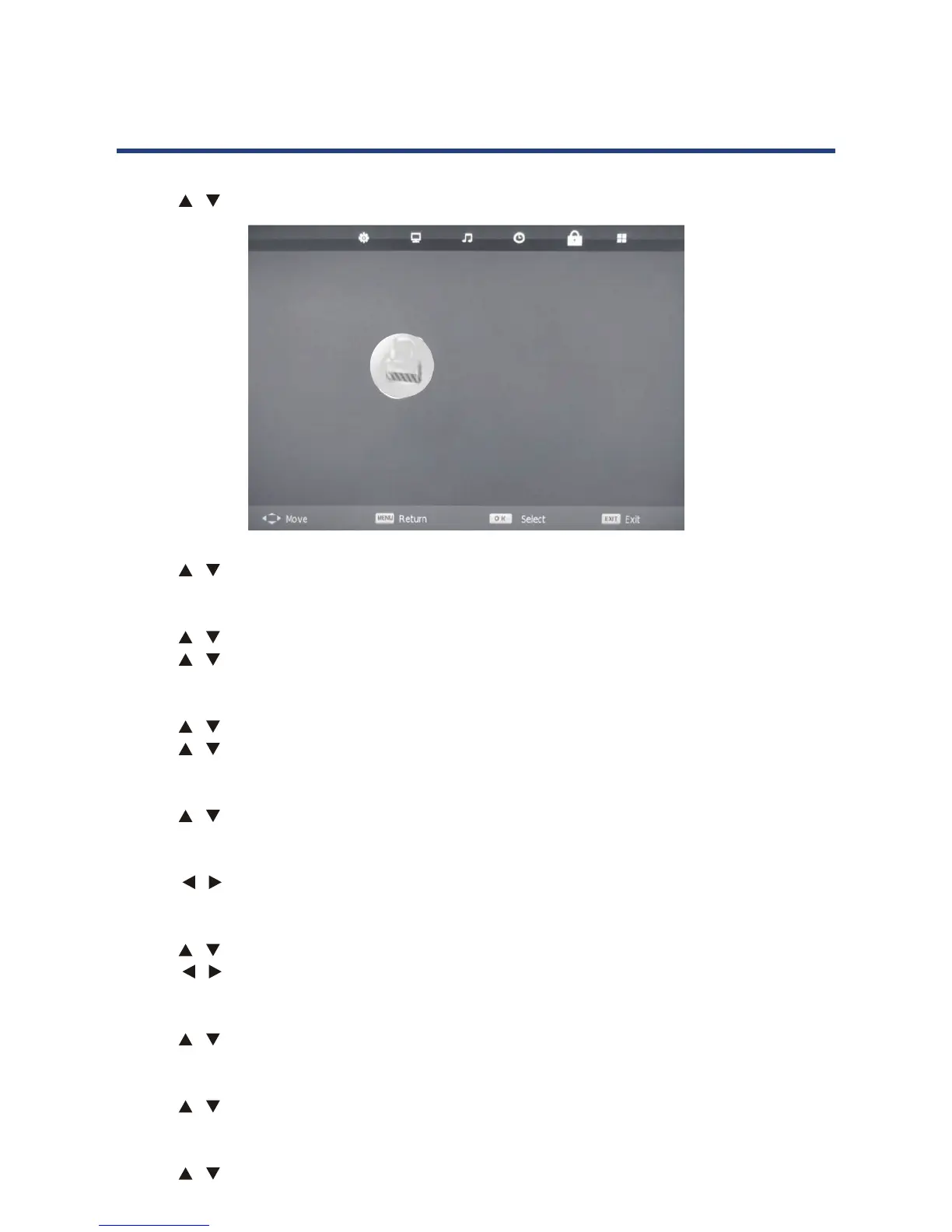
26
Hotel Mode
Use the / keys to select this option, then press OK button to enter sub-menu .
26
Hotel Mode
Use the / keys to select this option, then press OK key to select On or O.
Use the / keys to select this option, then press OK button to enter sub-menu .
Use the / keys to select the source you like to lock signal, then press OK
Source Lock
Use the / keys to select this option, then press OK key to enter sub-menu.
Use the / keys to select the default signal, then press OK key to save.
Default Source
Use the / keys to select this option, then press OK key to enter sub-menu.
DTV Channel Type
Use the / keys to select this option, then press OK key to select the channel type.
Default Prog
Use the / keys to select this option, then press OK key to select the default channel.
Use the
/
keys to adjust.
Max Volume
Use the / keys to select this option, then press OK key to enter sub-menu.
Import
Use the / keys to select this option, then press OK key to copy the import set.
Export
Use the / keys to select this option, then press OK key to copy the export set.
Clear Lock
Use the / keys to select this option, then press OK key to clear the Hotel set.
Hotel Mode
HOTEL
Hotel Mode On
Source Lock
Default Source Off
DTV Channel Type DTV
Default Prog 1
Max Volume 100
Import
Export
Clear Lock
Hotel Mode
Use the / Keys to select this option, then press OK key to select On or O.
Source Lock
Use the / keys to select this option, then press OK button to enter sub-menu .
Use the / keys to select the source you like to lock signal, then press OK
Default Source
Use the / keys to select this option, then press OK key to enter sub-menu.
Use the / keys to select the default signal, then press OK key to save.
DTV Channel Type
Use the / keys to select this option, then press OK key to select the channel type.
Default Prog
Use the / keys to select this option, then press OK key to select the default channel.
Max Volume
Use the / keys to select this option, then press OK key to enter sub-menu.
Use the / keys to adjust.
Import
Use the / keys to select this option, then press OK key to copy the import set.
Export
Use the / keys to select this option, then press OK key to copy the export set.
Clear Lock
Use the / keys to select this option, then press OK key to clear the Hotel set.



 To Next Page