25
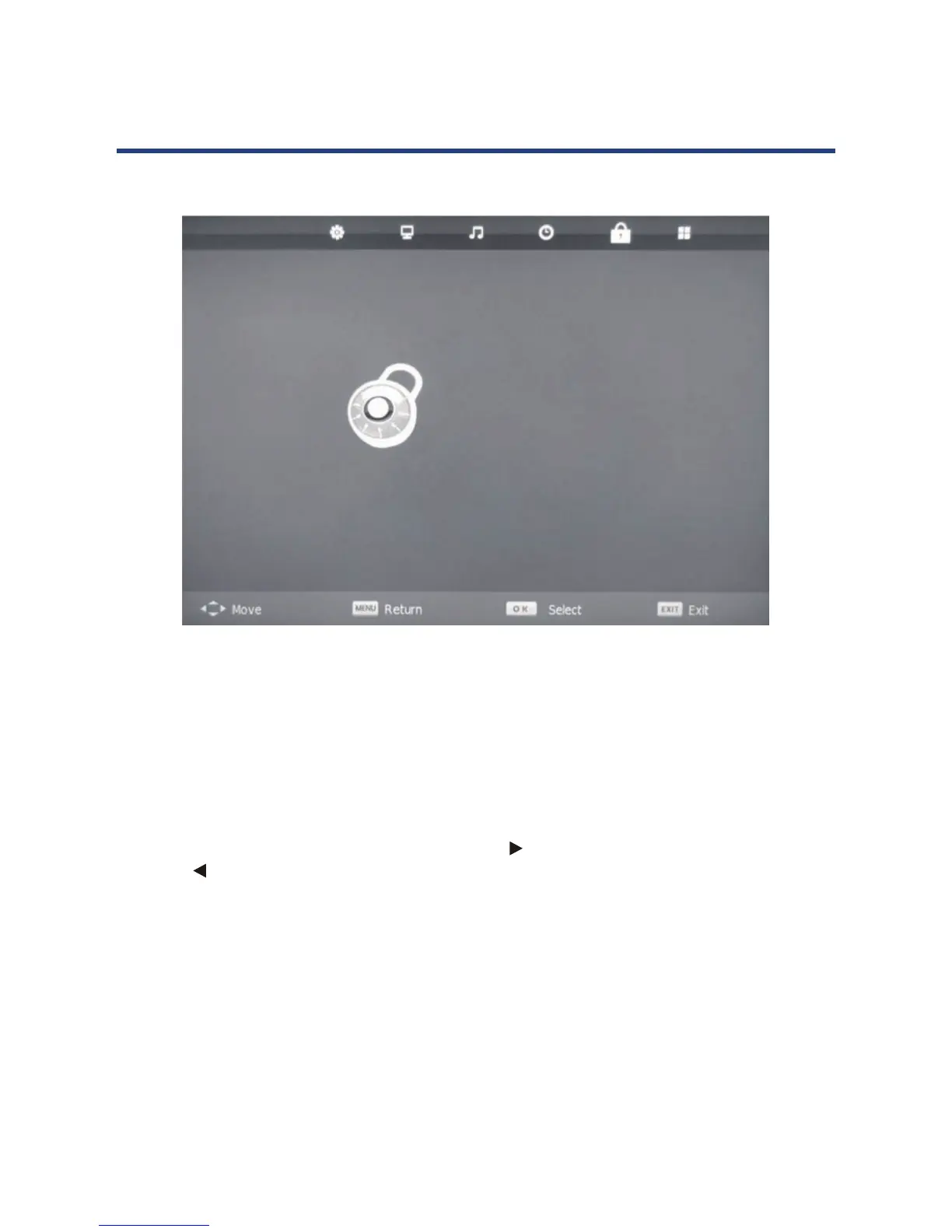
Lock System
manually search and adjust channels. To change this setting, you must enter a password: the
default password is “0000”.
Set Password
match” will appear on the screen. Press the
key to exit and go back to main menu.
Press the
key to cancel your password and to set a new one.
Block Program
Enter the submenu, select a channel and press the GREEN key to block it. Check to make sure it is
blocked. To watch a blocked channel, enter the password.
Parental Guidance
Choose from the following parental control levels: Block R and Above, Block AV and Above,
Block MA and Above, Block M and Above, Block PG and Above, Block G and Above, Block ALL
and No Block.
Key Lock
Allow you to Lock the key on the TV, if you lock the key , you can use remote
control to operation the TV and No Block.
Lock menu
LOCK
Lock System Off
Set Password
Block Program
Parental Guidance NO BLOCK
Key Lock Off
Hotel Mode
Lock System
This allows you to turn the system lock on or o. When this option is “on”, you cannot
manually search and adjust channels. To change this setting, you must enter a password: the
default password is “0000”.
Set Password
To change the password, you must enter the old password rst, then enter the new password
and then enter the new one once again to conrm. If the password is wrong, “password
doesn’t match” will appear on the screen. Press the key to exit and go back to main menu.
Press the key to cancel your password and to set a new one.
Block Program
Enter the submenu, select a channel and press the GREEN key to block it. Check to make sure
it is blocked. To watch a blocked channel, enter the password.
Parental Guidance
Choose from the following parental control levels: Block R and Above, Block AV and Above,
Block MA and Above, Block M and Above, Block PG and Above, Block G and Above, Block ALL
and No Block.
Key Lock
Allow you to Lock the key on the TV, if you lock the key , you can use remote
control to operation the TV and No Block.



 To Next Page