Configuration
CONFIGISET-IF-DISPLAY
12.4
Temperature display
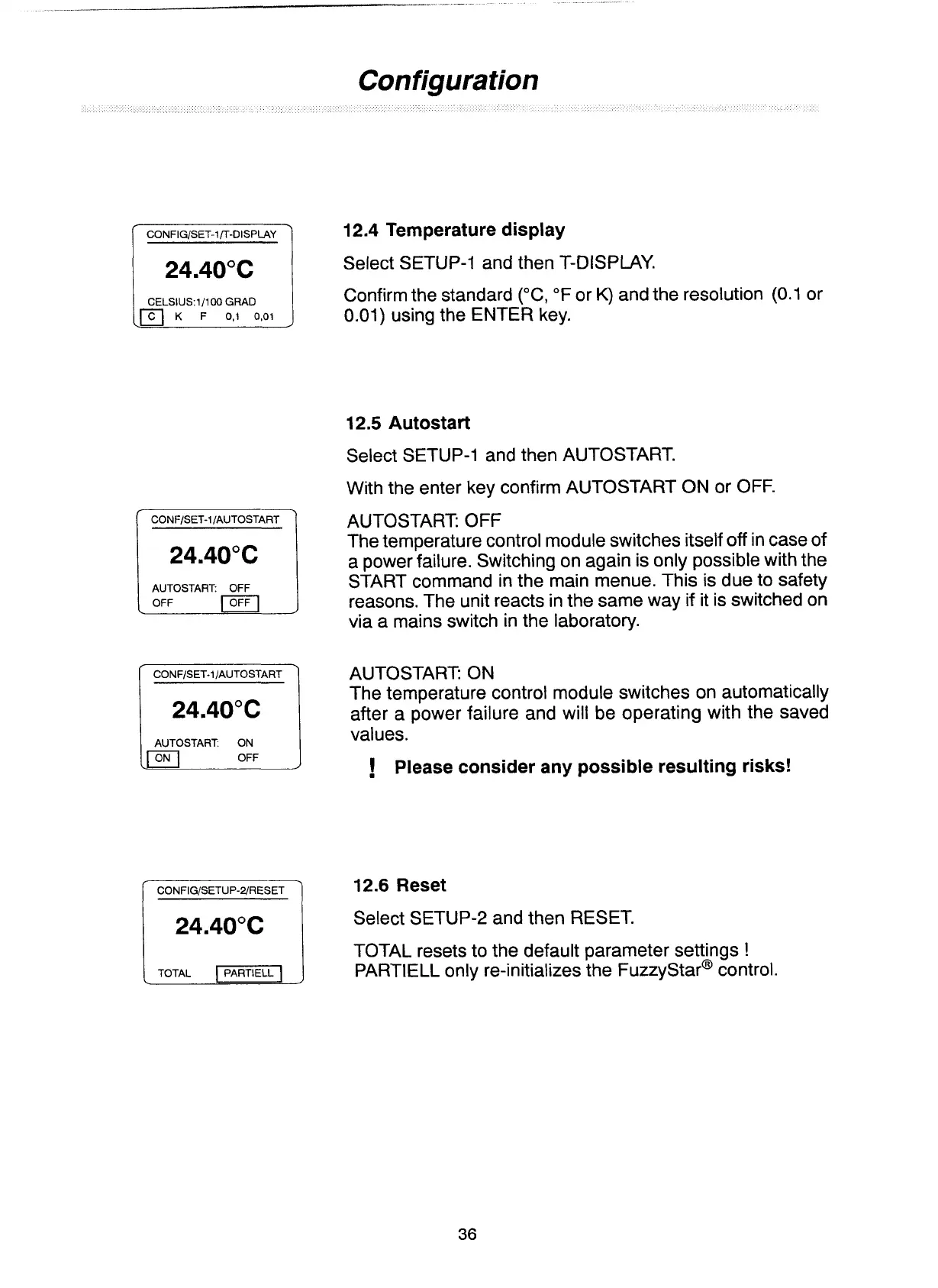
Select SETUP-1 and then T-DISPLAY.
CELSIUS:I/IOO
GRAD
Confirm the standard ("C,
OF
or
K)
and the resolution (0.1 or
0.01) using the ENTER key.
12.5
Autostart
Select SETUP-1 and then AUTOSTART.
With the enter key confirm AUTOSTART ON or OFF.
AUTOSTART
OFF
OFF
1
AUTOSTART OFF
The temperature control module switches itself
off
in case of
a power failure. Switching on again is only possible with the
START command in the main menue. This is due to safety
reasons. The unit reacts in the same way if it is switched on
via a mains switch in the laboratory.
CONFISET-1 IAUTOSTART
24'40°C
TOTAL
-1
L
AUTOSTART ON
The temperature control module switches on automatically
after a power failure and will be operating with the saved
values.
!
Please consider any possible resulting risks!
12.6
Reset
Select SETUP-2 and then RESET.
TOTAL resets to the default parameter settings
!
PARTIELL only re-initializes the ~uzzy~tar~ control.
Artisan Technology Group - Quality Instrumentation ... Guaranteed | (888) 88-SOURCE | www.artisantg.com


 To Next Page