9
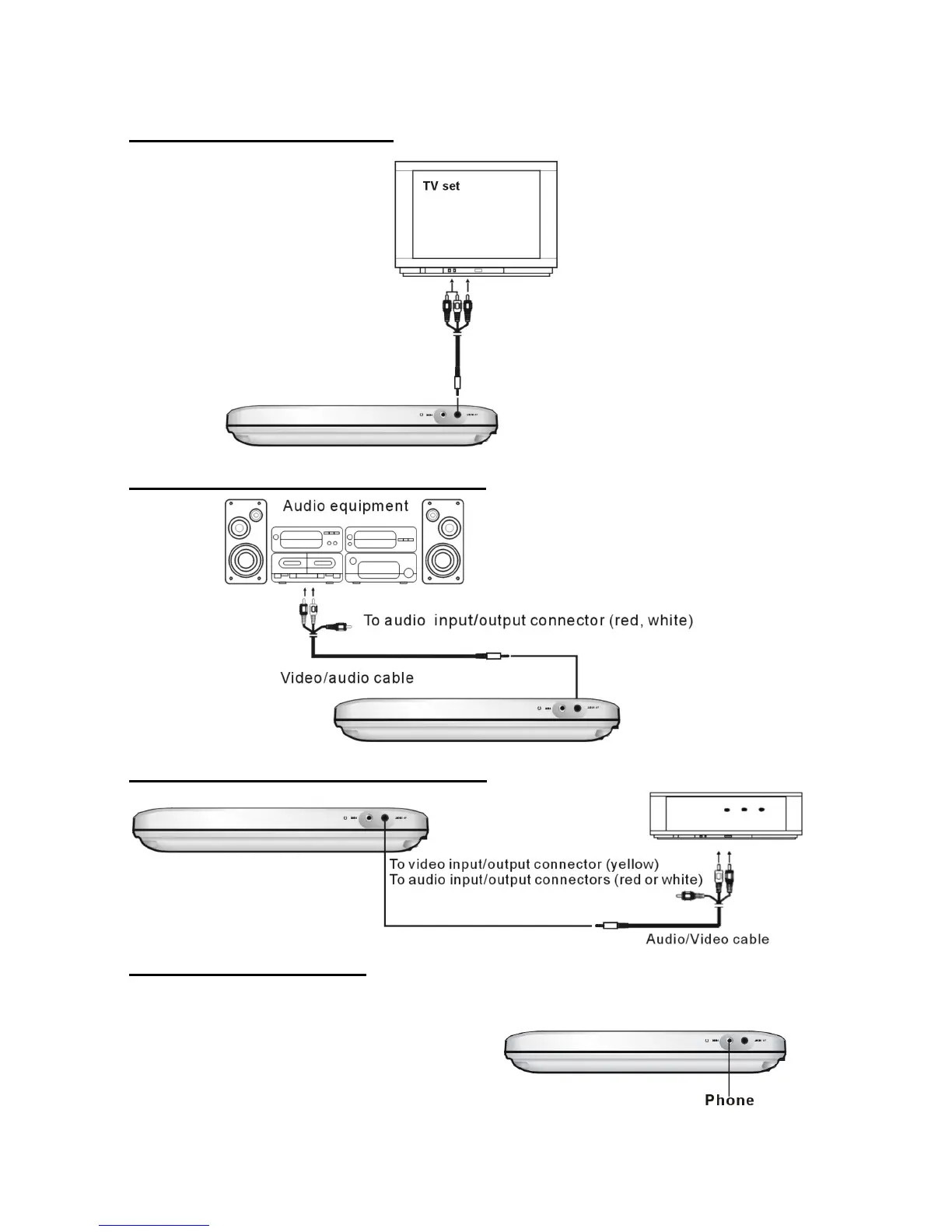
3. CONNECTING TO A TV SET
4. CONNECTING TO AUDIO EQUIPMENT
5. Connecting to external signal sources
6. CONNECT HEADPHONE
1. Connect the headphone.
Adjust the volume to minimize the volume by your remote control.
Connect the headphone to phone jack.
2. Adjust the volume to the level that you want.
To video input/output connector (yellow)
To audio input/output connectors (red, white)
Video/audio cable



 To Next Page