20
Press SWITCH button to switch the mode in TV mode
1. SCAN SIGNAL
- Make sure that all connections are perfectly connected.
- Switch the unit to ON.
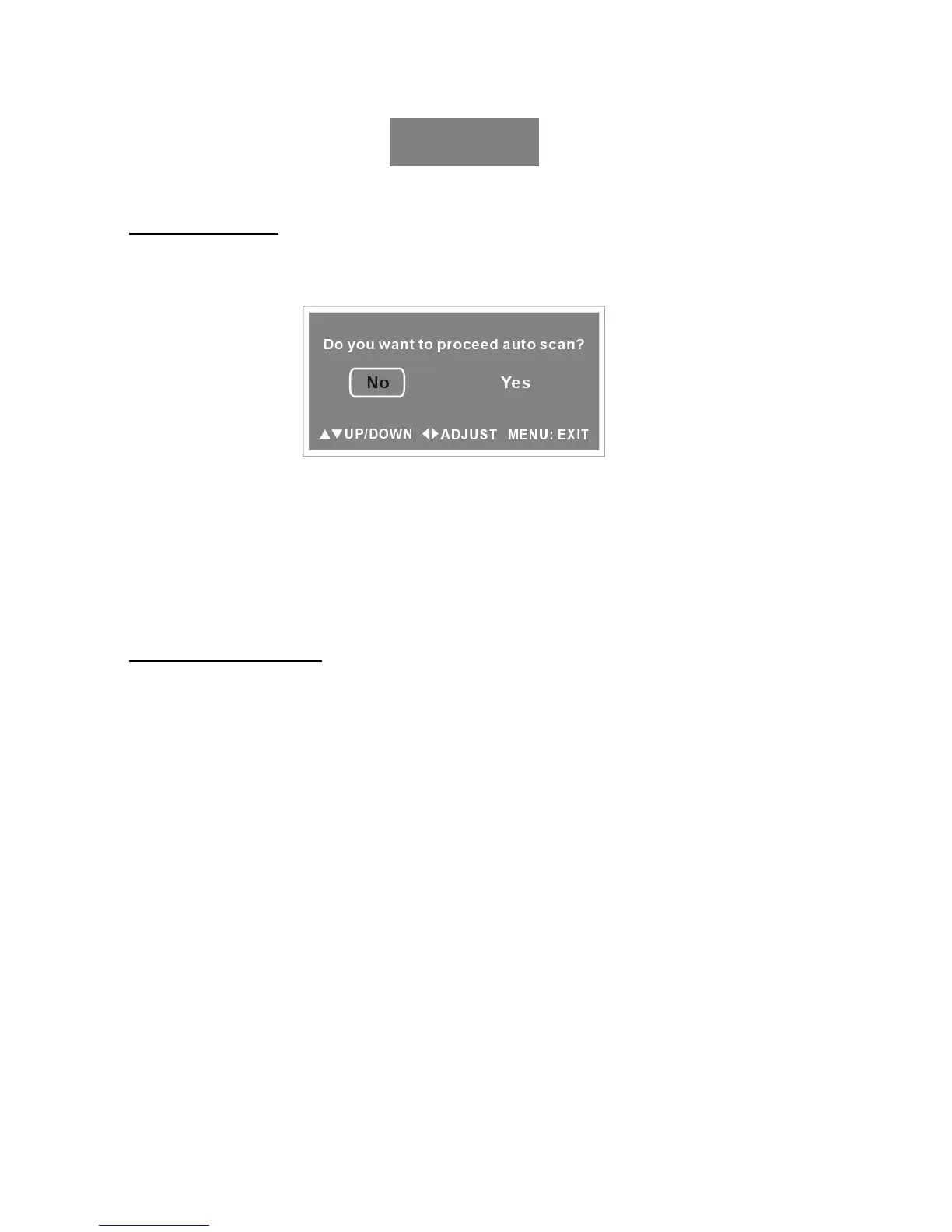
- Later the screen will display as below:
- Press left or right button to select YES to start to scan channel signal.
- Effective channel will be memorized automatically.
- Then the channel first stored will be displayed.
NOTE:
1. You must scan channel before the first watching, or there is no program shown.
2. You can press the MENU/OK button on the front panel of unit for three seconds to exit the
AUTO SCAN page.
Note: The channel scan can also be done through the main menu channel set up function.
2. BASIC OPERATION
TO SELECT DESIRED PROGRAM
1. Press CH - button to play next channel.
2. Press CH + button to play previous channel.
3. Press numeric buttons on the remote control directly to select program that you want.
Example: Track 9, press "9" three seconds later, it will automatically switch to track 9, or press
ENTER button to confirm directly.
Track 12, press "1 " and "2", three seconds later, it will automatically switch to
track12,or press ENTER button to confirm directly.
Note: If one frequency point has more than one channel, for example, you want to select
<CH 14 NO.2>, Press 1 and 4, then press “10+ “ and input 2.Once the input is done, it will
start broadcasting the selected channel immediately.
VOLUME CONTROL
1. Press the VOL+ or VOL- to adjust the level of current volume.
2. The level of VOLUME can be adjusted from 0-100.
MUTE CONTROL
Press the Mute button to mute the sound, press it again to switch ON the sound.
NOTE: When the unit is in Mute mode, pressing VOL+/VOL- button will switch ON the sound
and increase/decrease it.
TV



 To Next Page