25
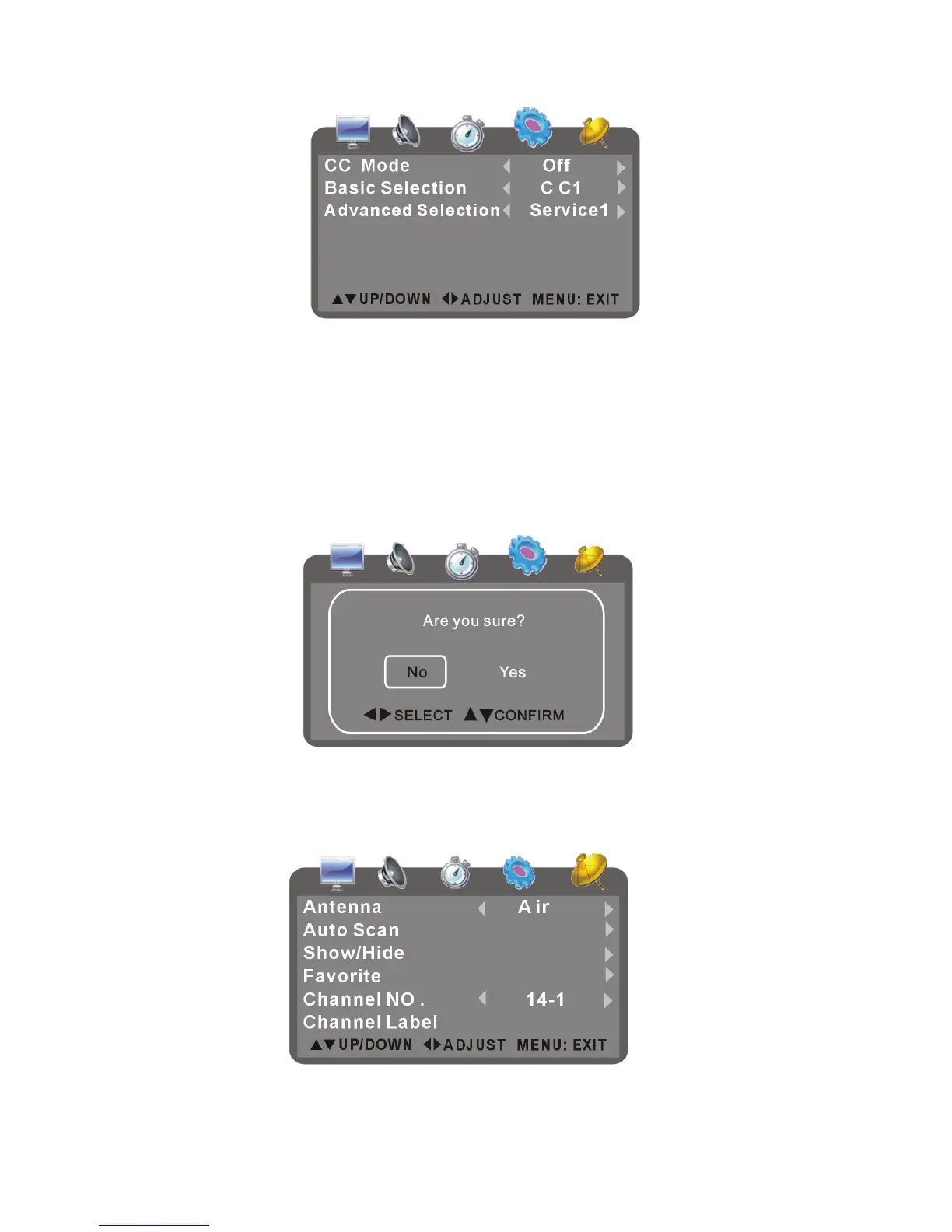
CC Mode-Press up or down button to select it and press left or right button to set the caption
mode as Off ,On, CC on mute.
Basic Selection-Press up or down button to select it and press left or right button to set as
desired.
Advanced Selection-Press up or down button to select it and press left or right button to set as
desired.
Restore Default
- It is used to reset to factory settings.
- Press up or down button to select it and press OK button to confirm, then the screen displays
as below:
- Press left or right button to select YES or NO, and then press OK to confirm.
5. CHANNEL SETUP
Press left or right button to enter setup page:
Antenna
It is used to set the type of signal reception.



 To Next Page