EasyManua.ls Logo

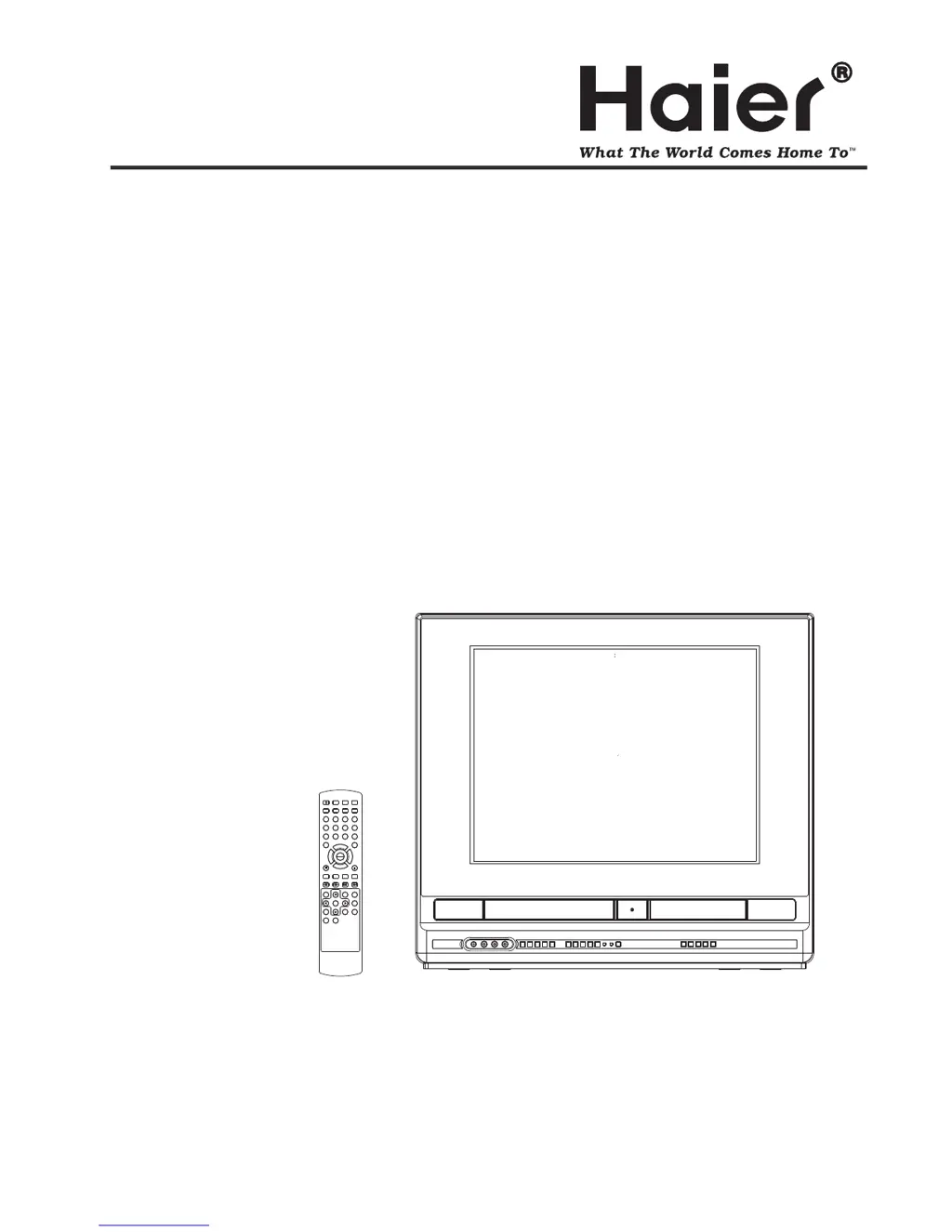
Haier TDVCF2016 - User Manual

Haier TDVCF2016
60 pages
Print Icon
To Next Page IconTo Next Page
Loading...
Before operating the unit, please read this manual thoroughly.
TDVCF2016
OWNER S MANUAL'OWNER'S MANUAL
SEARCH
PICT
OPEN/CLOSEPOWER DVD/TV
CLEAR
SLEEP
DISPLAY SP/SLP
1 2 3
765
9 0
8
CH+
CH-
V- V+
MUTE
10+ REC
PAUSE/STEPSTOP
INPUT
D.MENU REPEAT
TITLE/PBC
MENU
ZOOM
SETUPSETUP
ANGLE
SLOW
A-B
AUDIO
SUBTITLEPROGRAM
D.CALL
REV FWD
PREV NEXT
4
20 TV/DVD/VCR Combo" Flat
PLAY
ENTER

Other manuals for Haier TDVCF2016

Questions and Answers

Summary

Safety and Precautions

General Safety Instructions

Essential safety instructions for unit operation and environment.

Electrical and Environmental Safety

Protects against electrical hazards, lightning, and environmental factors.

Laser and Disc Handling

Precautions for laser beam exposure and disc handling.

Product Overview

Front Panel and Rear Connections

Identifies controls and indicators on the front panel and ports on the rear panel.

Remote Control Functions

Detailed list and function of each button on the remote control.

Connections

Antenna and Cable TV Setup

Guides for connecting various VHF/UHF antenna configurations and cable TV services.

Connecting External Equipment

How to select and use A/V inputs for camcorders or game consoles.

System Settings

Language and Display Options

How to choose the preferred language for on-screen displays and set OSD visibility.

Clock and Timer Configuration

Setting the system clock for timer functions and auto power off.

Parental Control Management

Sets age-based restrictions for disc playback and manages passwords.

Factory Default Reset

Restores all settings to their original factory configuration.

TV Operation

Basic TV Controls and Channel Setup

Powering on, volume adjustment, and channel selection.

Memorizing Channels

Setting Antenna/Cable mode and tuning channels.

VCR Operations

VCR Tape Handling and Playback

Instructions for inserting, removing, playing, and handling video tapes.

Special VCR Playback Features

Using picture search, still picture, slow motion, and frame advance.

Recording TV Programs and Timers

Steps for recording live TV programs and setting timer recordings.

DVD Player Operations

DVD Setup and Disc Handling

Details disc formats, titles, chapters, tracks, and care.

DVD Playback Procedures

Step-by-step guide to playing a DVD disc.

Advanced DVD Playback Options

Using fast forward, review, step, frame advance, slow motion, and chapter search.

DVD Language, Subtitles, and Menu Navigation

Changing soundtrack language, enabling/disabling subtitles, and using the DVD menu.

Troubleshooting and Maintenance

TV Reception Issues and Solutions

Identifies and explains common TV signal interference types.

General Problem Solving

A checklist for diagnosing and resolving common power, TV, VCR, and DVD issues.

Video Head Care

Explains video head clogging issues and methods to prevent them.

Specifications and Warranty

Technical Specifications

Comprehensive list of electrical, physical, and component specifications.

Warranty and Support Information

Information on warranty coverage, exclusions, and obtaining service.

Summary

Safety and Precautions

General Safety Instructions

Essential safety instructions for unit operation and environment.

Electrical and Environmental Safety

Protects against electrical hazards, lightning, and environmental factors.

Laser and Disc Handling

Precautions for laser beam exposure and disc handling.

Product Overview

Front Panel and Rear Connections

Identifies controls and indicators on the front panel and ports on the rear panel.

Remote Control Functions

Detailed list and function of each button on the remote control.

Connections

Antenna and Cable TV Setup

Guides for connecting various VHF/UHF antenna configurations and cable TV services.

Connecting External Equipment

How to select and use A/V inputs for camcorders or game consoles.

System Settings

Language and Display Options

How to choose the preferred language for on-screen displays and set OSD visibility.

Clock and Timer Configuration

Setting the system clock for timer functions and auto power off.

Parental Control Management

Sets age-based restrictions for disc playback and manages passwords.

Factory Default Reset

Restores all settings to their original factory configuration.

TV Operation

Basic TV Controls and Channel Setup

Powering on, volume adjustment, and channel selection.

Memorizing Channels

Setting Antenna/Cable mode and tuning channels.

VCR Operations

VCR Tape Handling and Playback

Instructions for inserting, removing, playing, and handling video tapes.

Special VCR Playback Features

Using picture search, still picture, slow motion, and frame advance.

Recording TV Programs and Timers

Steps for recording live TV programs and setting timer recordings.

DVD Player Operations

DVD Setup and Disc Handling

Details disc formats, titles, chapters, tracks, and care.

DVD Playback Procedures

Step-by-step guide to playing a DVD disc.

Advanced DVD Playback Options

Using fast forward, review, step, frame advance, slow motion, and chapter search.

DVD Language, Subtitles, and Menu Navigation

Changing soundtrack language, enabling/disabling subtitles, and using the DVD menu.

Troubleshooting and Maintenance

TV Reception Issues and Solutions

Identifies and explains common TV signal interference types.

General Problem Solving

A checklist for diagnosing and resolving common power, TV, VCR, and DVD issues.

Video Head Care

Explains video head clogging issues and methods to prevent them.

Specifications and Warranty

Technical Specifications

Comprehensive list of electrical, physical, and component specifications.

Warranty and Support Information

Information on warranty coverage, exclusions, and obtaining service.

Haier TDVCF2016 Specifications

General IconGeneral
Built-in DVD PlayerYes
DVD PlayerYes
HDMI Port1
USB Port1
Resolution1366 x 768

Related product manuals