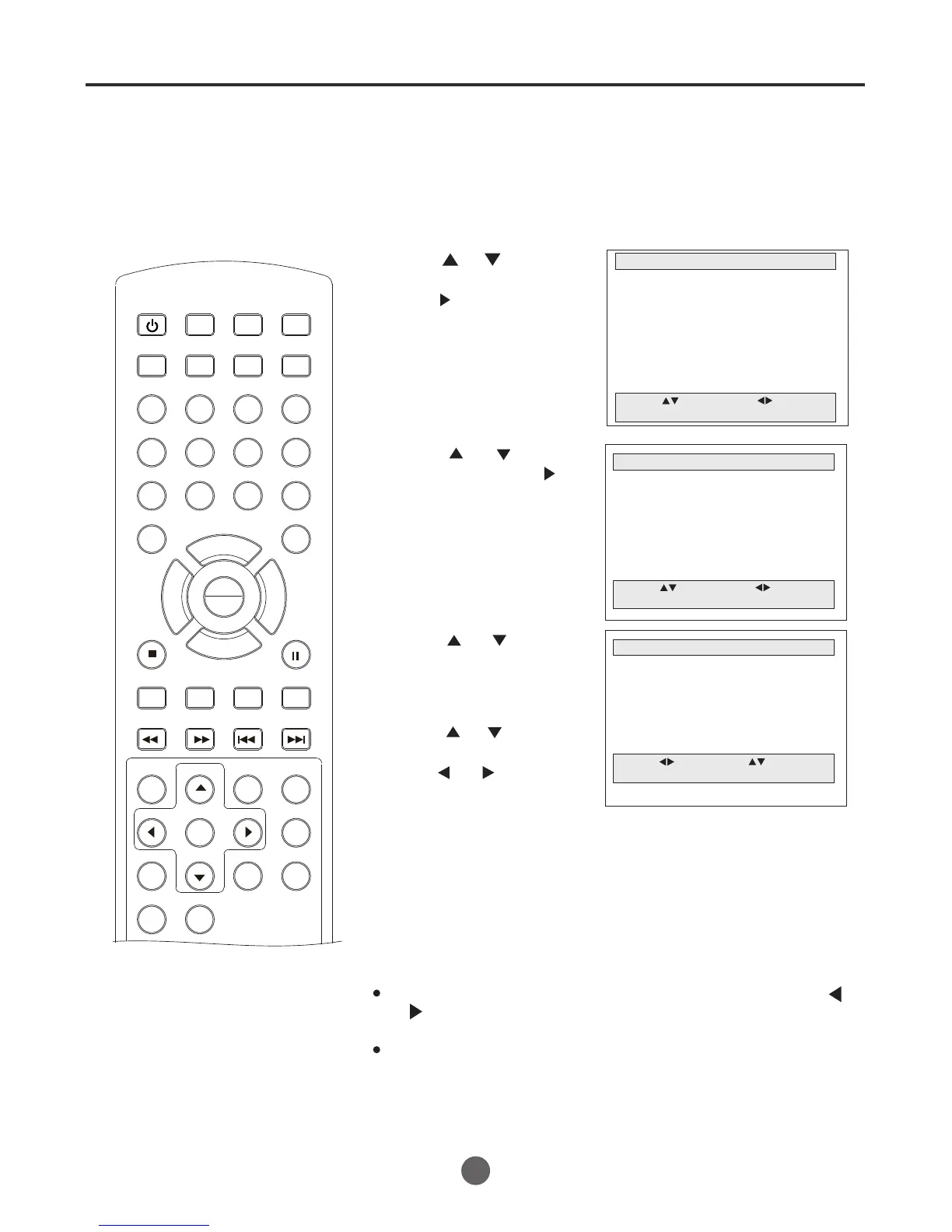
Setting the on timer
This feature allows you to have the TV/
VCR/DVD automatically turn on at a
predetermined time. If you program
the ON TIME, the TV/VCR/DVD
will turn on at the time your
predetermined
1 Press MENU. The main menu screen will appear.
MAIN MENU
Picture
Sound
Clock set
Program Set
Channel Set
Language Select
Search
Option
Move: Select:
Quit:MENU
2 Press or button
to select Option, then
press to enter the
submenu.
6 Press MENU until the MENU screen disappears.
SETTING THE ON TIMER
OPTION
OSD Display On
Auto Power Off No
Closed Caption Off
Parental Control
Timer
Move: Select:
Quit:MENU
3 Press or to select
Timer, then press to
enter the submenu.
TIMER
Move: Input:
Quit: MENU
On time --:-- AM Off
Off time --:-- AM Off
4 Press or to select
On time.
5 Press or to move
the cursor;
press or to set the
"--:--","AM" or "PM",
"On" or "Off".
SEARCH
PICT
OPEN/CLOSEPOWER DVD/TV
CLEAR
SLEEP
DISPLAY SP/SLP
1 2 3
765
9 0
8
CH+
CH-
V- V+
MUTE
10+ REC
PAUSE/STEP
STOP
INPUT
D.MENU REPEAT
TITLE/PBC
MENU
ZOOM
SETUP
ANGLE
SLOW
A-B
AUDIO
SUBTITLEPROGRAM
D.CALL
REV FWD
PREV NEXT
4
24
You can press the digits (0-9), if the input is wrong,
the "?" will appear on the screen.
Note:
Please be sure to the clock has been set before you use
this function.
To cancel ON TIMER, following above step 1-5, then press
or to select Press MENU repeatedly to return to the
normal screen.
"Off".
PLAY
ENTER



 To Next Page