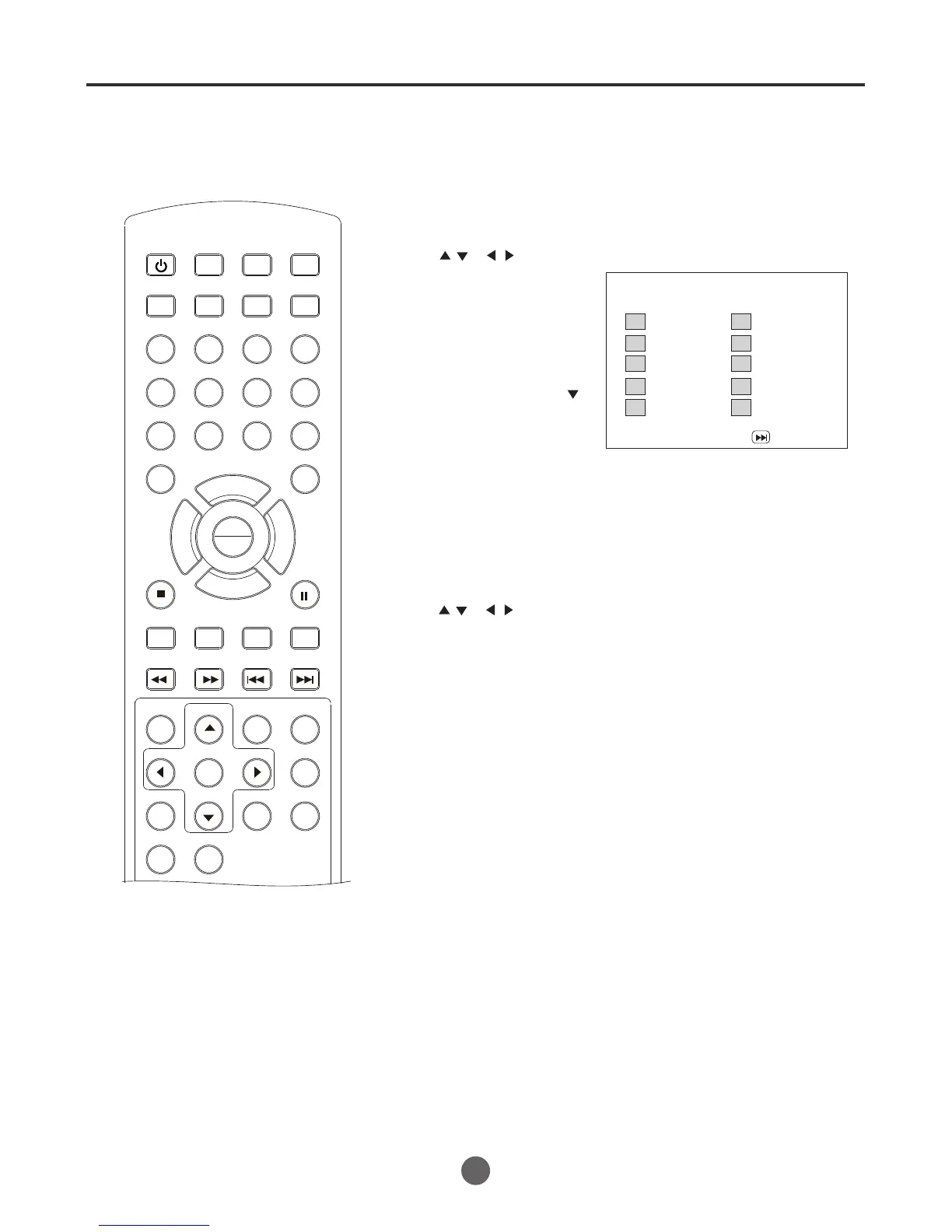
Program playback
SEARCH
PICT
OPEN/CLOSEPOWER DVD/TV
CLEAR
SLEEP
DISPLAY SP/SLP
1 2 3
765
9 0
8
CH+
CH-
V- V+
MUTE
10+ REC
PAUSE/STEP
STOP
INPUT
D.MENU REPEAT
TITLE/PBC
MENU
ZOOM
SETUP
ANGLE
SLOW
A-B
AUDIO
SUBTITLEPROGRAM
D.CALL
REV FWD
PREV NEXT
4
47
1 Press PROGRAM in the playback mode.
Program playback
You can arrange the order of tracks on the disc.
2 Press to select
the programming position.
Use number buttons (0-9)
to input the track numbers.
* To program others, re-
peat step 3.
* If you input a wrong
number, press press
to select Exit to cancel,
then try again..
/
or
/
3 Press to select "Program Playback" and
press PLAY/ENTER.
The program in the order you select will start playback.
/
or
/
1
2
3
4
5
TI: Ch:
TI: Ch:
TI: Ch:
TI: Ch:
TI: Ch:
6
7
8
9
10
TI: Ch:
TI: Ch:
TI: Ch:
TI: Ch:
TI: Ch:
Exit
PLAY
ENTER



 To Next Page