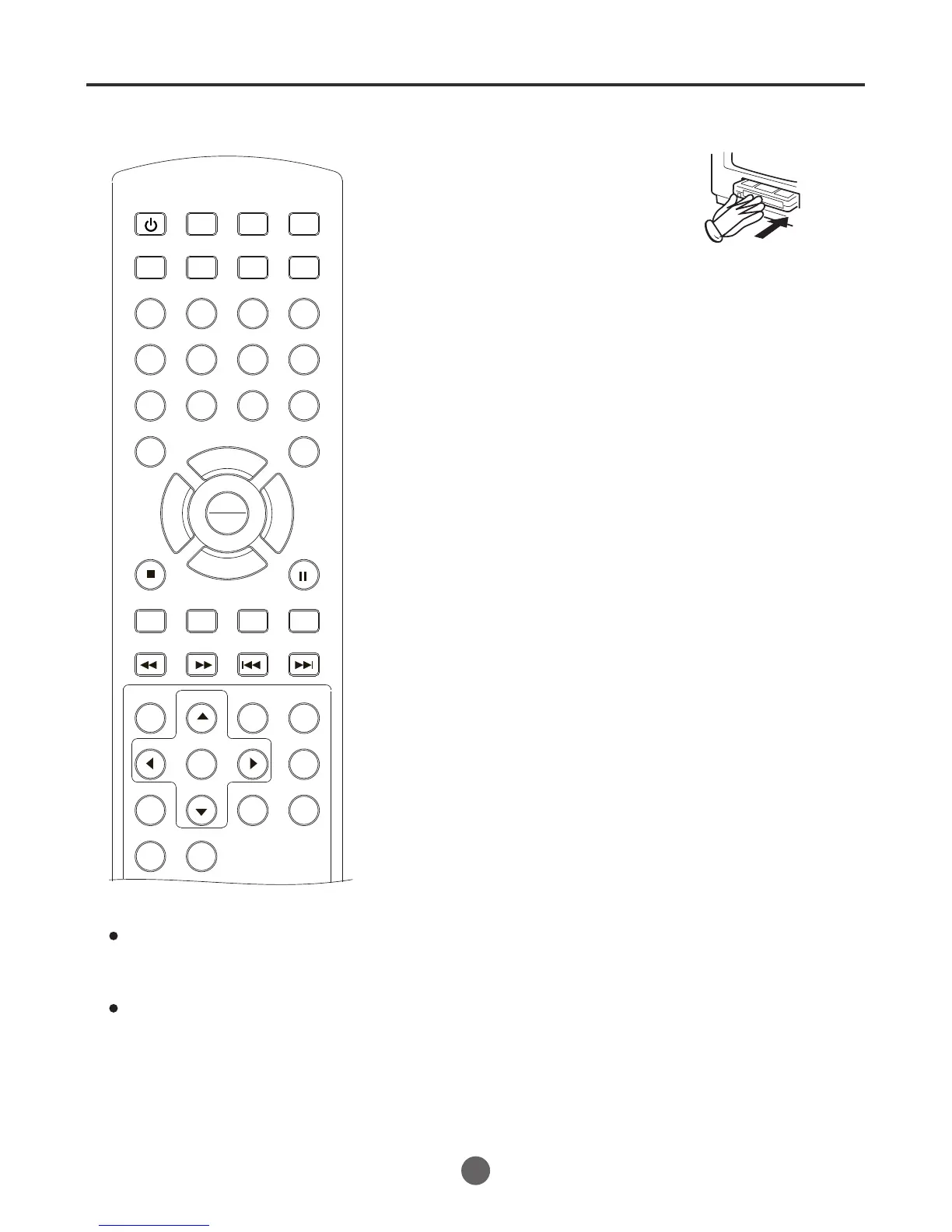
Recording a TV program
33
3
Load a cassette tape with the erase
prevention tab intact.
The TV/VCR/DVD will automatically turn
on from standby mode.
Set the Antenna/Cable option to the appropriate position.
1
2
Press SP/SLP to select the desired tape
speed SP or SLP.
The tape counter and SP or SLP will
appear on the screen.
(Under stop mode)
4
Recording and viewing the
same TV program
Press the number buttons (0-9) or CH +/- to select the
channel to be recorded.
5
Press REC.
"
" will appear on the screen for
about 4 seconds and the Rec
indicator will light.
NOTES:
If power is switched off during
recording, the TV and the DVD
sections go off and the recording
will be stoped.
Press STOP to halt the recording
and turn off the VCR.
The TV/VCR/DVD channel cannot
be changed during recording.
If you record the TV program after
the DVD playback, you must set the
TV/VCR/DVD to TV/VCR mode
using DVD/TV.
SEARCH
PICT
OPEN/CLOSEPOWER DVD/TV
CLEAR
SLEEP
DISPLAY SP/SLP
1 2 3
765
9 0
8
CH+
CH-
V- V+
MUTE
10+ REC
PAUSE/STEP
STOP
INPUT
D.MENU REPEAT
TITLE/PBC
MENU
ZOOM
SETUP
ANGLE
SLOW
A-B
AUDIO
SUBTITLEPROGRAM
D.CALL
REV FWD
PREV NEXT
4
REC
PLAY
ENTER



 To Next Page