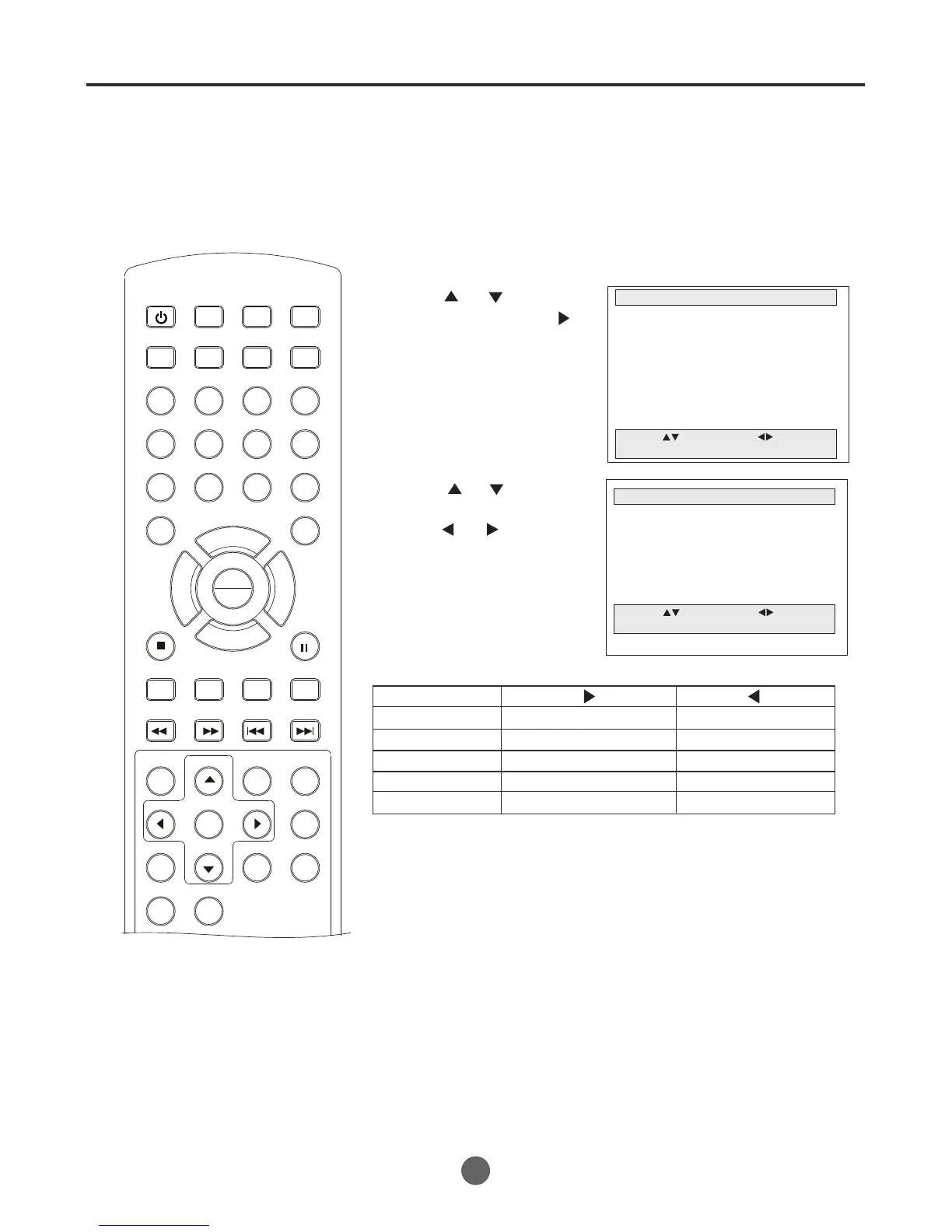
Picture controls are factory preset
but you can adjust them individu-
ally as follows:
Picture control adjustment
SEARCH
PICT
OPEN/CLOSEPOWER DVD/TV
CLEAR
SLEEP
DISPLAY SP/SLP
1 2 3
765
9 0
8
CH+
CH-
V- V+
MUTE
10+ REC
PAUSE/STEP
STOP
INPUT
D.MENU REPEAT
TITLE/PBC
MENU
ZOOM
SETUP
ANGLE
SLOW
A-B
AUDIO
SUBTITLEPROGRAM
D.CALL
REV FWD
PREV NEXT
4
1 Press MENU. The main menu screen will appear.
MAIN MENU
Picture
Sound
Clock set
Program Set
Channel Set
Language Select
Search
Option
Move: Select:
Quit:MENU
2 Press or to select
Picture, then press
to enter the submenu.
PICTURE CONTROL ADJUSTMENT
PICTURE
Brightness 42
Contrast 53
Sharpness 42
Tint 42
Color 42
Move: Select:
Quit:MENU
3 Press or to select
the desired item, then
press or to adjust
the value.
Brightness
Contrast
Color
Tint
Sharpness
increase brightness
increase contrast
brilliant color
decrease brightness
greenish color
decrease contrast
pale color
reddish color
makes picture softer
makes picture clearer
4 After your desired setting, press MENU until the
MENU screen disappears.
26
Item Press Press
Note:
If the PICT button is pressed, the Brightness, Contrast,
Color, Tint, Sharpness will turn to the factory default
automatically.(42/42/42/42/42)
PLAY
ENTER



 To Next Page