TV operation
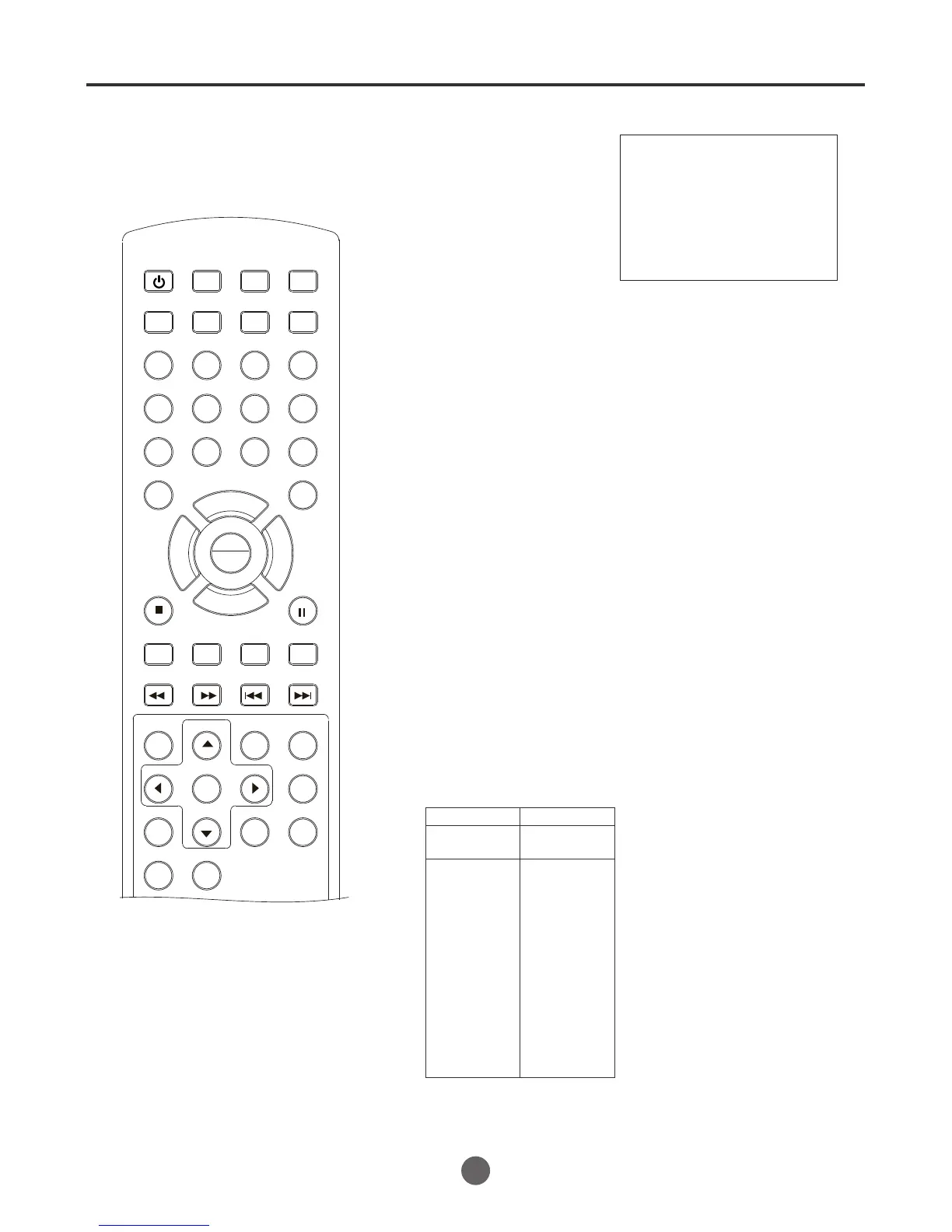
To turn on the TV/VCR/DVD,
press POWER.
Set the Antenna/Cable menu
option to the appropriate
position.(Press MENU to enter
Channel Set item)
Adjust the volume level by
pressing VOL + /- . The
volume level appears.
CABLE
VHF
2-13
STD/HRC/IRC
14-36
(A) (W)
37-59
(AA) (WW)
60-85
(AAA) (ZZZ)
86-94
(86) (94)
95-99
(A-5) (A-1)
100-125
(100) (125)
01
(5A)
TV
VHF
2-13
UHF
14-69
CABLE Mode Direct Channel Selection
When the Antenna/Cable menu option is in the Cable position, channels
can be selected as follows:
Press the Direct Channel selection
buttons to select the channel.
Antenna Mode Direct Channel Selection
When the Antenna/Cable menu option
is in the Antenna position, all channels
can be instantly selected by using
two buttons. For example:
SEARCH
PICT
OPEN/CLOSEPOWER DVD/TV
CLEAR
SLEEP
DISPLAY SP/SLP
1 2 3
765
9 0
8
CH+
CH-
V- V+
MUTE
10+ REC
PAUSE/STEP
STOP
INPUT
D.MENU REPEAT
TITLE/PBC
MENU
ZOOM
SETUP
ANGLE
SLOW
A-B
AUDIO
SUBTITLEPROGRAM
D.CALL
REV FWD
PREV NEXT
4
1
2
3
4
15
Volume 15
1-9: Press 0 first, then 1-9 as needed.
Example, to select channel 2, press
"02".
10-69: Press the 2 digits in order. If you
select the channel more than 69,
the channel will not be change, it
is no available.
1-9: Press 0 first, then 1-9 as needed. Example, to select channel 2,
press "02".
10-99: Press the 2 digits in order. Example, to select channel 32,
press "32".
100-125: Press the digital 1 button about 2 seconds, the "1--" will appear
on the screen, then press the 2 digits of remain in order.
NOTE:
In REC mode, when the TV
set is turn off by power button,
the VCR do not stop the record
operation and turn off the monitor
only.
In DVD or VCR mode, when the set
is turn off and on, it will be turned on
as TV mode.
PLAY
ENTER



 To Next Page