Playback procedure
44
5
Press OPEN/CLOSE.
The disc tray opens.
Remove the disc and press POWER.
The disc tray closes automatically and TV/VCR/DVD turns
off.
SEARCH
PICT
OPEN/CLOSEPOWER DVD/TV
CLEAR
SLEEP
DISPLAY SP/SLP
1 2 3
765
9 0
8
CH+
CH-
V- V+
MUTE
10+ REC
PAUSE/STEP
STOP
INPUT
D.MENU REPEAT
TITLE/PBC
MENU
ZOOM
SETUP
ANGLE
SLOW
A-B
AUDIO
SUBTITLEPROGRAM
D.CALL
REV FWD
PREV NEXT
4
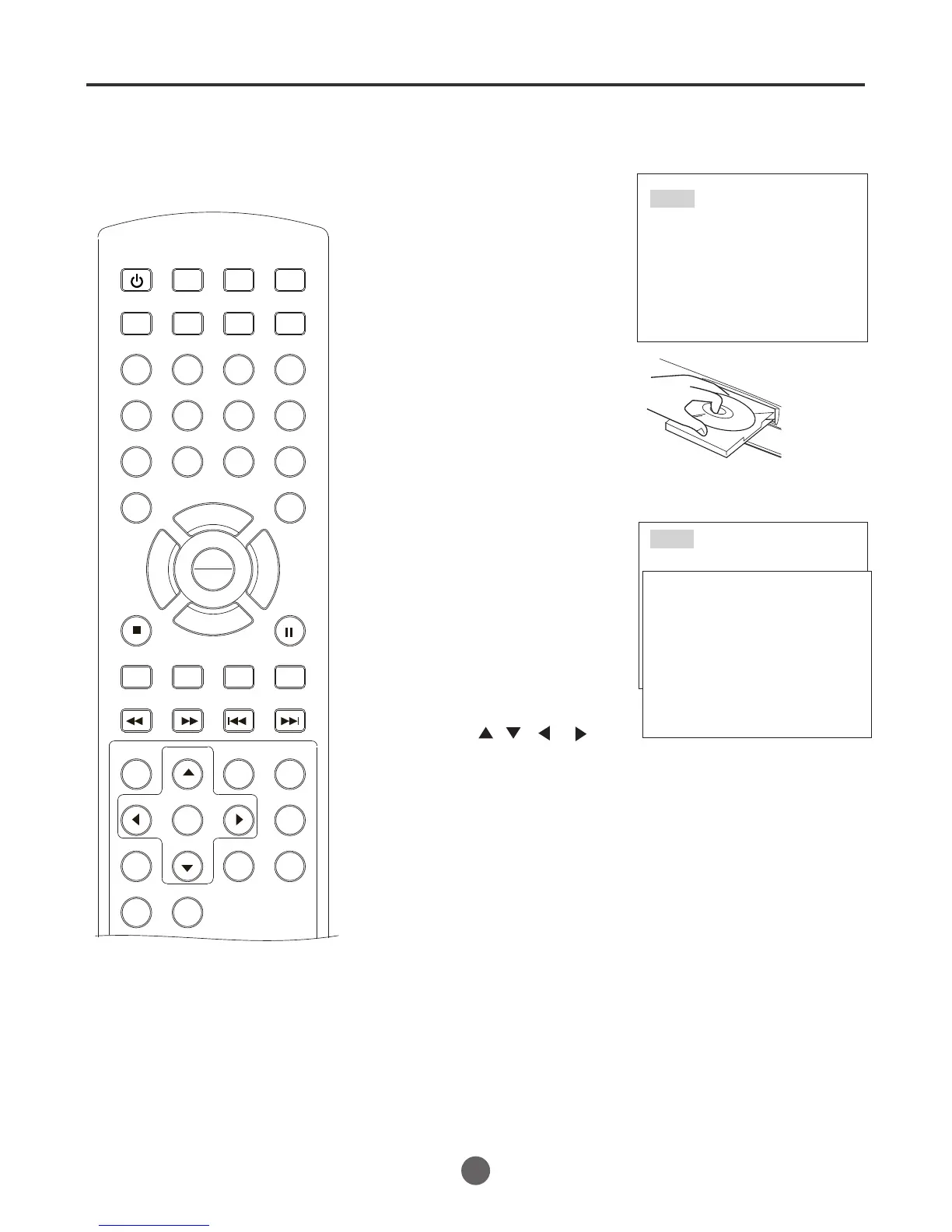
1 Press DVD/TV to select
DVD mode. Press OPEN/
CLOSE on the TV/VCR/
DVD or the remote control.
The disc tray will open.
2 Place a disc onto the tray.
Position it with the printed
label side up, align it with
the guides, and place it in
its proper position.
Loading
3 Press OPEN/CLOSE or
PLAY/ENTER .
The disc tray closes auto-
matically.
On the TV-screen, close then
Losding commences.
A menu screen will appear
on the Tv screen, if the disc
has a menu feature. In this
case, press , , , ,
or PLAY/ENTER to operate
a menu feature.
4 Press STOP to end playback.
Playback procedure
Open
Close
NOTE:
when the the DVD is playing, If you
switch to the TV mode, the DVD player
will stop working automatically after 5
minutes.
If you switch to the DVD playing again,
the TV/VCR/DVD will spend 20 seconds
to load the disc.
PLAY
ENTER



 To Next Page