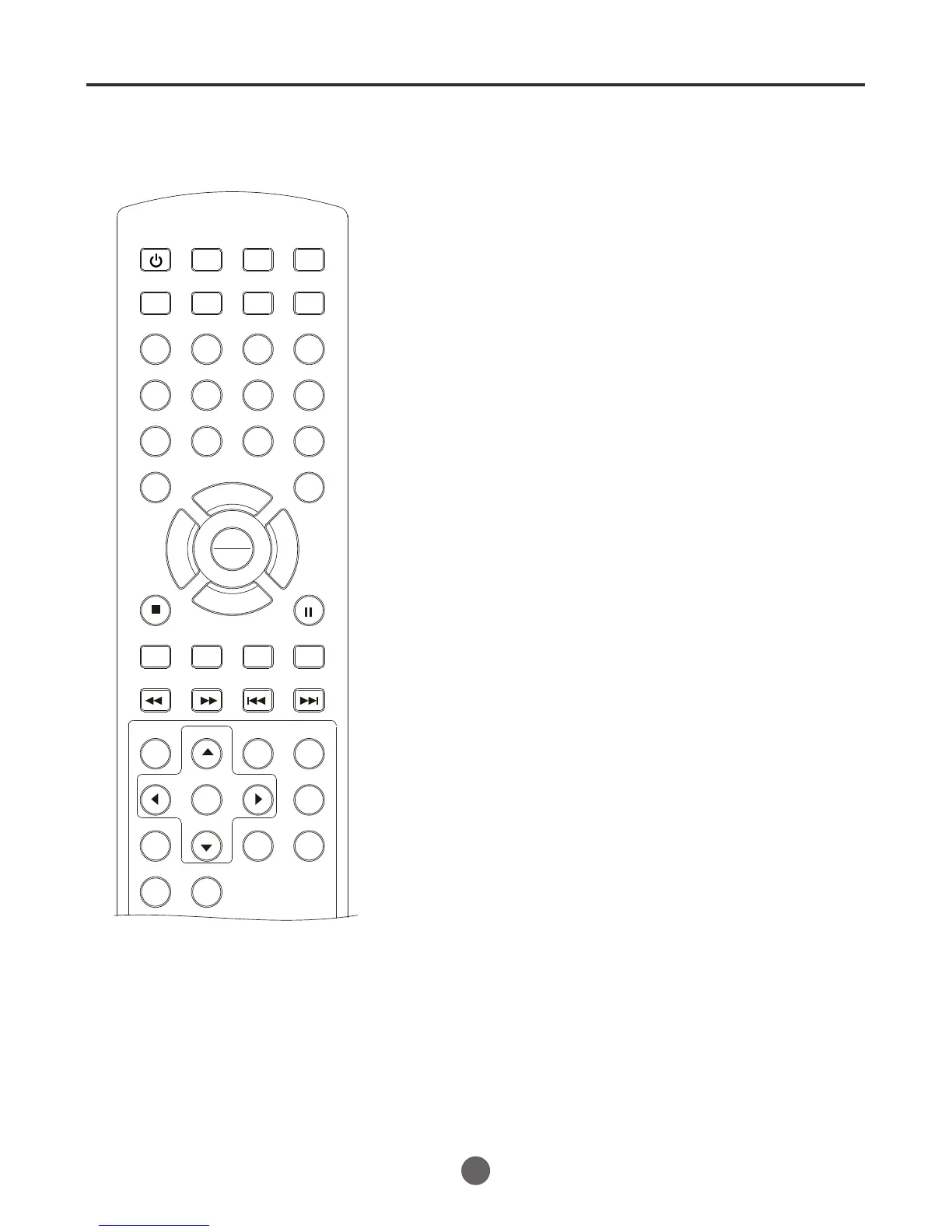
Preparation / status display of disc
42
NOTE:
If the TV/VCR/DVD does not operate
properly: Static electricity, etc., may af-
fect the player's operation. Disconnect the
AC power cord once, then connect it
again.
Preparation
Before DVD/CD operation, please make preparations as follows.
1
2
3
Insert the AC cord plug into a standard 120V 60Hz polarized
AC outlet.
If the AC cord plug is plugged in for the first time, wait for
about 5 seconds before pressing POWER.
NOTE: When connecting to other equipment, unplug the TV/
VCR/DVD from the AC outlet.
Press POWER on the TV/VCR/DVD or on the remote con-
trol to turn on the TV/VCR/DVD. The Power indicator will go out.
Every time you press POWER, the TV/DVD/VCR starts from
TV mode.
Press DVD/TV to select DVD
Mode.
The following pages describe the
setup/operation in DVD mode.
SEARCH
PICT
OPEN/CLOSEPOWER DVD/TV
CLEAR
SLEEP
DISPLAY SP/SLP
1 2 3
765
9 0
8
CH+
CH-
V- V+
MUTE
10+ REC
PAUSE/STEP
STOP
INPUT
D.MENU REPEAT
TITLE/PBC
MENU
ZOOM
SETUP
ANGLE
SLOW
A-B
AUDIO
SUBTITLEPROGRAM
D.CALL
REV FWD
PREV NEXT
4
If under the VIDEO 1 and VIDEO 2, the TV/DVD/VCR switches
off, the TV will stay at the VIDEO state when the power on
again.
PLAY
ENTER



 To Next Page