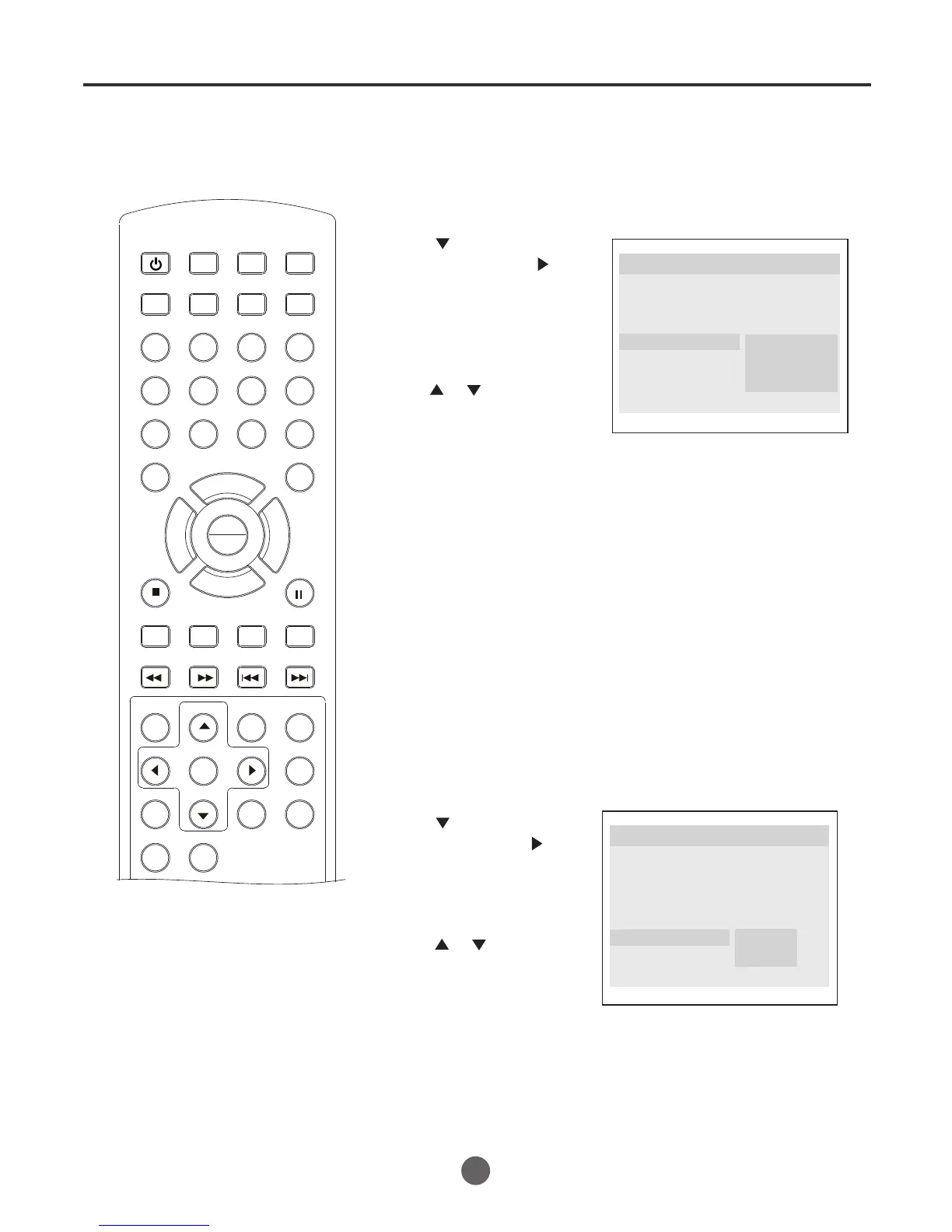
Setting the spdif output /setting caption
SEARCH
PICT
OPEN/CLOSEPOWER DVD/TV
CLEAR
SLEEP
DISPLAY SP/SLP
1 2 3
765
9 0
8
CH+
CH-
V- V+
MUTE
10+ REC
PAUSE/STEP
STOP
INPUT
D.MENU REPEAT
TITLE/PBC
MENU
ZOOM
SETUP
ANGLE
SLOW
A-B
AUDIO
SUBTITLEPROGRAM
D.CALL
REV FWD
PREV NEXT
4
Setting the Spdif Output
You can select the audio outputs.
1 Press SETUP to call up the General Setup Page menu.
2 Press to select "Spdif
Output",then press or
PLAY/ENTER.
3 Press or to select
your desired screen, then
press PLAY/ENTER.
Setting Caption
1 Press SETUP to call up the General Setup Page menu.
2 Press to select "Cap-
tions ",then press or
PLAY/ENTER.
3 Press or to select
"On" or "Off", then
press PLAY/ENTER.
4 Press SETUP to remove the Menu screen.
4 Press SETUP to remove the Menu screen.
This DVD player includes three kinds of audio output:
SPDlF OFF: An analog surround sound format is output through the
backpaneI connections for 2-CH audio out or 5.1 CH audio out.
SPDlF/RAW or SPDIF/PCM: This surround sound format is output
to a Dolby Digital/DTS decoder through the coaxial connector on the
back panel of the product.
..General Setup Page..
Angle Mark On
Osd Lang ENG
Spdif Output
Caption Off
Screen Saver On
Spdif Off
Spdif/ Raw
Spdif/Pcm
Tv Display LB
This function allows you to display or hide the caption.
..General Setup Page..
Angle Mark On
Osd Lang ENG
Spdif Output
Caption Off
Screen Saver On
On
Off
Tv Display LB
51
PLAY
ENTER



 To Next Page