Special playback
Reverse picture search function
Press REV once or twice during the playback.
Picture Search
Forward picture search function
Press
once or twice during the playback.
To return to playback: Press PLAY/ENTER.
Still Picture
Press PAUSE/STEP during playback. To resume
normal playback: Press PLAY/ENTER.
Slow Motion
During playback press SLOW.
To return to playback: Press PLAY/ENTER.
Press PAUSE/STEP during playback.
Press SLOW one by one: The picture advances frame
by frame.
To return to playback: Press PLAY/ENTER.
Frame by Frame picture
NOTES:
The audio output is muted during STILL and SLOW
MOTION.
During picture search mode there will be noise bars
which are caused by the system.
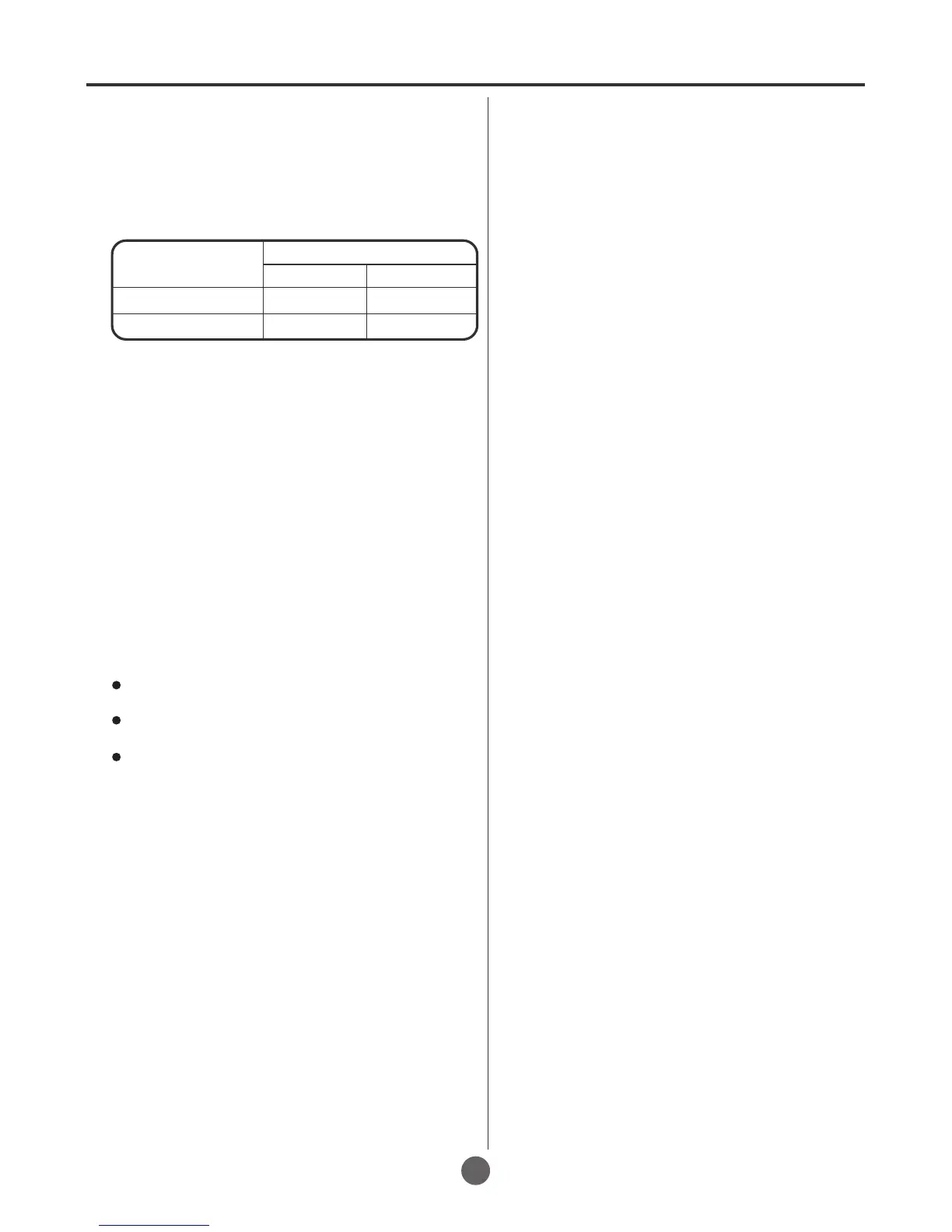
PICTURE SEARCH SPEED
PRESS TWICE
TAPE SPEED
PRESS ONCE
SP (Standard Play)
SLP (Super Long Play)
5 X
15 X
3 X
9 X
SPEED SEARCH TIMES
30
FW
D
If you do not want to watch the program on the
DVD disc, please take the disc out from the
DVD tray.



 To Next Page