A
NOTES:
Some discs may not work with the
repeat operation.
In A-B repeat mode, subtitles near
point A or B may not appear.
During the A-B Repeat Playback the
ANGLE feature will not operate.
You may not be able to set A-B Re-
peat, depending on the scenes of the
DVD.
Repeat playback
Title, Chapter, Track Playback
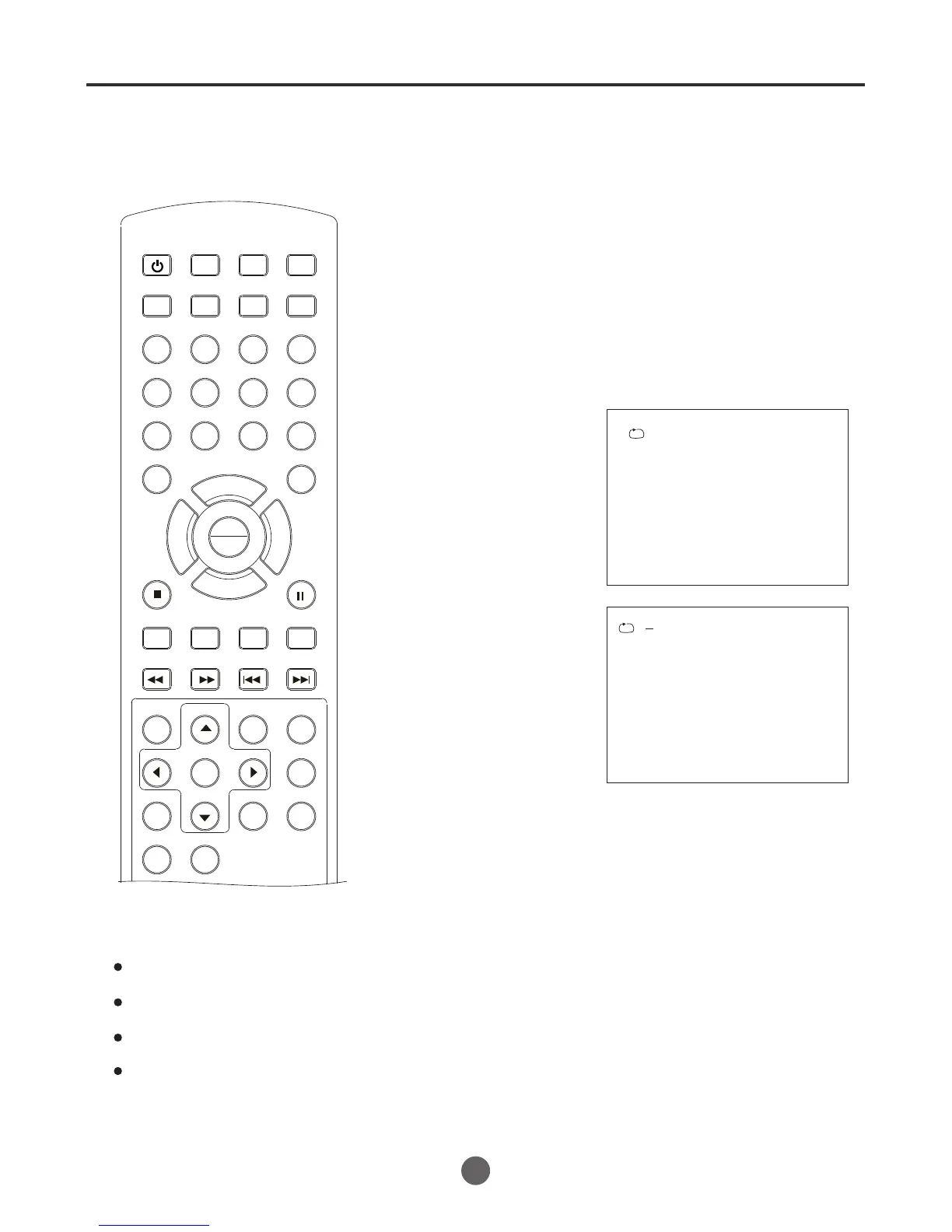
A-B repeat playback allows you to repeat material between two
selected points.
SEARCH
PICT
OPEN/CLOSEPOWER DVD/TV
CLEAR
SLEEP
DISPLAY SP/SLP
1 2 3
765
9 0
8
CH+
CH-
V- V+
MUTE
10+ REC
PAUSE/STEP
STOP
INPUT
D.MENU REPEAT
TITLE/PBC
MENU
ZOOM
SETUP
ANGLE
SLOW
A-B
AUDIO
SUBTITLEPROGRAM
D.CALL
REV FWD
PREV NEXT
4
46
Press REPEAT during playback or stop mode.
Each of press REPEAT button will select the items,
Chapter ,Title or All.
1 Press repeat A-B during
playback.
The start point is selected.
A
B
2 Press R epeat A-B
The end point is selected. Play-
back starts at the point that you
selected. Playback stops at the
end point, returns to Point A au-
tomatically, then starts again.
again.
* To resume normal playback press A-B again.
A-B Repeat Playback
PLAY
ENTER



 To Next Page