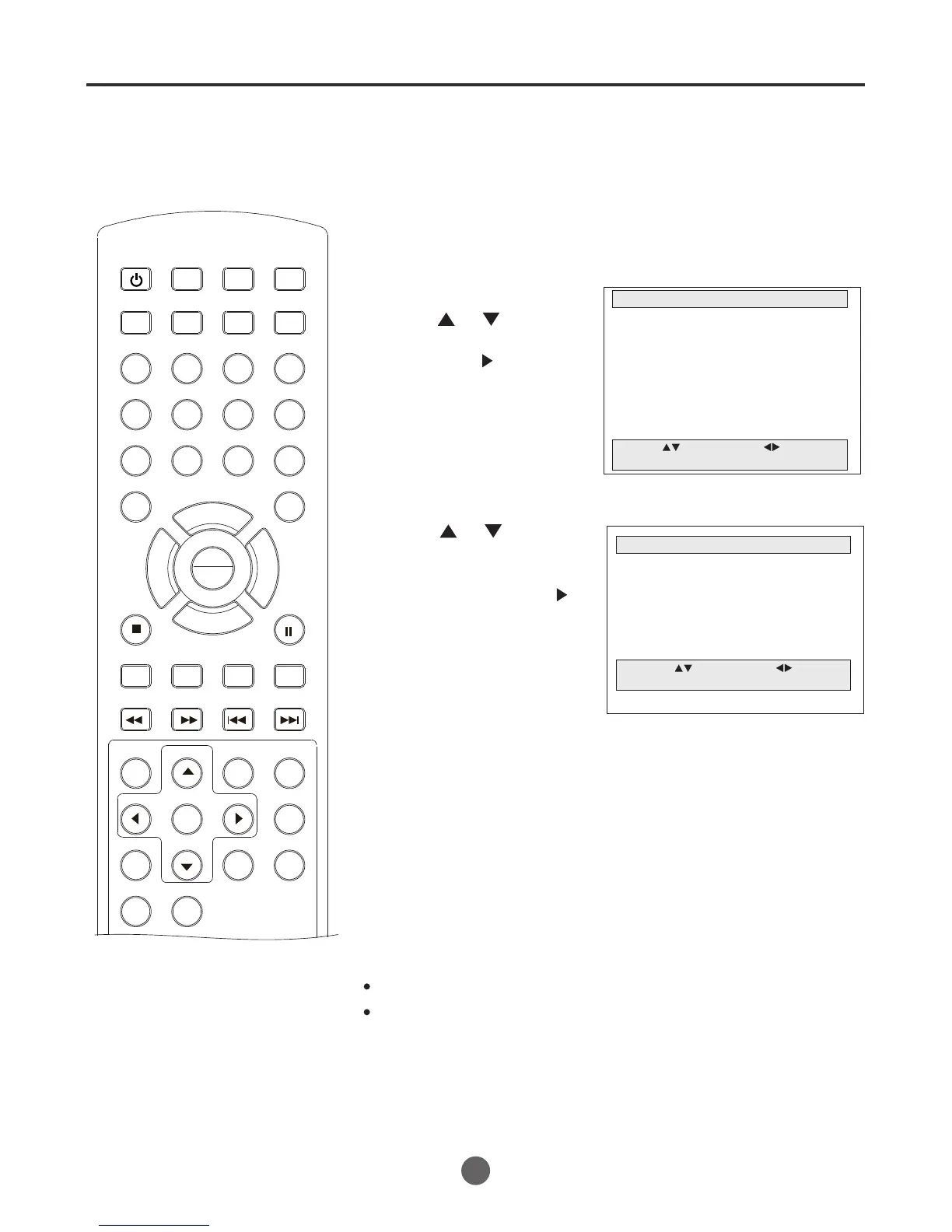
Setting the language
12
You can choose from three different
languages (English, French and
Spanish) for the on-screen displays.
NOTES:
The DVD has its own menu option.
If no buttons are pressed for more than 60 seconds, the MENU
screen disappears automatically.
SEARCH
PICT
OPEN/CLOSEPOWER DVD/TV
CLEAR
SLEEP
DISPLAY SP/SLP
1 2 3
765
9 0
8
CH+
CH-
V- V+
MUTE
10+ REC
PAUSE/STEP
STOP
INPUT
D.MENU REPEAT
TITLE/PBC
MENU
ZOOM
SETUP
ANGLE
SLOW
A-B
AUDIO
SUBTITLEPROGRAM
D.CALL
REV FWD
PREV NEXT
4
1 Press POWER to turn on the TV/VCR/DVD.
MAIN MENU
Picture
Sound
Clock set
Program Set
Channel Set
Language Select
Search
Option
Move: Select:
Quit:MENU
2 Press MENU, and then
press or to select
Language Select,
then press to enter
the submenu.
3 Press or to select
the desired language:
English, Spanish or
French, then press to
confirm.
LANGUAGE SELECT
English
Spanish
French
Move: Select:
Quit:MENU
4 Press MENU until the MENU screen disappears.
SETTING THE LANGUAGE
PLAY
ENTER



 To Next Page