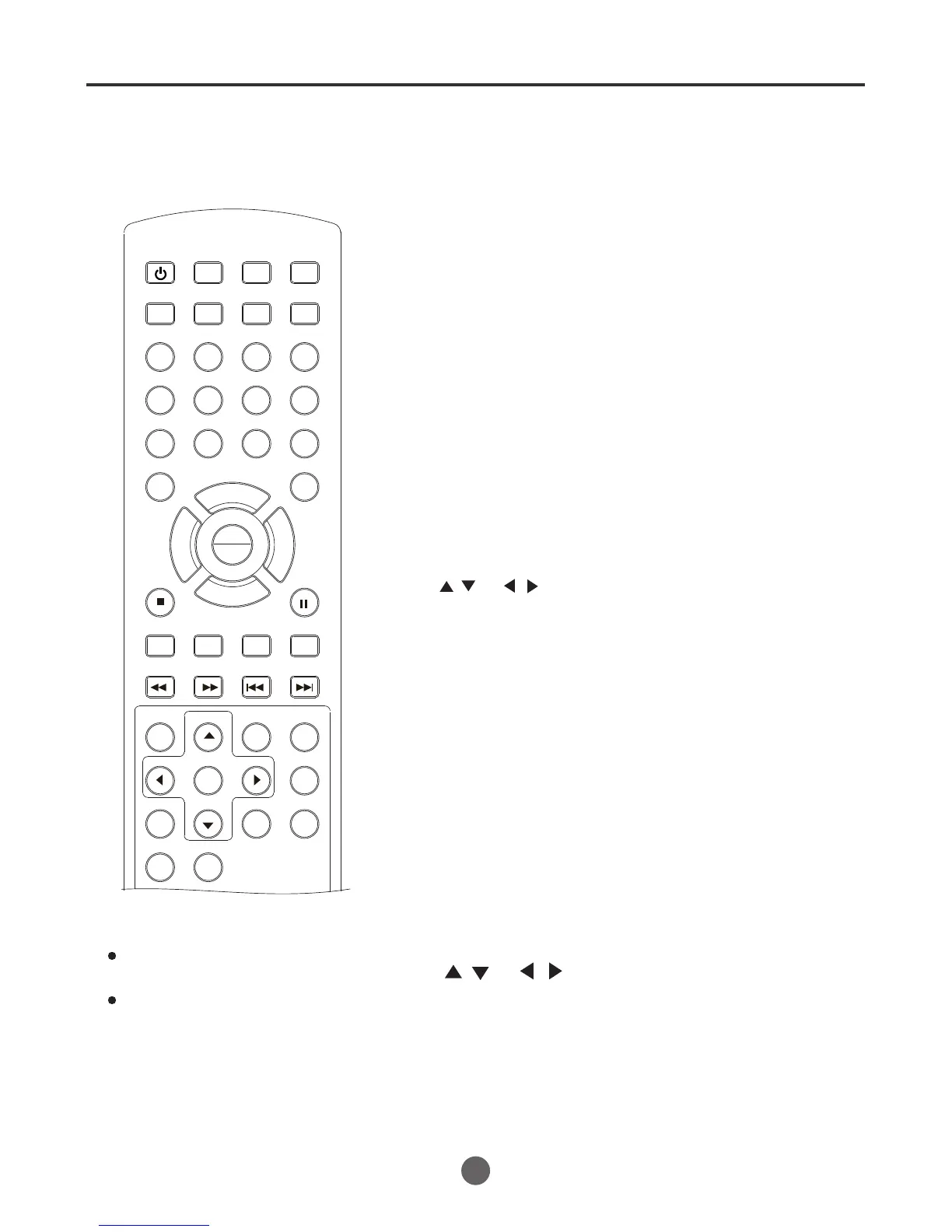
Changing angles / title selection / DVD menu
When playing back a disc recorded with multi-angle facility, you can
change the view angle.
1
Press ANGLE
during playback.
The current angle will
appear.
NOTE :
In case of JPEG-playback,
the JPEG-image is rotated
90 degrees to the right.
2
Press ANGLE
repeatedly until the desired angle is selected.
Changing angles
Two or more titles are recorded on some discs. If the title
menu is recorded on the disc, you can select the desired
title.
/ or
/
Title selection
Some DVDs allow you to select the disc contents using the
menu.
When you play back these DVDs, you can select the sub-
title language and sound-track language, etc. using the
DVD menu.
DVD menu
1
The DVD menu appears on the screen.
*Press D.MENU
again to resume playback at the scene
when you pressed D.MENU.
Press / or / to select the desired item.
The menu continues to another screen. Repeat steps 2
and 3 to set additional items if any.
SEARCH
PICT
OPEN/CLOSEPOWER DVD/TV
CLEAR
SLEEP
DISPLAY SP/SLP
1 2 3
765
9 0
8
CH+
CH-
V- V+
MUTE
10+ REC
PAUSE/STEP
STOP
INPUT
D.MENU REPEAT
TITLE/PBC
MENU
ZOOM
SETUP
ANGLE
SLOW
A-B
AUDIO
SUBTITLEPROGRAM
D.CALL
REV FWD
PREV NEXT
4
49
1 Press TITLE/PCB during playback. Title menu appears
on the screen.
2 Press to select the desired title.
3 Press PLAY/ENTER.
The playback of the selected title will start.
2
3
Press PLAY/ENTER.
NOTES:
Depending on the DVD, you may not
be able to change the angles even if
multi-angles are recorded on the DVD.
Depending on the DVD, you may not
be able to select the title. Depending
on the DVD, a title menu may simply
be called a menu or title in the
instructions supplied with the disc.
""
""""
Press D.MENU during playback.
PLAY
ENTER



 To Next Page