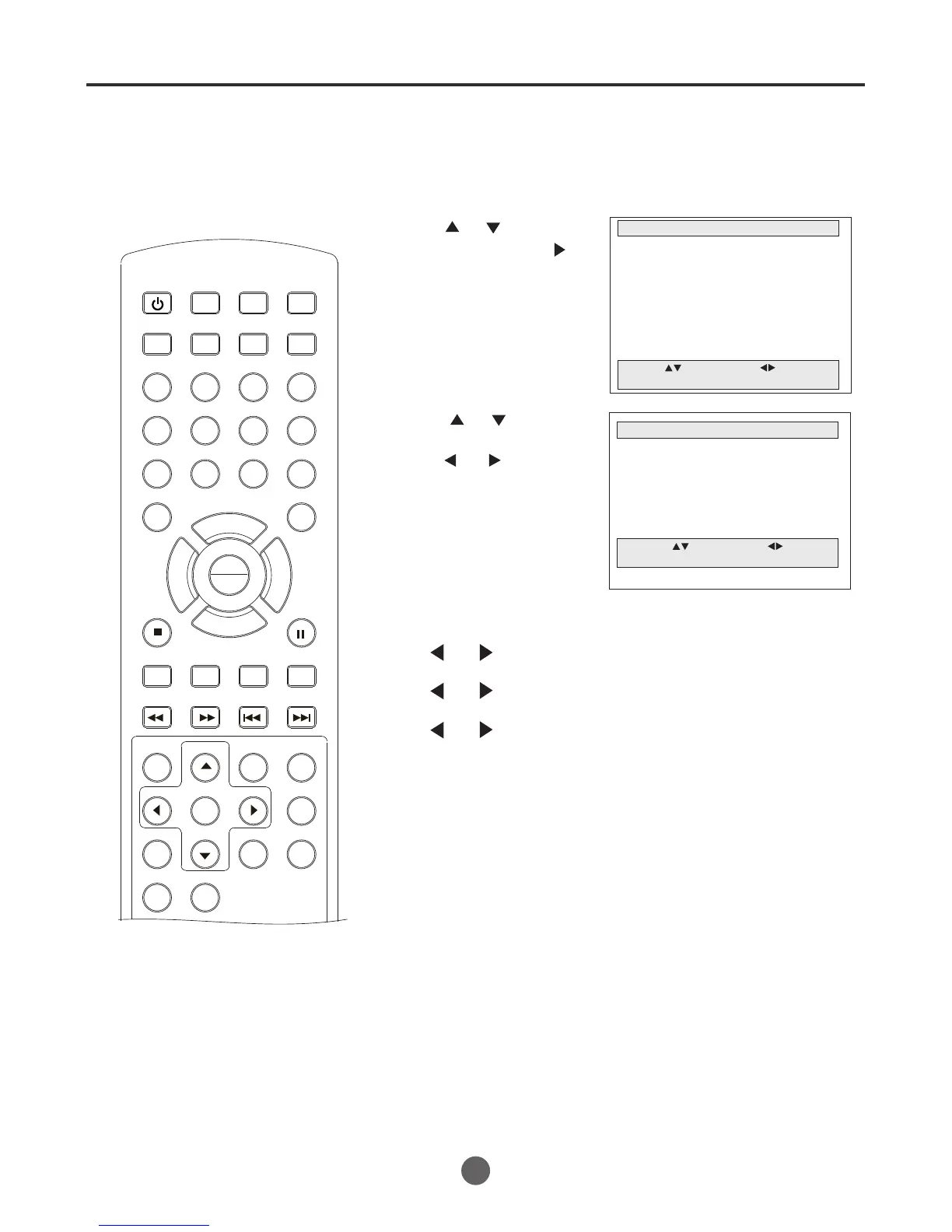
Sound control adjustment
Sound controls are factory preset
but you can adjust them individually
as follows:
NOTE:
The On-screen display will disappear 60
seconds after finishing an adjustment or
by pressing MENU
three times. The
setting can only be adjusted when
They are displayed on the TV screen.
1 Press MENU. The main menu screen will appear.
MAIN MENU
Picture
Sound
Clock set
Program Set
Channel Set
Language Select
Search
Option
Move: Select:
Quit:MENU
2 Press or to select
Sound, then press
to enter the submenu.
4 After your desired setting, press MENU until the
MENU screen disappears.
3 Press or to select
the desired item, then
press or to adjust
the value.
SEARCH
PICT
OPEN/CLOSEPOWER DVD/TV
CLEAR
SLEEP
DISPLAY SP/SLP
1 2 3
765
9 0
8
CH+
CH-
V- V+
MUTE
10+ REC
PAUSE/STEP
STOP
INPUT
D.MENU REPEAT
TITLE/PBC
MENU
ZOOM
SETUP
ANGLE
SLOW
A-B
AUDIO
SUBTITLEPROGRAM
D.CALL
REV FWD
PREV NEXT
4
SOUND
Bass 30
Treble 37
Balance
Move: Select:
Quit:MENU
Bass:
Press
or
to adjust the bass sound.
Treble:
Press
or
to adjust the treble sound.
Balance:
Press
or
to obtain an equal sound level from both
speakers.
27
PLAY
ENTER



 To Next Page