You have the following screen sizes to choose from:
Setting the aspect ratio of TV screen/setting angle mark
NOTE:
If the DVD disc is not formatted in the pan
& scan style, it displays 4:3 style.
SEARCH
PICT
OPEN/CLOSEPOWER DVD/TV
CLEAR
SLEEP
DISPLAY SP/SLP
1 2 3
765
9 0
8
CH+
CH-
V- V+
MUTE
10+ REC
PAUSE/STEP
STOP
INPUT
D.MENU REPEAT
TITLE/PBC
MENU
ZOOM
SETUP
ANGLE
SLOW
A-B
AUDIO
SUBTITLEPROGRAM
D.CALL
REV FWD
PREV NEXT
4
50
Setting the aspect ratio of TV screen
You can select the aspect ratio of the picture.
..General Setup Page..
Tv Display LB
Angle Mark On
Osd Lang ENG
Spdif Output
Caption Off
Screen Saver On
4 3/Ps
4 3/Lb
16 9
.
.
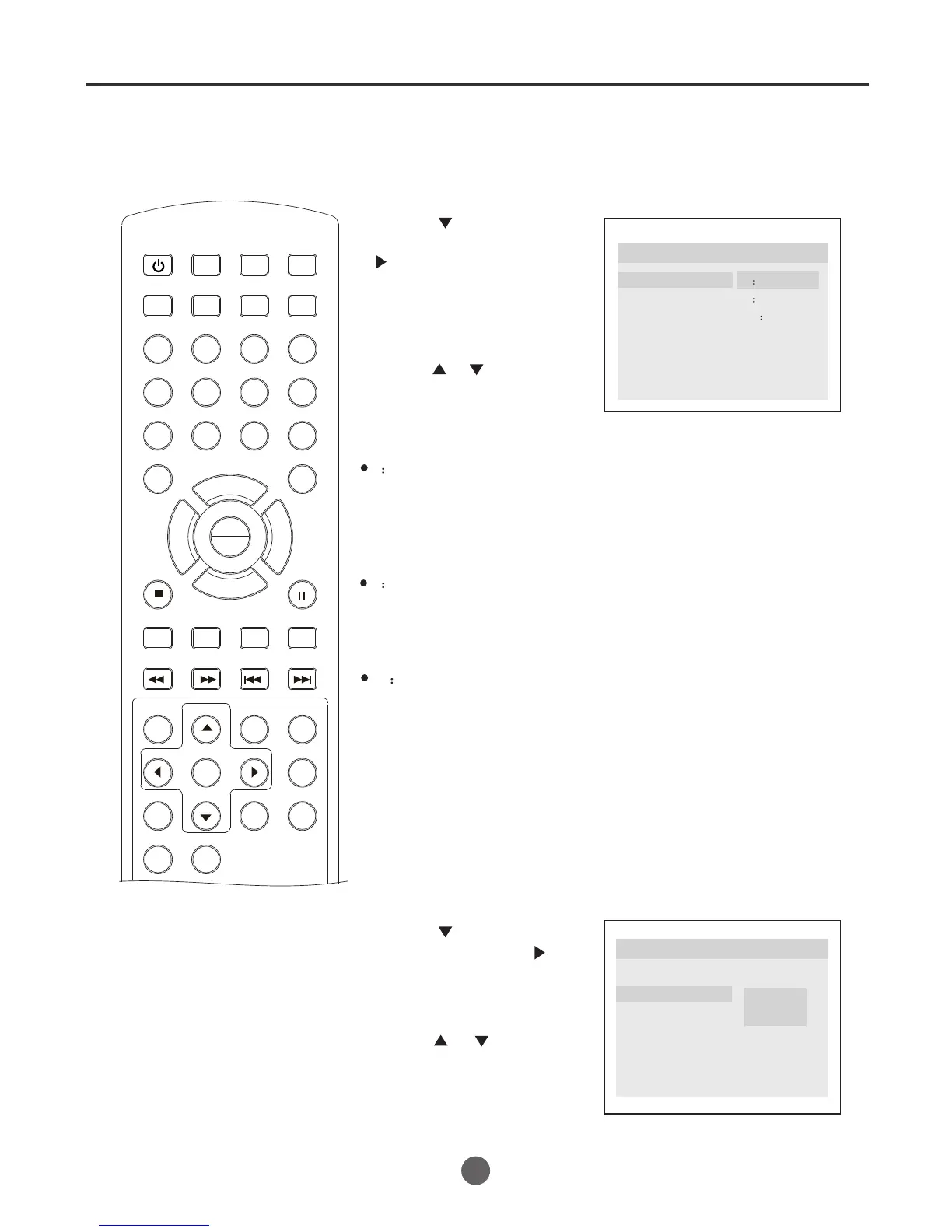
1 Press SETUP to call up the General Setup Page menu.
2 Press to select "Tv
Display",then press
or PLAY/ENTER.
3 Press or to select
your desired screen, then
press PLAY/ENTER.
4 Press SETUP to remove the Menu screen.
4 3/PS (PS = Pan and Scan)
You may select if you have a normal aspect ratio (4:3) TV, although the
NORMAL/LB (letter box) is a more common choice. In PS mode, wide-
screen material will fill the screen, but at the expense of chopping off
extreme left and right edges of the original film picture. For this feature
to work, the disc must be specially coded. Such discs are uncommon.
4 3/LB (LB = Letter Box)
You may select this if you have a normal aspect ratio (4:3) TV. Wide-
screen material will be shown in pure unaltered form, allowing the entire
picture area of the original film to be viewed without any side cropping.
Black bars will appear above and below the picture.
16 9
You may select this if you have a widescreen (16:9) TV. Back bars may
still appear above and below the picture even if using a widescreen TV.
This is because some film directors prefer to use ultra widescreen
aspect ratios e.g. 2.35:1. This will normally be indicated on the DVD
packaging.
Setting angel mark
1 Press SETUP to call up the General Setup Page menu.
2 Press to select "Angle
Mark",then press or
PLAY/ENTER.
3 Press or to select
"On" or "Off", then
press PLAY/ENTER.
..General Setup Page..
Tv Display LB
Angle Mark On
Osd Lang ENG
Spdif Output
Caption On
Screen Saver Off
On
Off
4 Press SETUP to remove the Menu screen.
You can select a particular camera angle when playing a DVD
which offers multiple angles.
PLAY
ENTER



 To Next Page