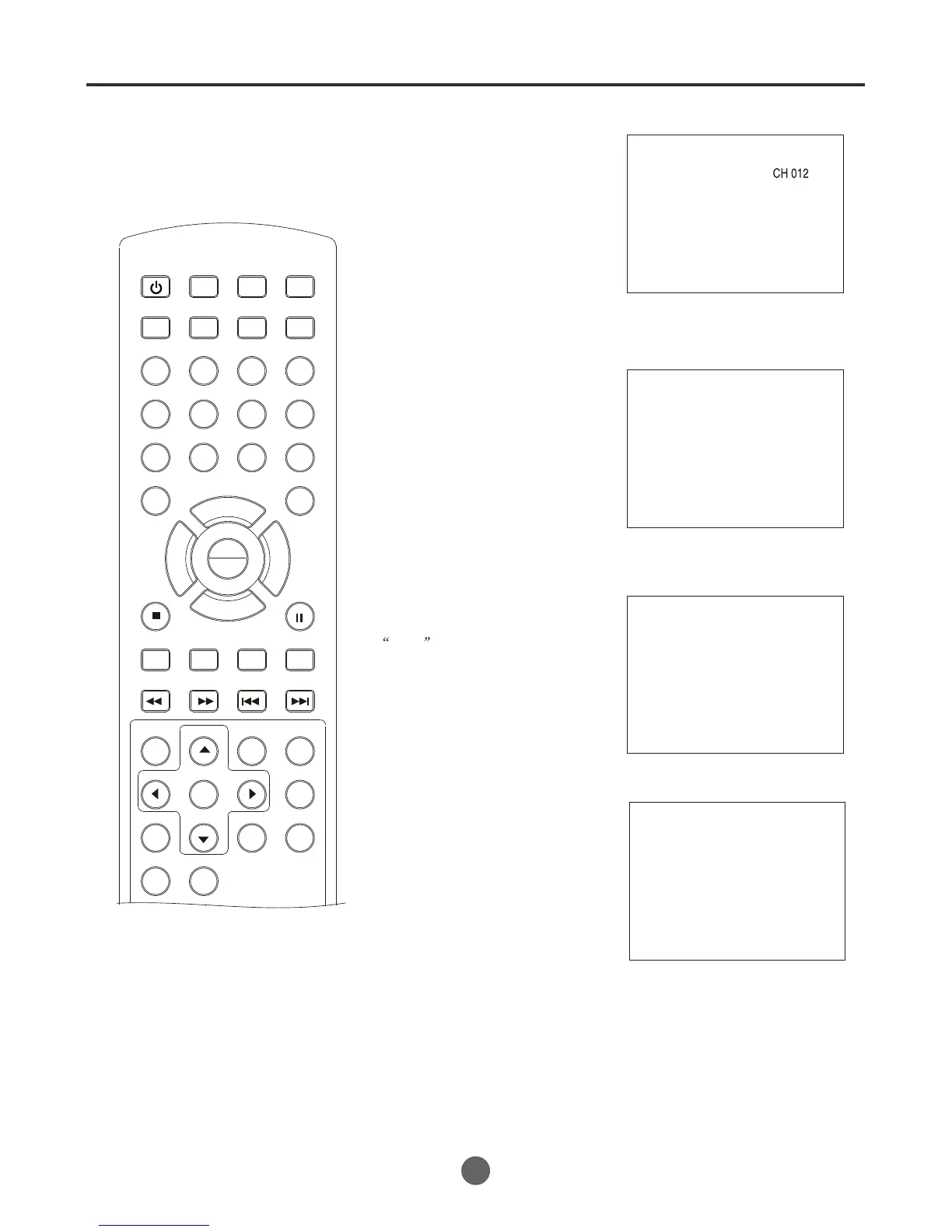
DISPLAY
Press DISPLAY
to display the
current information on the screen.
If there is a tape in the VCR, the
state of the tape will display on the
left of the screen.
Press display again to display the
rating information.
CHANNEL +/-
Press and release CH + / - Ð. The
channel automatically stops at the
next channel set into memory.
For proper operation, before select-
ing channels, they should be set into
the memory.
SLEEP
To set the TV/VCR/DVD to turn off
after a preset amount of time, press
SLEEP button
(0:00, 0:15, 0:30, 0:45, 1:00, 1:30
2:00)
repeatedly to select
the number of minutes. First the
0:00 option appears on the screen,
followed by the following sleep
timer options:
To confirm the sleep timer setting,
press SLEEP and the remaining
time will be displayed for a few
seconds. To cancel the sleep timer,
press SLEEP repeatedly until the
display turns to 0.
Sleep 0:00
Press MUTE to switch off the sound.
The unit`s Sound will be silenced and
Mute will briefly appear on the
screen. The sound can be switched
back on by pressing this button
again or one of VOL
+ /-. Ð
Mute
MUTE
NOTE:
To listen through the headphones,
insert the headphones (not supplied)
with a 1/8" mini plug into PHONES
jack on the front. The sound from the
TV speaker is muted.
TV operation
(continued)
SEARCH
PICT
OPEN/CLOSEPOWER DVD/TV
CLEAR
SLEEP
DISPLAY SP/SLP
1 2 3
765
9 0
8
CH+
CH-
V- V+
MUTE
10+ REC
PAUSE/STEP
STOP
INPUT
D.MENU REPEAT
TITLE/PBC
MENU
ZOOM
SETUP
ANGLE
SLOW
A-B
AUDIO
SUBTITLEPROGRAM
D.CALL
REV FWD
PREV NEXT
4
16
Cable
Stop
0:01:26
SP
If there is no signal, the TV will go
to standby after 30 minutes
automatically.
PLAY
ENTER



 To Next Page