23
Setting the parental control (continued)
TO CHANGE PASSWORD
NOTES:
If you forget the password, you
cannot set the Parent Control.
To avoid forgetting the password,
write it down and keep it in a safe
place.
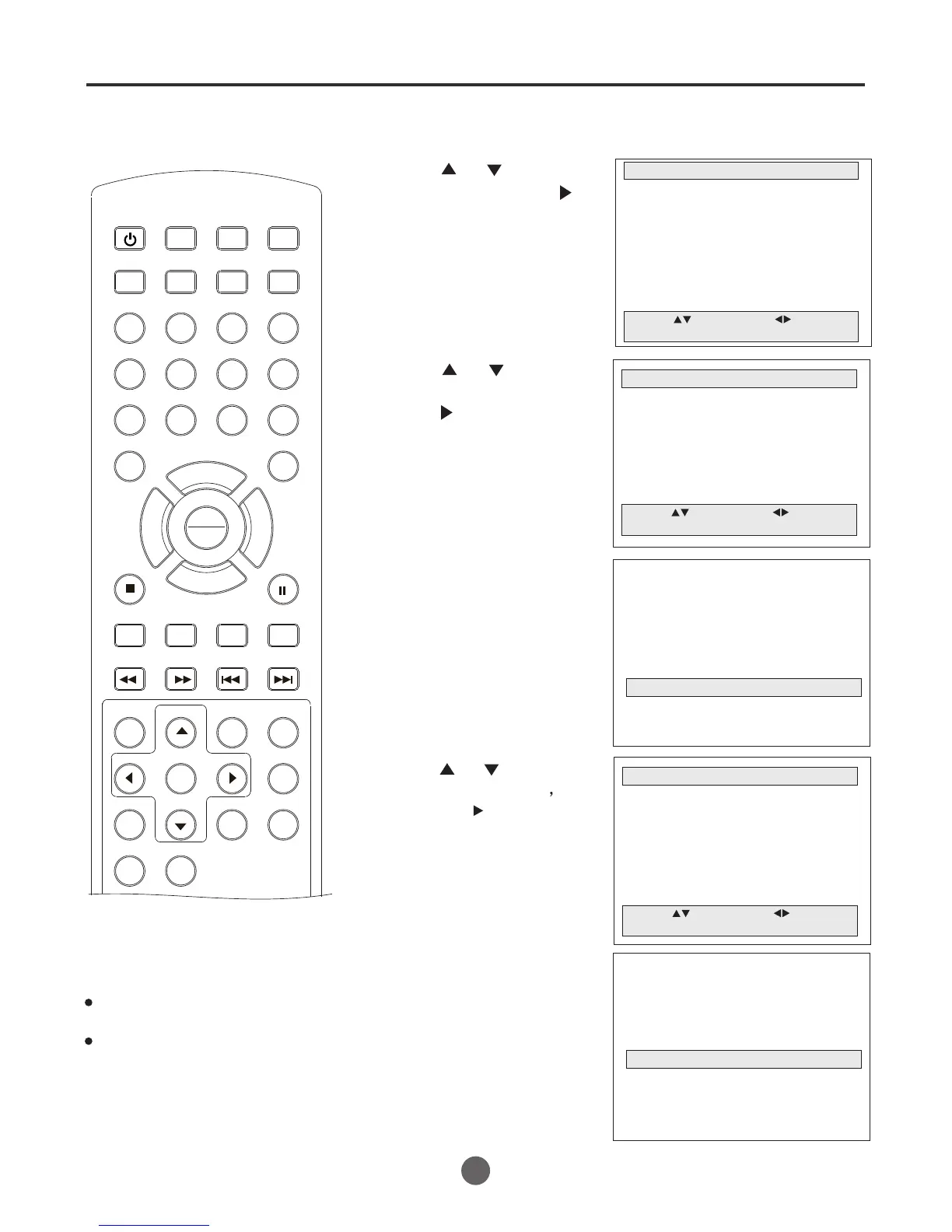
1 Press MENU. The main menu screen will appear.
MAIN MENU
Picture
Sound
Clock set
Program Set
Channel Set
Language Select
Search
Option
Move: Select:
Quit: MENU
2 press or to select
Option, then press to
enter the submenu.
OPTION
OSD Display On
Auto Power Off No
Closed Caption Off
Parental Control
Timer
Move: Select:
Quit: MENU
3 Press or to select
Parental Control, then
press to enter the
submenu.
Input:0-9 Quit: MENU
####
Enter the password
4 Enter the password (4 digits)
using the number buttons
(0-9).
(Initial password is 0000)
PARENTAL CONTROL
Parental Lock Off
TV Ratings
Moving Ratings
NO Ratings Unlock
EXT. Source Unlock
Play Source Lock
Change Password
Move: Select:
Quit: MENU
5 Press or to select
Change Password
then press to enter the
submenu.
Input:0-9 Quit: MENU
####
Enter the password
SEARCH
PICT
OPEN/CLOSEPOWER DVD/TV
CLEAR
SLEEP
DISPLAY SP/SLP
1 2 3
765
9 0
8
CH+
CH-
V- V+
MUTE
10+ REC
PAUSE/STEP
STOP
INPUT
D.MENU REPEAT
TITLE/PBC
MENU
ZOOM
SETUP
ANGLE
SLOW
A-B
AUDIO
SUBTITLEPROGRAM
D.CALL
REV FWD
PREV NEXT
4
6 Enter the new password using
the number buttons
(0-9).
7 Press MENU until the
MENU screen disappears.
PLAY
ENTER



 To Next Page