EasyManua.ls Logo

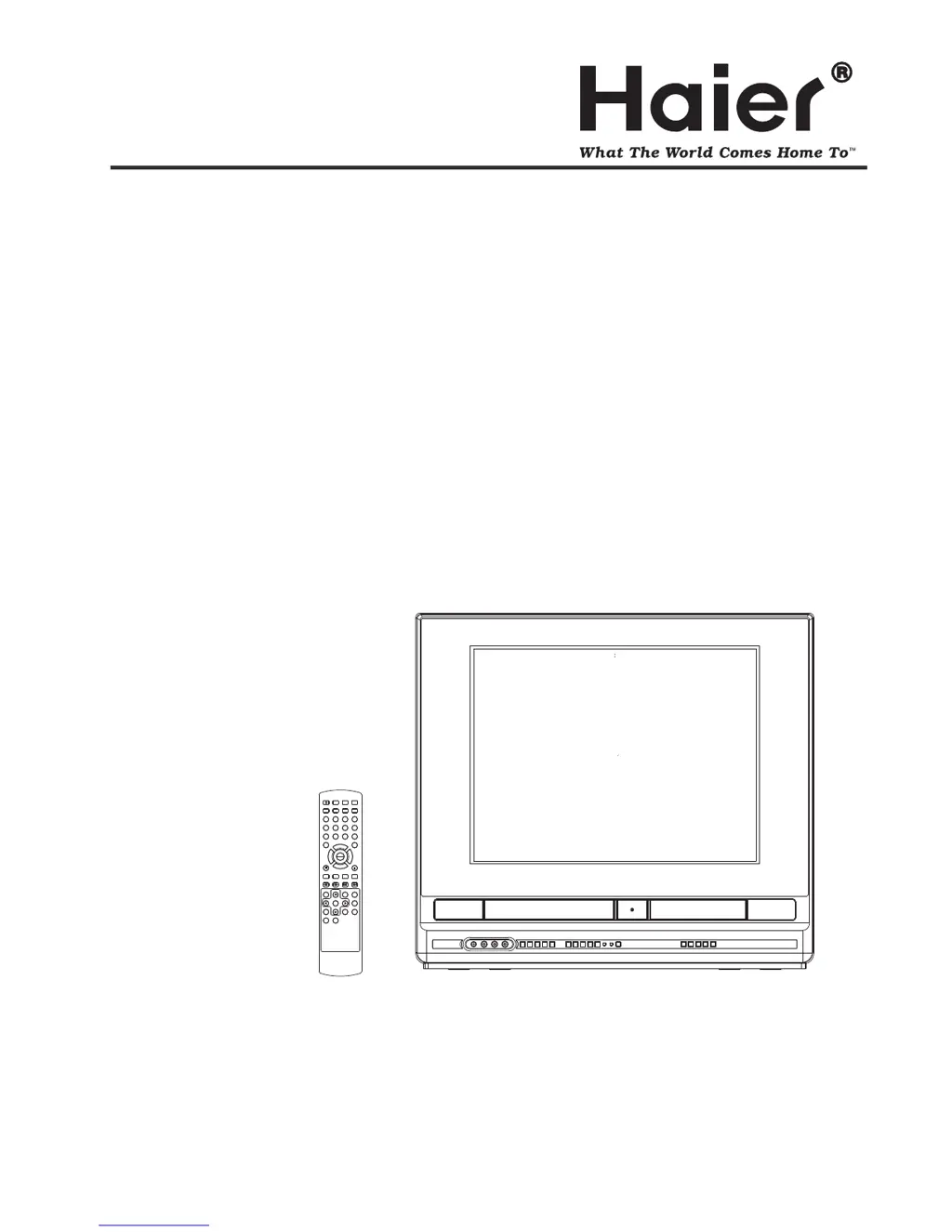
Haier TDVCF2016 - User Manual

Haier TDVCF2016
60 pages
Print Icon
To Next Page IconTo Next Page
Loading...
Before operating the unit, please read this manual thoroughly.
TDVCF2016
OWNER S MANUAL'OWNER'S MANUAL
SEARCH
PICT
OPEN/CLOSEPOWER DVD/TV
CLEAR
SLEEP
DISPLAY SP/SLP
1 2 3
765
9 0
8
CH+
CH-
V- V+
MUTE
10+ REC
PAUSE/STEPSTOP
INPUT
D.MENU REPEAT
TITLE/PBC
MENU
ZOOM
SETUPSETUP
ANGLE
SLOW
A-B
AUDIO
SUBTITLEPROGRAM
D.CALL
REV FWD
PREV NEXT
4
20 TV/DVD/VCR Combo" Flat
PLAY
ENTER

Other manuals for Haier TDVCF2016

Questions and Answers

  • J
    jonesjadeSep 9, 2025
    Why can't I receive channels above 13 on my Haier TV DVD Combo?
    • D
      Denise BrownSep 9, 2025
      If you're unable to receive channels above 13 on your Haier TV DVD Combo, it may be because: * The Antenna/Cable Mode menu option is not set to the appropriate mode. Make sure the Antenna/Cable menu option is in the appropriate mode. * The UHF antenna is not connected. Check the UHF antenna.
  • P
    Pedro KingSep 12, 2025
    How to fix noise bars appearing on the screen of my Haier TV DVD Combo?
    • E
      evelyn87Sep 12, 2025
      If you're seeing noise bars on your Haier TV DVD Combo screen, it could be because: * The tape is old or worn. Replace the tape. * The video heads are dirty. Clean the video heads.
  • C
    Chelsea CollinsSep 13, 2025
    How to fix timer recording that does not work on my Haier TV DVD Combo?
    • I
      istewartSep 13, 2025
      If the timer recording isn't working on your Haier TV DVD Combo, it might be due to: * The time not being set correctly. Reset the present time. * The recording start/end time not being set correctly. Reset the start/end time.
  • L
    Laura FrancisSep 15, 2025
    Why does the playback picture have occasional distortion on my Haier TV DVD Combo?
    • B
      bennettjosephSep 15, 2025
      Occasional distortion during playback on your Haier TV DVD Combo can occur if: * The disc is dirty. Eject the disc and clean it. * It is in fast forward or fast reverse playback. Sometimes a small amount of picture distortion may appear. This is not a malfunction.
  • M
    mooredavidSep 17, 2025
    Why is there poor or no color on my Haier TV DVD Combo?
    • W
      walkerkennethSep 18, 2025
      A lack of color or poor color quality on your Haier TV DVD Combo could be caused by: * Problems with the TV station. Try another channel. * Incorrect picture control settings. Check picture control adjustments. * Local interference. Check for the source of reception disturbance. * A disconnected antenna (CABLE) connector or local interference. Check the CABLE connection or VHF/UHF antenna, and reposition or rotate the antenna.

Summary

Safety and Precautions

General Safety Instructions

Essential safety instructions for unit operation and environment.

Electrical and Environmental Safety

Protects against electrical hazards, lightning, and environmental factors.

Laser and Disc Handling

Precautions for laser beam exposure and disc handling.

Product Overview

Front Panel and Rear Connections

Identifies controls and indicators on the front panel and ports on the rear panel.

Remote Control Functions

Detailed list and function of each button on the remote control.

Connections

Antenna and Cable TV Setup

Guides for connecting various VHF/UHF antenna configurations and cable TV services.

Connecting External Equipment

How to select and use A/V inputs for camcorders or game consoles.

System Settings

Language and Display Options

How to choose the preferred language for on-screen displays and set OSD visibility.

Clock and Timer Configuration

Setting the system clock for timer functions and auto power off.

Parental Control Management

Sets age-based restrictions for disc playback and manages passwords.

Factory Default Reset

Restores all settings to their original factory configuration.

TV Operation

Basic TV Controls and Channel Setup

Powering on, volume adjustment, and channel selection.

Memorizing Channels

Setting Antenna/Cable mode and tuning channels.

VCR Operations

VCR Tape Handling and Playback

Instructions for inserting, removing, playing, and handling video tapes.

Special VCR Playback Features

Using picture search, still picture, slow motion, and frame advance.

Recording TV Programs and Timers

Steps for recording live TV programs and setting timer recordings.

DVD Player Operations

DVD Setup and Disc Handling

Details disc formats, titles, chapters, tracks, and care.

DVD Playback Procedures

Step-by-step guide to playing a DVD disc.

Advanced DVD Playback Options

Using fast forward, review, step, frame advance, slow motion, and chapter search.

DVD Language, Subtitles, and Menu Navigation

Changing soundtrack language, enabling/disabling subtitles, and using the DVD menu.

Troubleshooting and Maintenance

TV Reception Issues and Solutions

Identifies and explains common TV signal interference types.

General Problem Solving

A checklist for diagnosing and resolving common power, TV, VCR, and DVD issues.

Video Head Care

Explains video head clogging issues and methods to prevent them.

Specifications and Warranty

Technical Specifications

Comprehensive list of electrical, physical, and component specifications.

Warranty and Support Information

Information on warranty coverage, exclusions, and obtaining service.

Haier TDVCF2016 Specifications

General IconGeneral
Built-in DVD PlayerYes
DVD PlayerYes
HDMI Port1
USB Port1
Resolution1366 x 768

Related product manuals