11
MAKE SURE ALL THE EQUIPMENTS AND AC ADAPTOR ARE CONNECTED PROPERLY
AND THE UNIT IS SET IN CORRECT MODE BEFORE BEING OPERATED. (THE DEFAULT
SETTING ON THE UNIT IS TV MODE)
OPERATIONS
Press SWITCH button to switch the mode in DVD mode.
1. Basic play
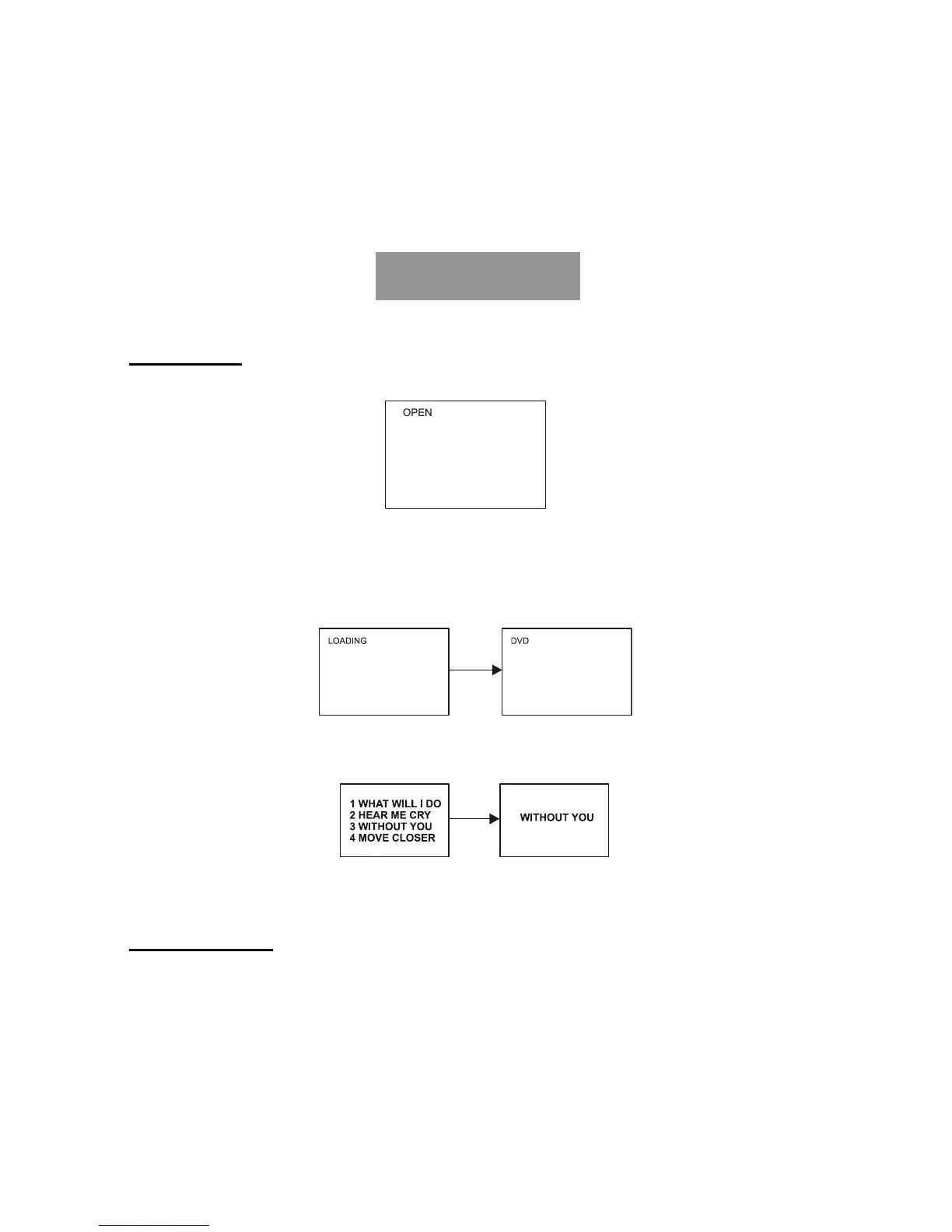
1. Press the “PUSH” to open the disc cover.
2. Place a disc onto the disc compartment. Hold the disc without touching either of its surfaces,
position it with the printed title side facing up, align it with the guides, and place it in its proper
position.
3. Close the disc cover, after closing the disc cover, play begins. The player starts to read the
disc immediately.
4. When a menu screen appears on the TV, move the navigation buttons or press the numeric
buttons to select preferred track number, then press OK button to confirm.
5. To stop play and return to the menu/title screen, press TITLE button, or MENU button.
2. Stopping play
Press the STOP button to stop playing a disc.
NOTE: When player is stopped, the player memorizes the point where STOP was pressed
(RESUME function). Press PLAY again, playback will resume from this point. When the tray is
opened or STOP is pressed again, the RESUME function will be cleared (only for DVD disc).
DVD



 To Next Page