21
INFO (INFORMATION)
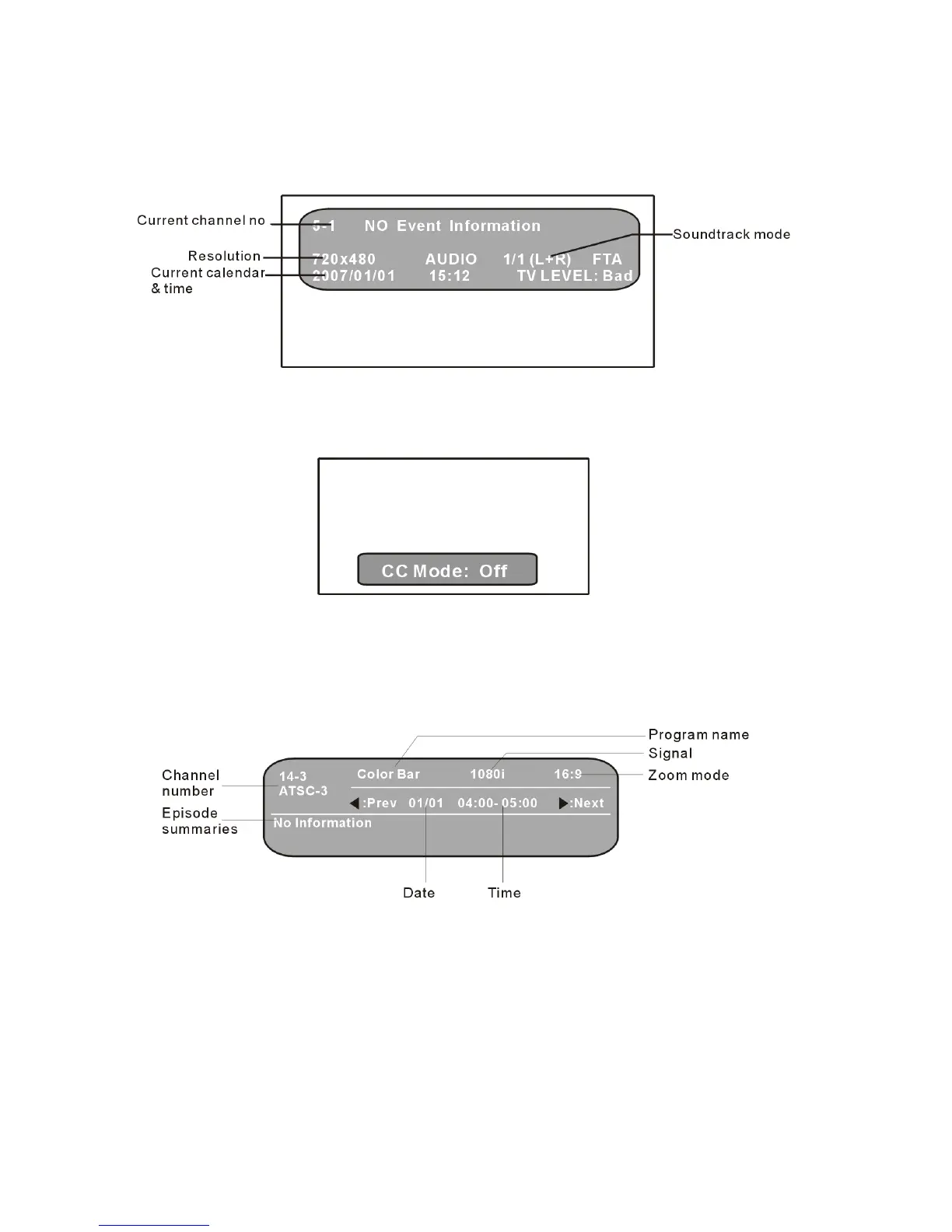
It is used to display current program information.
- Press INFO button, the screen will display as below:
CC (CLOSED CAPTION)
It is used to set the caption mode.
- Press CC button, the screen will display as below:
- Keep pressing this button to select different item as desired.
- Options: Off/On/CC on mute
EPG (ELECTRONIC PROGRAM GUIDE)
It shows you the program guide for the past and future.
Information in the EPG includes current and future program titles, date, show lengths, and
episode summaries. How far into the future the program guide display, as well as the
specific information contained in the guide, depends on your signal provider. Press the right
navigation button to access future time slots.
When viewing a digital channel, press the EPG button on the Remote Control to access the
program guide supplied by the signal provider(not available in all areas).



 To Next Page